
Last updated: June 2026 • Reviewed by the PlugThis Editorial Team • Tools tested: 10 AI Chrome extension builders evaluated across Manifest V3 compliance, backend generation, source code ownership, ease of use, and pricing
TL;DR: Best AI Chrome Extension Builders 2026
If you want to build a Chrome extension today without touching a line of code, the landscape in 2026 is the most capable it has ever been. AI Chrome extension builders have transformed how browser extensions are created, tested, and deployed — instead of manually writing JavaScript and managing manifests, users can now describe functionality in plain language and let AI assemble the entire extension structure. The table below gives you the fastest path to the right tool.
| Rank | Tool | Best For | Starting Price | Rating |
|---|---|---|---|---|
| 1 | PlugThis | Non-developers who want a shipped, production-ready extension the same day | Free to start | 9.5/10 |
| 2 | Emergent | Full-stack apps + Chrome extension in one build | Free / $17/mo | 9.0/10 |
| 3 | Kromio | Rule-based, deterministic browser automation | Free tier available | 8.2/10 |
| 4 | Manus | Research, content extraction, and personal automation extensions | Free daily credits / paid plans | 8.0/10 |
| 5 | imagine.bo | Teams that need AI speed plus on-demand human engineers | Free / $20/mo | 8.0/10 |
| 6 | MindStudio | Agent-driven workflows deployed across browser and other surfaces | $12/mo | 7.8/10 |
| 7 | ChilledSites | Fast Manifest V3 code generation in under 60 seconds | Free / PAYG tokens | 7.5/10 |
| 8 | Toolmark.ai | Drag-and-drop AI tool builder with marketplace monetization | Free trial / PAYG | 7.2/10 |
| 9 | Chrome DevTools (Native) | Developer teams needing maximum API control | Free | 7.0/10 |
| 10 | Cursor + Claude Code | Engineers who want AI-assisted extension coding inside an IDE | Free / $20/mo | 7.0/10 |
Our #1 pick is PlugThis — the only tool purpose-built for non-developers who want to go from plain-English idea to a real, installed Manifest V3 Chrome extension in minutes, complete with a backend and downloadable source code they fully own. For a more detailed primer, see Top 5 AI Chrome Extensions for Study in 2026.
Why You Need an AI Chrome Extension Builder in 2026
The Chrome browser is the operating system of the modern work day. The Chrome Web Store gives every extension instant access to 3.62 billion Chrome users worldwide. That distribution advantage means a well-targeted extension can become a meaningful SaaS product, an internal productivity multiplier, or a customer acquisition channel overnight. The obstacle has never been the market — it has always been the build.
Traditional extension development requires deep knowledge of JavaScript, service workers, content scripts, popup architecture, and Chrome's permission model. The learning curve is steep, but AI removes it entirely. The forced migration to Manifest V3 invalidated the vast majority of tutorials, Stack Overflow answers, and YouTube guides that developers relied on, and most online examples simply don't work anymore.
The market opportunity is substantial. AI Chrome extensions are generating million-dollar revenues for solo founders in 2026. The AI-powered Chrome extension market reached $2.3 billion in 2025 and is projected to grow at 22.5% CAGR through 2035. Monthly developer registrations have more than doubled over the last year according to Google's own metrics, and AI is making extension development more approachable than ever.
AI Chrome extension builders solve this by translating plain-English descriptions into working code. An AI Chrome extension builder is a platform that uses artificial intelligence to generate Chrome extension code, including manifest definitions, background scripts, content scripts, UI elements, and optional backend logic based on user prompts — users simply describe the desired behavior, triggers, UI, and data interactions to receive a fully functional extension. The best AI Chrome extension builders 2026 has to offer go further still, adding real backends, source code ownership, and one-click Chrome Web Store packaging, making it worth understanding how these tools differ from one another. For supporting market data, see 8 Best AI App Builders in 2026 (Ranked by Real Output).
How We Evaluated These Tools
Every tool in this Best AI Chrome Extension Builders 2026 roundup was assessed against a consistent rubric. Criteria were weighted to reflect what matters most to the target audience: SaaS founders, startup teams, product managers, non-technical creators, and developers seeking rapid prototyping. For industry-standard evaluation frameworks, see Best Chrome Extensions for Developers in 2026.
| Evaluation Criterion | Weight | What We Measured |
|---|---|---|
| Manifest V3 Compliance | 20% | Output passes Chrome Web Store review without manual fixes |
| Ease of Use for Non-Developers | 20% | Time from signup to a working, loadable extension |
| Source Code Ownership | 15% | Can you export, download, and own the generated code? |
| Backend & API Integration | 15% | Does the builder handle real backend logic, auth, and external APIs? |
| Iteration Speed | 15% | How fast can you describe a change and see it applied? |
| Pricing Transparency | 10% | No hidden credit burn or surprise paywalls mid-build |
| Chrome Web Store Readiness | 5% | Icons, metadata, and packaging generated automatically |
1. PlugThis — Best for Non-Developers Who Want to Ship the Same Day
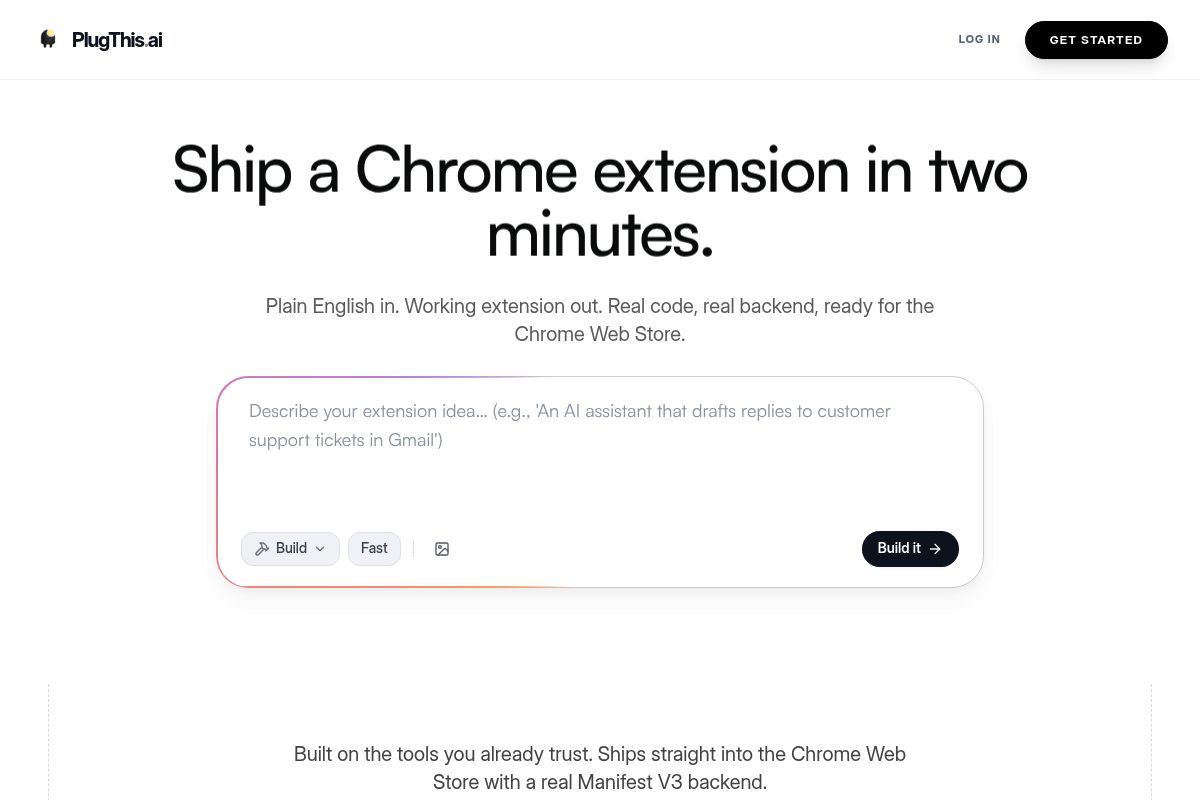
PlugThis is a purpose-built AI Chrome extension builder designed for non-developers, enabling them to create and launch a browser tool from a plain-English description on the same day. As a top contender among the best AI Chrome extension builders for 2026, it removes the technical barrier, allowing founders, product managers, and vibe coders to go from idea to a real, installed browser tool without writing a single line of code. AI has made the act of building cheap, which means the real bottleneck is deciding what to build; PlugThis handles the build so you can focus on the decision.
PlugThis generates the full Chrome extension code from a simple, plain-English description, requiring no prior knowledge of JavaScript, the manifest format, or specific Chrome APIs. Most users have a working extension loaded directly in their Chrome browser within five minutes of signing up. The output is not a prototype — it is production-ready code that you own completely.
Key Features
- Plain-English to Manifest V3: Every extension is Manifest V3 compliant, which is the latest and most secure specification for Chrome extensions, and is ready for submission to the Chrome Web Store. This process eliminates the need for boilerplate code and avoids any future migration headaches.
- Real Backend Included: Unlike many no-code Chrome extension tools that stop at the popup UI, PlugThis generates a real, functional backend alongside your extension code. This crucial feature means your extension can actually perform complex actions and connect to services.
- Source Code Ownership: The output is a complete, packageable extension. You can download the full source code, and you own it outright, ensuring no vendor lock-in and complete freedom to modify or scale it independently.
- Chrome Web Store Ready: Once your extension is built, you simply pay the one-time $5 Chrome developer fee, upload the zip file, and fill in your store listing details to submit for review. PlugThis handles all the technical packaging to ensure a smooth submission process.
- Wide Use Case Coverage: The platform supports nearly anything Chrome's extension APIs allow. Popular use cases include page summarizers, focus-mode blockers, autofill tools, price trackers, AI writing assistants, meeting transcribers, tab managers, web scrapers, and language translators.
- Iterative Refinement: After the initial build, you can continue to refine behavior, add new features, or fix issues without touching code. Simply describe the desired changes in plain English, and the AI will generate the updated version.
- No Technical Background Required: The core value of PlugThis is its accessibility. You can build powerful Chrome extensions just by describing them, making it the default choice for non-developers. No code is required at any stage, from the initial idea to the final shipped product.
Best For
PlugThis is ideal for SaaS founders, startup teams, entrepreneurs, and any non-technical creator who has a clear browser tool idea and wants to ship it today, not next quarter. It is particularly powerful for the vibe coding community, which prioritizes rapid prototyping and user experience, and for product managers who need to validate browser-based ideas before committing expensive engineering resources. Building is cheap; deciding is the hard part. Paid plans are available, and you can check plugthis.ai for current pricing information.
Pros and Cons
- Pro: The fastest path from an English description to a real, loadable Chrome extension on the market.
- Pro: Full Manifest V3 compliance out of the box, which prevents deprecated code issues and store rejections.
- Pro: Real backend generation means extensions can actually connect to services and perform tasks, not just alter the UI.
- Pro: The source code is yours to own, download, edit, and deploy independently, offering maximum flexibility.
- Pro: Zero JavaScript, manifest, or Chrome API knowledge is required at any stage of the building process.
- Con: Very complex, multi-surface extensions that require custom OAuth flows or highly specialized logic may need a follow-up developer review.
- Con: As with all prompt-driven builders, output quality improves significantly with specific, well-scoped, and detailed descriptions.
Key Takeaway: PlugThis is the definitive no-code Chrome extension generator for non-technical founders and teams who need to validate an idea by shipping a production-ready, Manifest V3 compliant browser extension in minutes, not months.
Rating: 9.5/10
2. Emergent — Best for Full-Stack App + Chrome Extension Builds
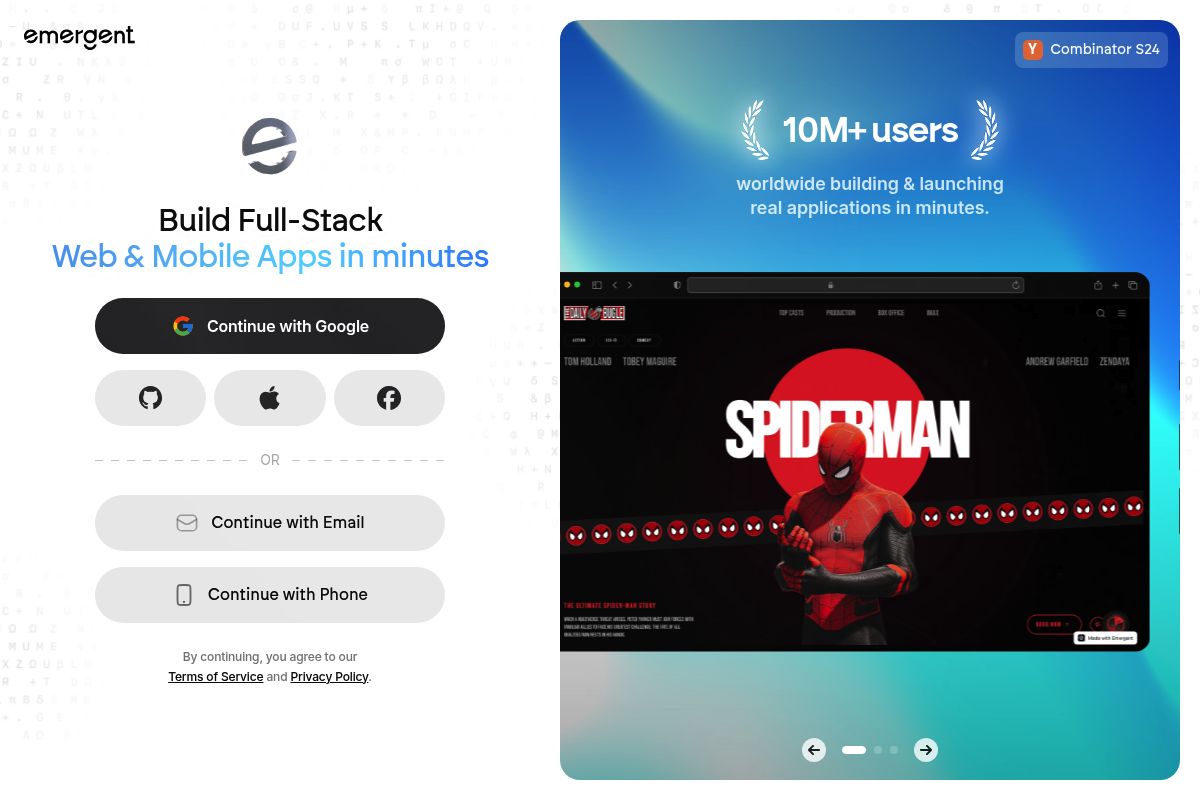
Emergent is an AI-powered full-stack development platform designed to build complete web apps, mobile apps, and Chrome extensions from natural language prompts. It distinguishes itself by functioning as an entire AI software factory, not just a simple extension generator, making it a top contender in our review of the Best AI Chrome Extension Builders 2026.
What makes Emergent one of the most advanced AI Chrome extension builders is its ability to go beyond simple browser scripts. The platform combines full-stack app generation, multi-agent AI reasoning, and extension-specific tooling into a unified browser-based environment. This allows users to build extensions that are deeply integrated with web apps, backend services, APIs, and complex internal workflows.
Key Features
- Multi-Agent Build System: This system is a collaborative framework where specialized AI agents work together on coding, testing, design, and deployment simultaneously, improving accuracy and speed.
- Full-Stack Output: Emergent generates a complete software solution, which is a key aspect of full-stack development. This means a complete backend setup with databases, authentication, and APIs is included in every build, not just the frontend extension.
- Code Ownership via GitHub: Users retain full control over their intellectual property. You can easily push and pull code, pick branches, and maintain complete ownership of your code through direct GitHub integration.
- One-Click Deployment: The platform simplifies the final step of launching your product. You can deploy your app with a single click, connect a custom domain, and receive managed hosting for the entire system.
- Chrome Extension Packaging: For browser extensions specifically, Emergent handles the entire packaging process. It generates all necessary code, designs a simple user interface, and prepares a download page where you can get your full project as a ready-to-upload .zip file.
- Stripe Integration: Monetization is streamlined with a built-in Stripe integration. This feature makes it exceptionally easy to charge users for your app or extension without extensive custom coding.
Best For
Emergent is best for solo builders, startup teams, and agencies seeking comprehensive, AI-powered full-stack app development. Our PlugThis analysis shows it is particularly strong when you need a Chrome extension to be one component of a larger SaaS product rather than just a standalone tool, thanks to its integrated backend capabilities.
The platform's pricing structure is designed to scale with usage. Emergent offers four distinct plans: a Free plan ($0/month, 10 credits) for trial and small projects, a Standard plan ($20/month, 100 credits), a Pro plan ($200/month, 750 credits), and a Team plan ($300/month, 1,250 shared credits) for collaborative development.
Pros and Cons
- Pro: Instead of just building the extension, it generates the entire full-stack system the extension communicates with, including the backend and database.
- Pro: Its multi-agent AI system can catch complex bugs and integration issues that simpler, single-model generation tools often miss.
- Pro: Full GitHub integration provides complete code ownership, which is crucial for preventing vendor lock-in and allowing for custom development.
- Con: Creating advanced or highly custom extensions requires thoughtful and detailed prompt design, which can have a steep learning curve for new users.
- Con: The credit-based pricing model can become unpredictable for teams that iterate frequently, as heavy AI-driven workflows can consume credits quickly.
- Con: A significant drawback reported by users is that unused credits expire at the end of each billing period and do not roll over.
Key Takeaway: Emergent is the ideal choice for developers who need more than just a Chrome extension; it provides a complete, AI-generated full-stack application, making it perfect for building integrated SaaS products where the extension is one part of a larger ecosystem.
Rating: 9.0/10
3. Kromio — Best for Rule-Based, Deterministic Browser Automation
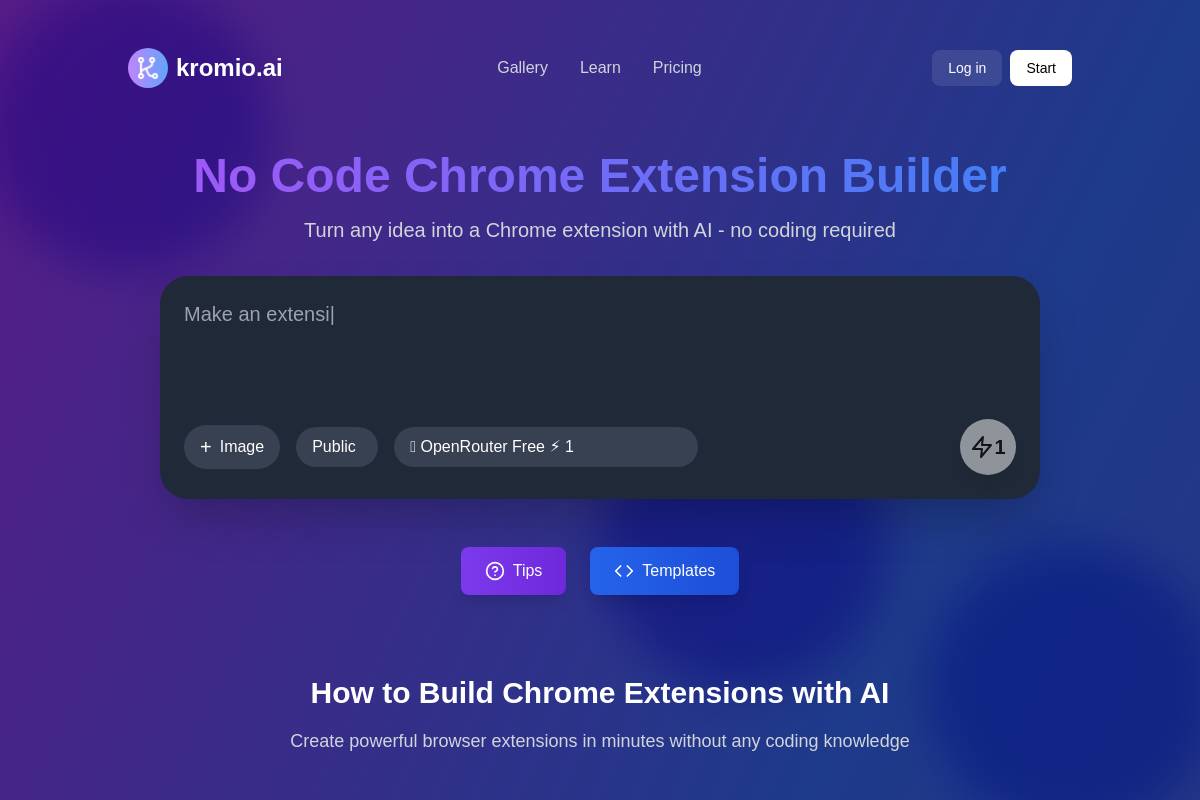
Kromio is a no-code AI Chrome extension builder that combines prompt-driven generation with a visual, rule-based configuration approach. It allows users to create functional browser extensions using text prompts and visual editors instead of traditional programming, making it a key contender in our review of the best AI Chrome extension builders for 2026.
Kromio is focused on helping users create functional browser extensions through visual configuration, positioning itself as a practical option for building rule-based extensions that automate repetitive browser tasks. These extensions can trigger actions on specific webpages and modify page behavior using predefined, deterministic logic.
Key Features
- Text Prompt + Image Input: You can create extensions from a text prompt and upload an image — for example, "Make an extension that displays a dashboard like the attached image."
- Revise Any Extension: Kromio includes a "Revise Extension" feature that lets users make unlimited updates and improvements to their generated extensions.
- Community Gallery: Browse and fork extensions created by other Kromio users, with a Favorites feature that surfaces the best and most popular community-built tools.
- Automatic Compliance: The platform ensures compliance with Chrome extension security protocols and Manifest V3 standards by default, simplifying the publishing process.
- Multi-Model AI: AI-powered extension generation uses multiple language models to interpret user prompts and produce functional JavaScript, improving the accuracy of the initial build.
- Instant Download: Once generated, users can download their extension instantly and load it directly into Chrome via the "Load Unpacked" option for immediate testing.
Best For
The platform is commonly used by operations teams, marketers, growth managers, and internal tool builders who want predictable browser automation without learning Chrome APIs. Our PlugThis analysis finds that Kromio is ideal for use cases where the extension needs to perform the exact same function reliably every time. A free tier is available with no code required, and paid plans offer more credits for higher-volume builders.
Pros and Cons
- Pro: Because logic is rule-driven and predefined, extensions built with Kromio typically have lower runtime unpredictability compared to AI-based systems, which is valuable for extensions that must run continuously.
- Pro: Image upload for UI reference makes visual ideation faster than text-only tools, allowing for more precise design specifications.
- Pro: The community gallery reduces time spent on common use cases by providing forkable templates and examples.
- Con: No AI reasoning means complex workflows get unwieldy in the visual editor, and personalization based on dynamic content is limited.
- Con: Not suited for extensions that must interpret variable page content contextually or adapt to significant changes in a website's layout.
Key Takeaway: Kromio is the top choice for users who need to build reliable, rule-based browser automations with a visual interface and prompt-based assistance, prioritizing predictability over complex AI reasoning.
Rating: 8.2/10
4. Manus — Best for AI-First Research and Content Extraction
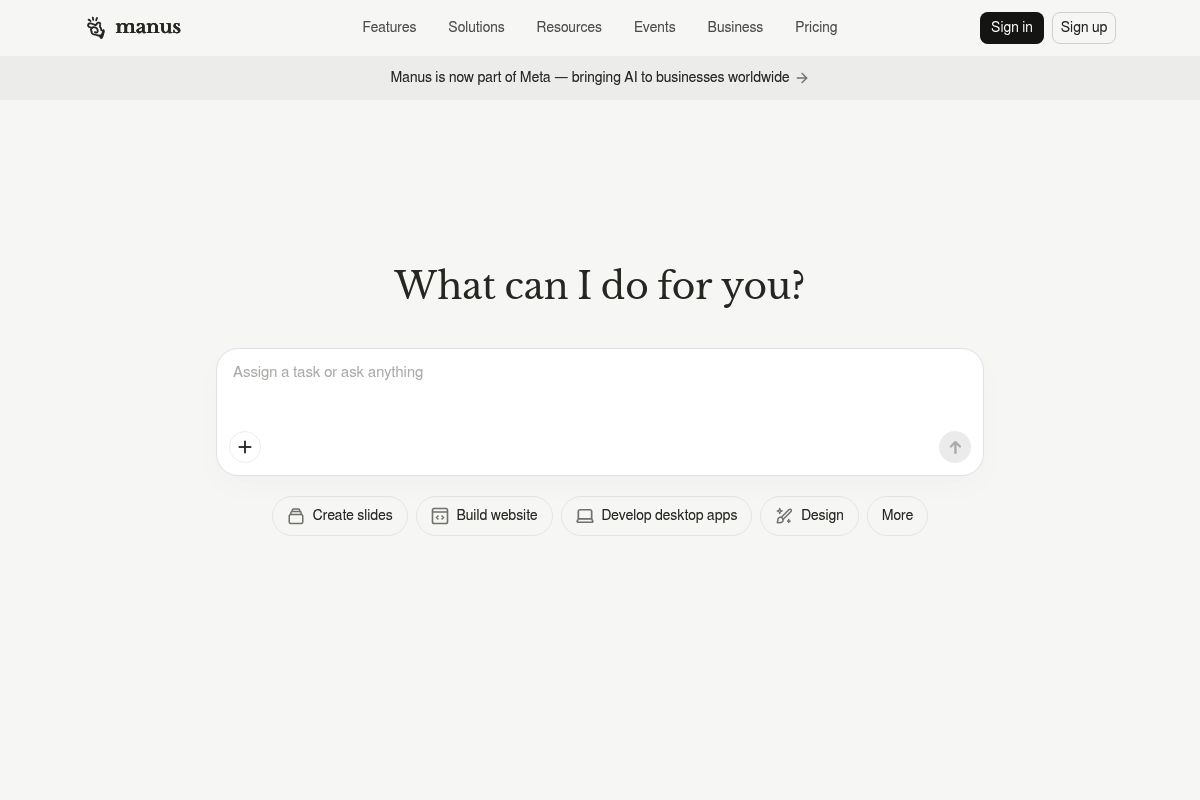
As a leading choice among the best AI Chrome extension builders for 2026, Manus is an AI-powered platform that allows users to create intelligent browser tools using natural language prompts instead of traditional code. It excels at building extensions for AI-first research and content extraction, making it a top choice for automating tasks like summarizing webpages or pulling specific data from a site.
In 2026, Manus positions itself as a unique bridge between prompt-driven AI workflows and practical browser automation. This focus allows users to build powerful extensions that can read webpages, extract information, summarize content, and trigger actions directly inside the browser, with a heavy emphasis on productivity, research, and personal automation use cases.
Key Features
- Natural Language to Extension: Users describe what they want their extension to do using everyday language, and Manus translates the description into a working browser tool handling all technical details. Most extensions are ready to use within minutes.
- Intent Interpretation: Manus interprets what you are trying to accomplish rather than following rigid templates, meaning your extension does what you intended even if you do not know the technical terminology.
- Automation Capabilities: Manus turns tedious multi-step processes into single-click actions. Whether it is filling forms, extracting data, or formatting content, your custom extension handles it consistently.
- Broad Use Case Support: The tool works well for extensions that modify webpage content, automate repetitive tasks, extract specific information, or customize the browsing experience.
- Free Daily Credits: Manus offers daily free credits to try the tool alongside paid subscription plans, providing a no-risk entry point for new users.
Best For
The platform is primarily used by founders, researchers, marketers, and operators who want fast iteration and AI-powered behaviors inside Chrome without dealing with technical components like manifests, which are files that declare an extension's properties, or the complexities of service workers and the Chrome API. According to our PlugThis analysis, Manus is the fastest path for creating a personal research helper or data extraction tool. Extensions are currently designed for personal use, though the team is working on adding sharing capabilities in future updates.
Pros and Cons
- Pro: Excellent for content extraction, summarization, and research-focused extensions
- Pro: Among the most accessible on-ramps for non-technical users
- Pro: Intent-based AI understands imprecise descriptions better than template-driven tools
- Con: Very complex extensions with advanced features or unique user interfaces might still require traditional development.
- Con: As of 2026, extensions are for personal use only, as sharing features are on the roadmap; it also has limited low-level control, and AI-dependence means behavior can vary across different page structures.
Key Takeaway: Manus is the ideal AI extension builder for non-technical users like researchers and marketers who need to quickly create personal tools for data extraction, content summarization, and browser automation without writing any code or understanding complex APIs.
Rating: 8.0/10
5. imagine.bo — Best for Teams That Need AI Speed Plus Human Engineers
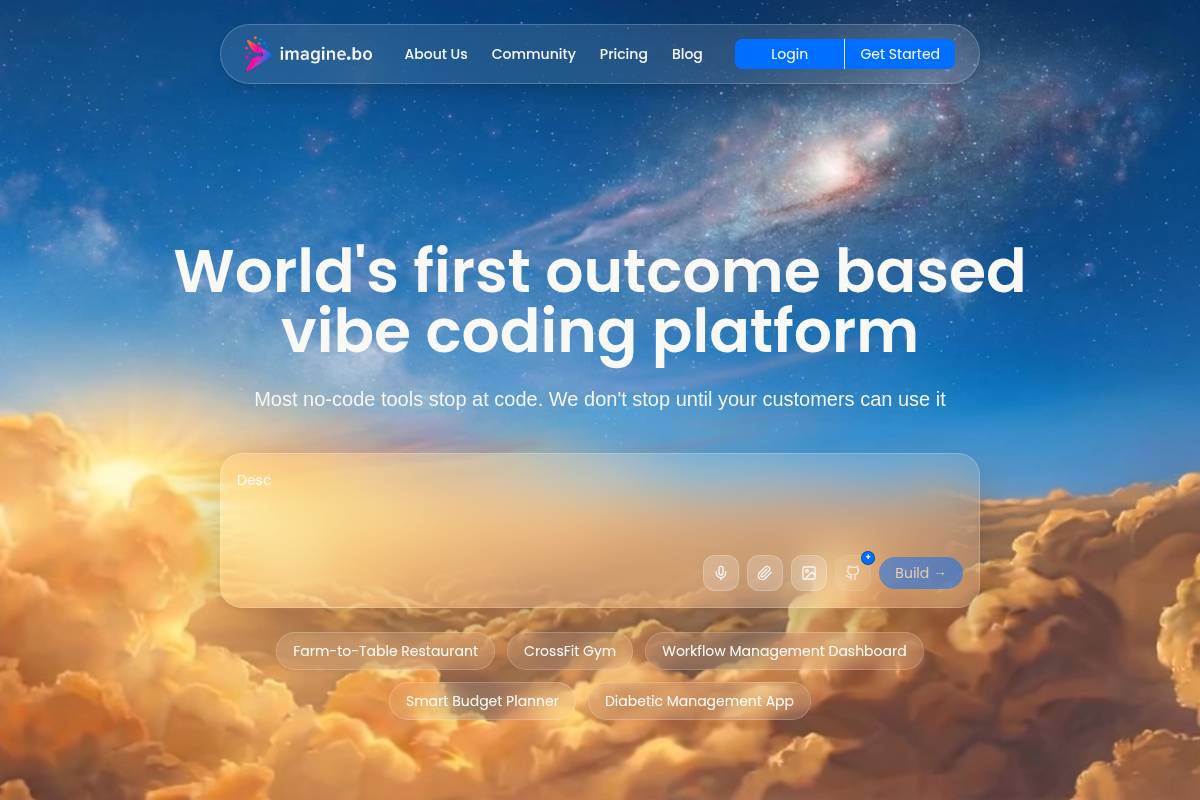
imagine.bo is a hybrid AI and human-powered platform for building full-stack applications, including Chrome extensions. It uniquely solves the common AI limitation of getting stuck on complex tasks by offering a "Hire a Human" feature, allowing users to bring in vetted engineers directly within the platform.
The platform is designed to turn a single prompt into a full-stack project from a single prompt—generating the frontend, database, backend logic, and a Chrome extension that can communicate with all three components. This integrated approach is built for the exact problem every other tool struggles with: what happens when the AI gets stuck.
Key Features
- Hire a Human: When the AI cannot crack a complex integration, you can click "Hire a Human" inside the dashboard. From there, a vetted imagine.bo engineer picks up that specific module, writes the necessary code, and pushes the update directly to your project, closing the final 10% gap where AI often fails.
- Full-Stack + Extension Generation: A full-stack app builder is a tool that generates all components of an application, including the frontend, backend, and database. imagine.bo provides full-stack backend generation, one-click Vercel and Railway deployment, SSL, and RBAC by default. RBAC (Role-Based Access Control) is a security method that restricts system access to authorized users, and having it by default is a major benefit. All plans include exportable code, and credit rollover.
- Manifest V3 Ready: Manifest V3 is the latest version of the Chrome extension platform specification, which enhances security, privacy, and performance. imagine.bo generates Manifest V3-compliant extensions with all required background service workers and content scripts automatically configured.
- Auth and Payments: The platform handles complex user authentication flows, provides secure key storage for APIs, and facilitates Stripe payment integration within the same build environment, saving significant development time.
- Credit Rollover: Unlike some competitors, unused credits roll over to the next month, which makes cost forecasting more predictable and fair for teams with fluctuating development cycles.
Best For
According to the PlugThis review team, imagine.bo is the ideal platform for founders, growing businesses, and enterprise teams that prioritize architectural control, compliance, and human reliability. The hybrid model makes it particularly appropriate for teams where the extension is a revenue-generating product and shipping delays are costly. For businesses evaluating the Best AI Chrome Extension Builders 2026: Top Picks Reviewed, this blend of AI speed and human expertise is a critical differentiator. Individual plans start at $20/month, with Business plans from $200/month.
Pros and Cons
- Pro: Only platform that closes the AI capability gap with real human engineers in the same dashboard
- Pro: Full-stack architecture with auth, payments, and database included
- Pro: Credit rollover prevents wasted spend on unused monthly allocations
- Con: Higher entry cost than pure AI-only tools for simple extension projects
- Con: Human engineer turnaround adds time when you need an instant fix
Key Takeaway: imagine.bo is the premier choice for teams that require the speed of AI generation but cannot afford the project risk of AI-only limitations, offering a unique human-in-the-loop solution for complex, revenue-generating Chrome extensions. Understanding how this hybrid approach compares to pure AI solutions helps teams make the right call for their specific needs.
Rating: 8.0/10
6. MindStudio — Best for Agent-Driven Browser Workflows
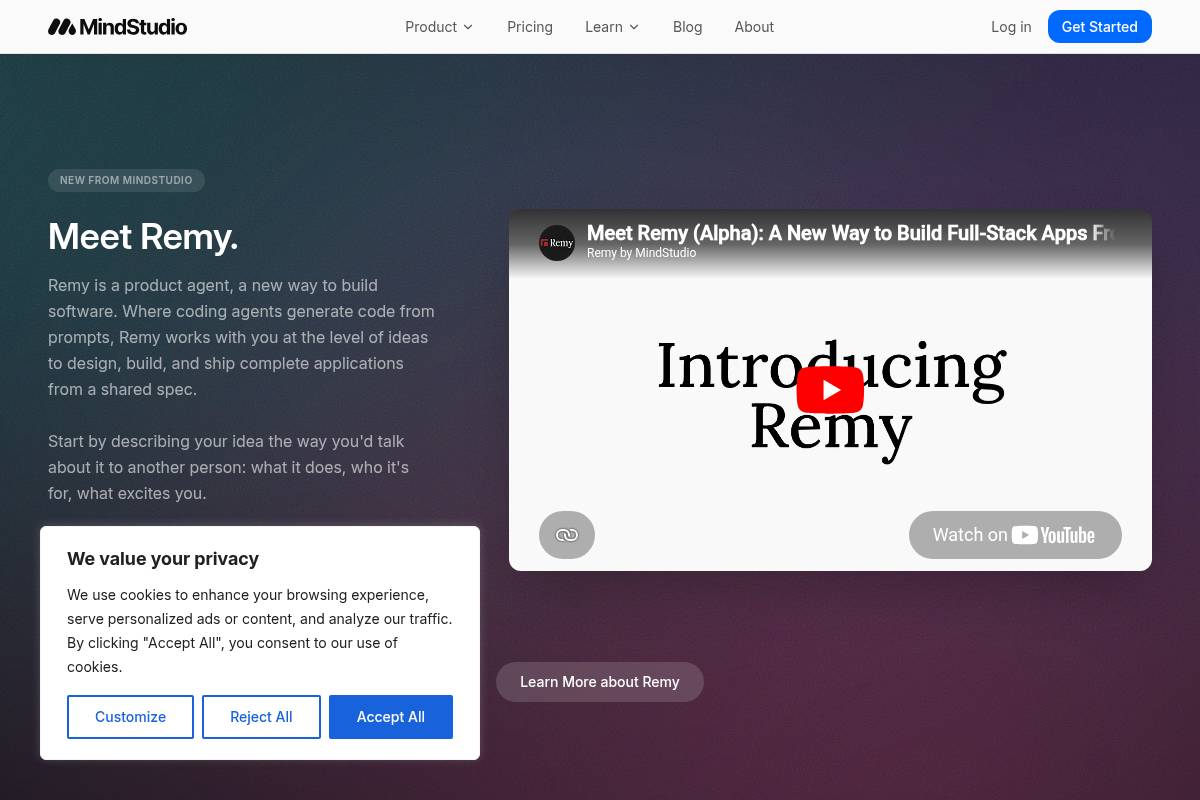
MindStudio is an AI agent and automation platform designed for building complex, agent-driven browser workflows rather than simple, standalone extensions. As a unique entry in our guide to the Best AI Chrome Extension Builders 2026: Top Picks Reviewed, it functions less as a pure extension builder and more as a system for creating intelligent agents that operate within the browser, leveraging advanced reasoning, memory, and tool use for sophisticated tasks.
The platform's core strength lies in its ability to create and deploy an AI agent, which is a software entity that can perceive its digital environment, make decisions, and take autonomous actions to achieve specific goals. In 2026, MindStudio is positioned as a go-to platform for creating these intelligent agents that can operate inside Chrome as one of many execution surfaces, combining reasoning, memory, and tool use to automate complex processes.
Key Features
- 200+ AI Models: Users gain access to an extensive library of over 200 AI models through an intuitive AI editor, which is complemented by hundreds of third-party integrations for maximum flexibility.
- Context-Aware Agents: Instead of general chatbots, MindStudio provides context-aware AI agents that are specifically designed to understand the content and structure of the webpage you are on, enabling them to execute highly relevant, optimized workflows.
- Cross-Surface Deployment: The platform promotes efficiency by allowing the same agent logic to be deployed across web apps, APIs, or internal tools, which reduces development duplication and allows teams to reuse agent logic across multiple channels.
- Session Memory: Extensions built with MindStudio can retain context, user preferences, and historical data across different sessions, allowing agents to deliver a consistent and personalized experience over time.
- 100+ Prebuilt Agents: With a library of over 100 ready-to-use AI agents and the ability to build your own with zero coding, MindStudio serves as a comprehensive no-code Chrome extension tool and productivity platform.
- SOC 2 Compliant: MindStudio is SOC 2 Compliant and regularly audited, ensuring it meets rigorous standards for data security and privacy. For full transparency, the extension's code is also completely open-sourced.
Best For
The PlugThis review team finds that the platform is most commonly used by product teams, researchers, and operations leaders who need AI agents that can read webpages, extract insights, make decisions, and trigger actions across various tools. Chrome extensions built with MindStudio often act as user-friendly front ends for larger, more complex agent-driven workflows rather than functioning as simple, standalone browser utilities.
MindStudio's Pro plan starts at $12/month, which includes access to its library of 100+ pre-built agents and basic text generation models. The Business plan, priced at $80/month, unlocks more powerful capabilities by adding advanced models like Claude 4, GPT-4o, and Gemini.
Pros and Cons
- Pro: Offers the strongest reasoning and memory capabilities among all the tools evaluated in this AI extension builder comparison.
- Pro: Multi-surface deployment ensures that your agent logic is reusable and not confined to the Chrome browser alone.
- Pro: Excellent for analysis-heavy extensions that require complex, multi-step reasoning and data processing.
- Con: Can be overkill for simple extensions (like text summarizers or color pickers) and offers limited low-level Chrome API control, resulting in a higher learning curve.
- Con: Not primarily designed for users whose main goal is to ship a standalone, downloadable Chrome extension directly to the Web Store.
Rating: 7.8/10
Key Takeaway: MindStudio is a specialized and powerful platform for developing sophisticated, multi-surface AI agents that operate within the browser, making it ideal for complex automation workflows rather than for building simple, standalone Chrome extensions. For teams looking at specific capabilities, it's worth comparing what each tool offers in terms of backend integration.
7. ChilledSites — Best for Fast Manifest V3 Code Generation
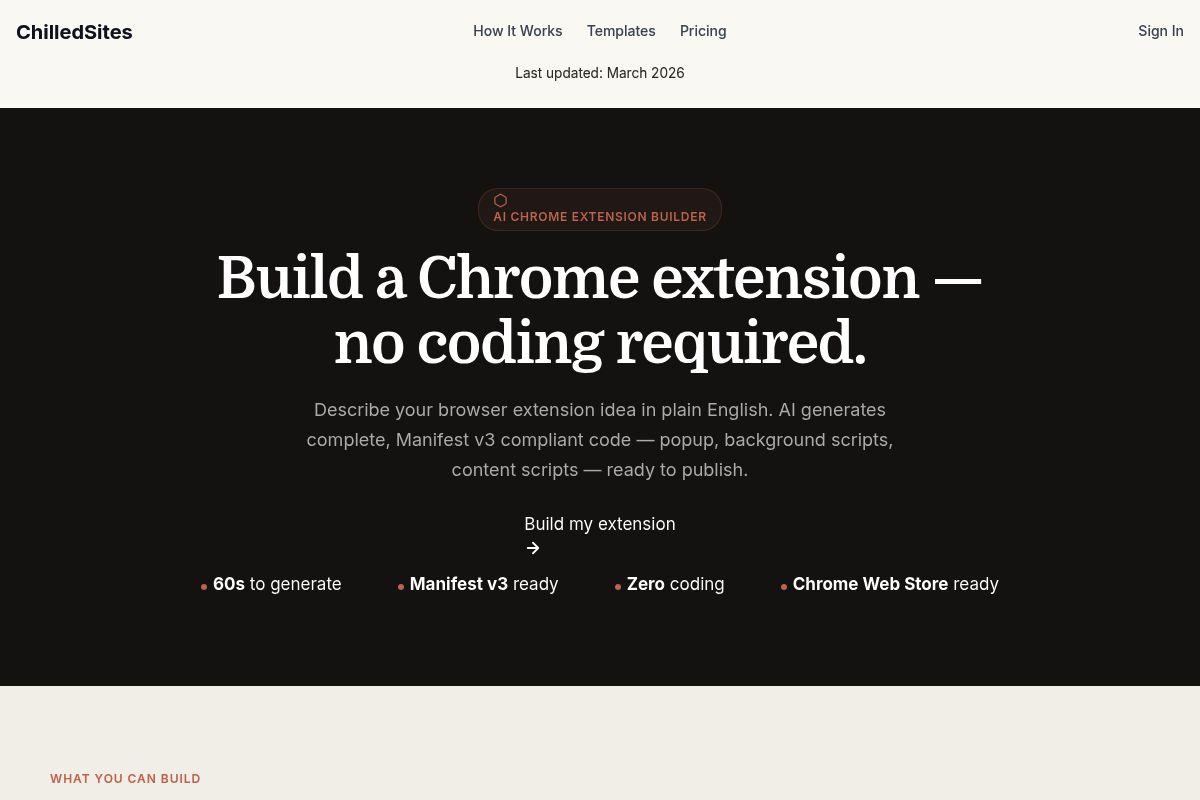
ChilledSites is an AI Chrome extension builder that specializes in rapid, no-code generation of Manifest V3-compliant extensions. It transforms a plain-English description into a complete, downloadable code package—including popup HTML, background scripts, and content scripts—in under 60 seconds. This makes it an ideal solution for users who need to quickly validate an extension idea without writing any code.
Key Features
- 60-Second Generation: In under 60 seconds, the AI writes your manifest.json, background service worker, popup HTML/CSS, and content scripts, all compliant with Manifest V3, which is Google's latest specification for Chrome extensions that enhances security, privacy, and performance.
- Full Package Output: The AI generates the full package — nothing missing, nothing broken — with Manifest V3, correct permissions, icons, and metadata already configured for Chrome Web Store submission.
- Wide Category Support: The platform supports a variety of use cases, including productivity tools, shopping assistants, developer utilities, and content tools, making it a versatile option.
- Extension Builder as a Feature: ChilledSites creates browser extensions with manifest files, popup UIs, and content scripts, meaning no extension development expertise is required from the user.
- No Lock-in: Users can download the complete code package, load it locally in Chrome developer mode, and then submit to the Chrome Web Store independently without being tied to the platform.
Best For
ChilledSites is ideal for entrepreneurs and developers who need a quick first-draft of a Manifest V3 extension to test an idea before investing further. It is particularly well-suited to simple-to-medium complexity use cases where the extension does not require a dedicated backend, a common starting point for many projects featured in reviews of the best AI Chrome extension builders for 2026. The platform offers a free tier to explore, with pay-as-you-go token packs available for generation, lowering the barrier to entry for new creators.
Pros and Cons
- Pro: Its fastest raw generation time on this list is a key advantage, genuinely delivering code in under 60 seconds for most use cases.
- Pro: The complete Manifest V3 package means no manual file assembly is required, saving significant time and effort.
- Pro: Its pay-as-you-go pricing model suits users who build extensions infrequently and do not want a recurring subscription.
- Con: The platform offers no integrated backend generation, meaning the extension operates as a standalone frontend-only tool.
- Con: It has limited iterative refinement capabilities when compared to conversational builders like PlugThis or Emergent.
Key Takeaway: ChilledSites is the fastest tool on the market for generating a complete, frontend-only Manifest V3 extension from a simple prompt, making it perfect for rapid prototyping and idea validation, though it lacks the iterative refinement capabilities of conversational builders.
Rating: 7.5/10
8. Toolmark.ai — Best for Drag-and-Drop AI Tool Building with a Marketplace
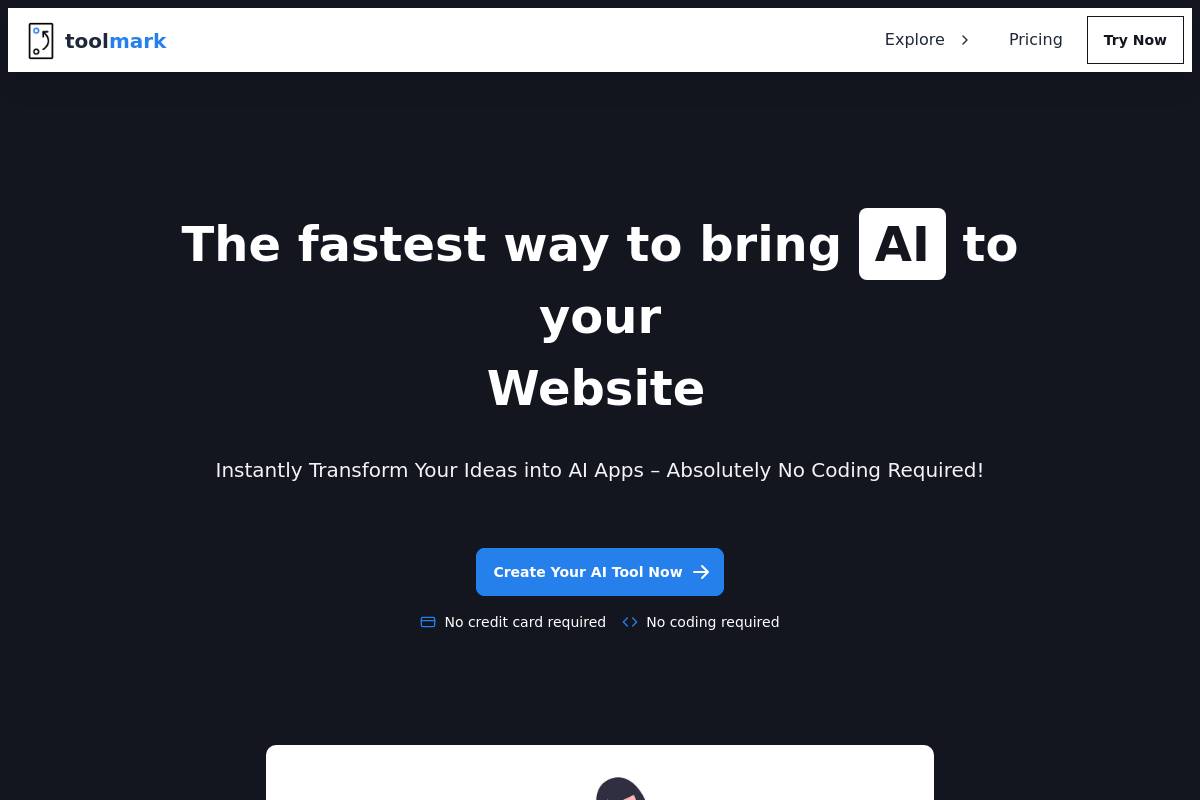
Toolmark.ai is a no-code AI tool builder designed for creating custom AI-powered Chrome extensions and web-embedded tools through an intuitive drag-and-drop interface. It enables users to generate text, images, and voice using various AI models without writing any code. This platform is particularly notable for its built-in marketplace for tool monetization, allowing creators to sell their creations directly to other users.
Key Features
- Drag-and-Drop Builder: Toolmark.ai utilizes a no-code platform, which is a type of software development environment that allows users to create applications through graphical user interfaces instead of traditional programming. This simple drag-and-drop interface supports text, image, and voice generation using a variety of AI models.
- Multi-Model Support: The platform provides access to a wide array of leading AI models, including GPT-4o, DALL-E, Google Gemini, Meta's Llama, Stable Diffusion, and Replicate. Users benefit from easy one-click model switching, allowing them to select the best model for each specific task within a workflow.
- Marketplace Monetization: A key differentiator is the ability for users to create and sell their AI tools within the Toolmark community marketplace. This feature provides a direct path to monetization for creators who develop useful AI-powered applications or workflows.
- Workflow Integrations: To automate processes and connect with existing systems, Toolmark.ai offers integrations with popular tools. Users can connect their AI tools to services like Zapier and Airtable to create powerful, automated workflows without manual intervention.
- Browser Embedding: The platform's Chrome Extension makes any tool created in the no-code editor available directly in the browser. This allows users to enhance any website with custom AI capabilities, effectively creating a browser overlay that integrates with their online activities.
- Custom Prompt Chains: Toolmark.ai allows users to define their own AI prompts and create custom prompt chains, which are sequences of prompts that execute in a specific order to perform complex AI interactions. This enables more sophisticated and multi-step AI-driven tasks.
Best For
Toolmark.ai is an especially strong fit for content creators, marketers, and coaches who want to package specific AI workflows as browser-based tools they can sell to an audience. Its focus on a marketplace and ease of use makes it one of the more unique no-code Chrome extension tools available for entrepreneurs looking to monetize their expertise without deep technical knowledge.
In our analysis for the "Best AI Chrome Extension Builders 2026: Top Picks Reviewed," the PlugThis team found that Toolmark.ai's model is ideal for those who prioritize monetization over independent app store distribution. The core extension is free, and the no-code AI app builder includes a free trial and pay-as-you-go options, making it accessible for experimentation.
Pros and Cons
- Pro: The built-in marketplace enables monetization without the need to build a separate sales channel or website.
- Pro: It offers the broadest AI model selection on this list, allowing users to mix and match models for each step in a workflow.
- Pro: Its drag-and-drop interface is genuinely approachable and intuitive, particularly for visual thinkers and non-programmers.
- Con: The output is an AI-enhanced browser overlay, not a traditional packaged Chrome extension that you can submit to the Chrome Web Store independently.
- Con: There is no native backend generation, meaning external integrations for data storage or complex logic depend on middleware like Zapier or Airtable.
Key Takeaway: Toolmark.ai excels as a platform for monetizing AI workflows through a shared marketplace, making it ideal for creators who want to sell browser-based tools directly to an audience, even if it means forgoing an independent Chrome Web Store presence. For those interested in publishing independently, other options offer more direct control.
Rating: 7.2/10
9. Chrome DevTools (Native Development) — Best for Developer Teams Needing Full Control
Chrome's native extension development is the process of building browser extensions directly using web technologies like JavaScript, HTML, and CSS. This approach provides maximum control over an extension's behavior and performance, making it the most powerful option for engineering teams who need direct access to the browser's core functionalities.
In the landscape of the best AI Chrome extension builders for 2026, native development stands apart by offering direct access to a suite of tools known as Chrome APIs, which are interfaces that allow extensions to interact with and manipulate the browser's features. Developers can leverage low-level browser events, content scripts for webpage manipulation, background workers for persistent tasks, and comprehensive extension lifecycle management.
Key Features
- Full API Access: Native Chrome extension development grants unrestricted access to the complete set of Chrome APIs for managing tabs, storage, cookies, network requests, page content manipulation, and browser events.
- Built-in AI APIs: Chrome now includes built-in AI APIs directly within the extension framework, allowing developers to explore the capabilities of the Prompt API, which is a tool for integrating generative AI models into their extensions.
- On-Device AI: Developers can implement powerful on-device AI features, such as live text translation within the browser and language identification using the Language Detector API, a model that determines the language of a given text block, and generate various summary types in different lengths and formats.
- Gemini Integration: To accelerate development, Chrome provides official examples and documentation that demonstrate the powerful possibilities of integrating Gemini models directly into Chrome extensions for advanced AI tasks.
- Zero Cost: The development environment itself is entirely free. The only associated fee is the one-time $5 USD Chrome Web Store developer registration payment, which is required to publish extensions publicly.
Best For
Building extensions natively requires strong technical knowledge, careful permission handling, and continuous maintenance as Chrome updates its extension standards. It is best suited for developers or technical teams who need fine-grained control over every component and are comfortable managing the inherent complexity manually, a contrast to the streamlined platforms reviewed by PlugThis.
This development path is the ideal choice for security-critical enterprise extensions or commercial products where every permission scope must be rigorously audited. While the development environment is free to use, the primary investment is developer time and expertise.
Pros and Cons
- Pro: Maximum control over every aspect of extension behavior and permissions
- Pro: Access to cutting-edge Chrome AI APIs not yet exposed by third-party builders
- Pro: No credit limits, no vendor dependency, no subscription cost
- Con: Requires JavaScript, Chrome API knowledge, and Manifest V3 expertise; Manifest V3 is the latest version of the Chrome extension platform specification, which introduces stricter security, privacy, and performance requirements.
- Con: High maintenance burden as Chrome updates policies and APIs regularly
- Con: Slowest path from idea to shipped extension — weeks instead of minutes
Rating: 7.0/10
Key Takeaway: Native Chrome development offers unparalleled control and access to the latest APIs, but it comes at the cost of a steep learning curve, high maintenance, and the slowest development cycle, making it suitable only for highly specialized or security-focused projects. For teams considering their options, this is where the decision between speed and control becomes most apparent.
10. Cursor + Claude Code — Best for Engineers Who Want AI-Assisted Extension Coding
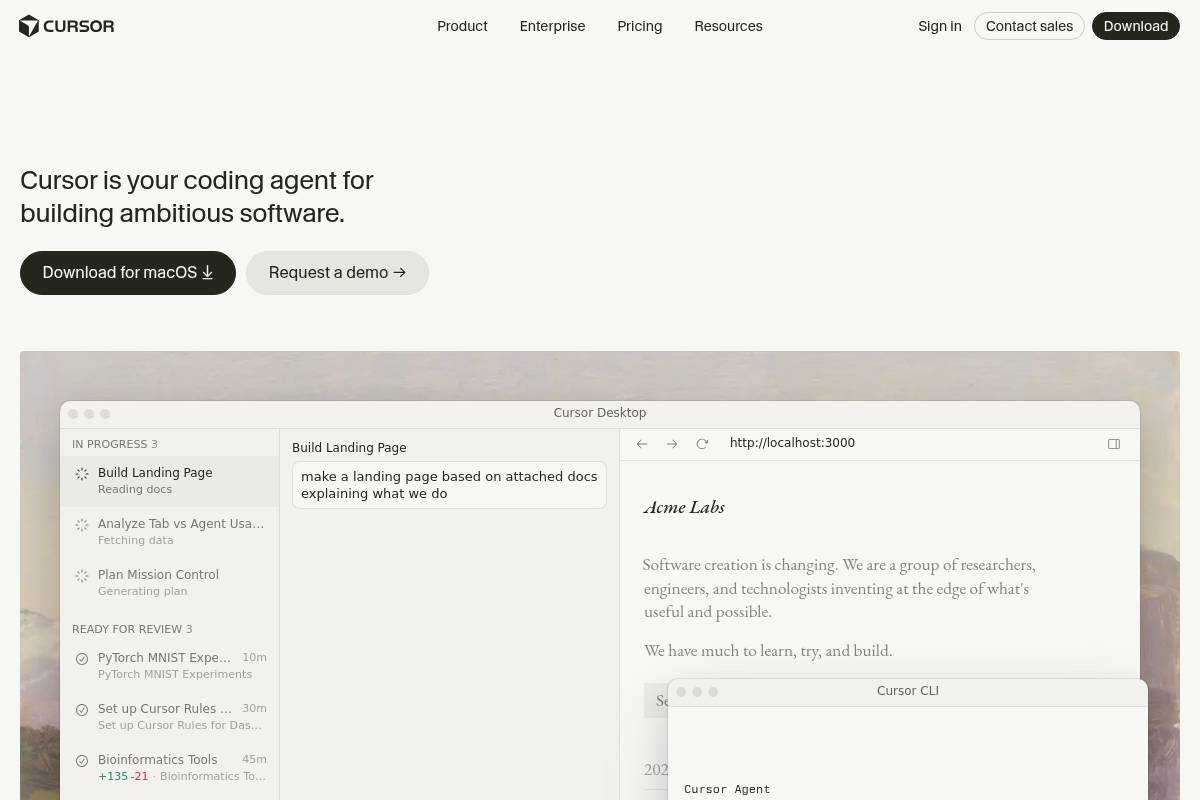
Cursor, an AI-first code editor, combined with Anthropic's large language model Claude Code, offers a powerful solution for engineers seeking AI-assisted development of Chrome extensions. This pairing is ideal for technical users who want to accelerate scaffolding, debugging, and iteration while maintaining complete control over their code, making it a unique contender in reviews of the best AI Chrome extension builders for 2026.
Key Features
- AI-Assisted Code Generation: Describe a feature in a comment and the AI generates the implementation inline — this is particularly useful for generating Chrome API boilerplate and initial manifest configuration.
- Contextual Debugging: The integrated chat feature explains what selected code does, suggests fixes for highlighted errors, and generates code from comment descriptions, all within the editor without switching to a separate AI tool.
- Manifest V3 Awareness: Some extensions broke or lost features when Chrome updated to Manifest V3, which is the platform's latest specification for extension capabilities and permissions. Cursor helps identify recent updates and documents that explicitly acknowledge V3 requirements, aiding in compliance.
- Full IDE Power: Users can refactor, use version control, test, and deploy from within the same environment, which means there is no context switching to a web-based builder or separate toolchain.
- Bring-Your-Own-Key Support: The Build plan supports a bring-your-own AI key model, which can significantly save costs at higher usage volumes by allowing developers to use their own API credits.
Best For
This combination is ideal for engineers and technically proficient founders who are comfortable working directly in a code editor but want AI to handle repetitive boilerplate, manifest configuration, and permission scoping. It works best as a rapid prototyping layer on top of native Chrome development rather than a complete replacement for it, a philosophy PlugThis advocates for technical teams. Cursor's Pro plan is $20/month with agent mode included, and the Pro+ plan is $60/month for three times the Pro usage.
Pros and Cons
- Pro: Retain full control over every line of code while still benefiting from significant AI acceleration.
- Pro: The best option for developers who already live inside an IDE and want to augment their existing workflow.
- Pro: There is no credit-based model for code generation; the flat subscription pricing is predictable and easy to budget for.
- Con: This setup is best fit for developers, as non-technical users will likely find the code editor environment intimidating.
- Con: Lacks features like automatic Manifest V3 packaging, Chrome Web Store submission preparation, or backend generation.
- Con: Represents the slowest iteration path for non-coders when compared to purpose-built, no-code extension builders.
Rating: 7.0/10
Key Takeaway: The Cursor and Claude Code combination is not a no-code builder but rather a powerful AI-augmented coding environment for experienced developers who need full control and want to speed up the manual parts of Chrome extension development.
Full Comparison: All 10 AI Chrome Extension Builders Side by Side
| Tool | No-Code | Manifest V3 | Backend Gen. | Source Code Ownership | Web Store Ready | Free Tier | Starting Price |
|---|---|---|---|---|---|---|---|
| PlugThis | ✓ | ✓ | ✓ | ✓ | ✓ | ✓ | Free to start |
| Emergent | ✓ | ✓ | ✓ | ✓ | ✓ | ✓ | $17/mo |
| Kromio | ✓ | ✓ | ✗ | ✓ | ✓ | ✓ | Free tier |
| Manus | ✓ | ✓ | ✗ | Limited | ✗ | ✓ | Free daily credits |
| imagine.bo | ✓ | ✓ | ✓ | ✓ | ✓ | ✓ | $20/mo |
| MindStudio | ✓ | ✗ | ✗ | ✗ | ✗ | ✓ | $12/mo |
| ChilledSites | ✓ | ✓ | ✗ | ✓ | ✓ | ✓ | Free / PAYG |
| Toolmark.ai | ✓ | ✗ | ✗ | ✗ | ✗ | ✓ | Free / PAYG |
| Chrome DevTools | ✗ | ✓ | ✗ | ✓ | ✓ | ✓ | Free |
| Cursor + Claude | ✗ | ✓ | ✗ | ✓ | ✗ | ✓ | $20/mo |
How to Choose the Right AI Chrome Extension Builder
By Team Size
For additional buying guidance, see The Best Website Builder of 2026 (Most People Pick Wrong!).
PlugThis writes about Chrome extensions, AI tooling, and the shifting economics of building your own software.