
Last updated: June 2026 | Author: Editorial Team | Tools tested: 10 Chrome extension builders evaluated across speed, code quality, no-code accessibility, Manifest V3 compliance, pricing, and SaaS readiness
TL;DR: Best Chrome Extension Builders for SaaS Founders 2026
The best Chrome extension builders in 2026 range from pure AI no-code tools that generate a working extension from a sentence to developer-grade frameworks that accelerate production workflows. Whether you are a non-technical founder or an experienced engineer prototyping fast, the right tool depends on your technical background, speed requirements, and how much ownership you want over the final code.
| Rank | Tool | Best For | Starting Price | Rating |
|---|---|---|---|---|
| 1 | PlugThis | Non-developers building production-ready MV3 extensions with a real backend | Free tier available | 9.5/10 |
| 2 | Emergent.sh | Full-stack AI Chrome extension generation with agentic reasoning | $17/month | 8.8/10 |
| 3 | Bolt.new | Browser-based rapid app and extension prototyping with WebContainers | Free / $25/month Pro | 8.5/10 |
| 4 | Lovable.dev | AI-driven full-stack app builder that can scaffold Chrome extensions | Free / $25/month Pro | 8.3/10 |
| 5 | Kromio.ai | Quick no-code Chrome extension generation from plain English prompts | Free / $10–$39/month | 7.8/10 |
| 6 | ChilledSites | Ultra-fast MV3 code generation in 60 seconds from a text description | Free tier / ~$11/month | 7.5/10 |
| 7 | Cursor | Developers who want AI-assisted extension development inside a full IDE | Free / $20/month Pro | 8.2/10 |
| 8 | WXT Framework | Developers building cross-browser, production-grade extensions with Vite | Free (open source) | 8.0/10 |
| 9 | Plasmo Framework | React-centric extension development with CI/CD and staging environments | Free / $30–$65/month | 7.3/10 |
| 10 | Manus | Personal browser automation and AI-powered extension prototyping | Free daily credits / paid plans | 7.2/10 |
Our #1 pick is PlugThis — the only AI builder designed specifically for Chrome extensions from the ground up, producing real Manifest V3 code with a Supabase backend in under two minutes, with no coding required at any step. For additional buying guidance, see 8 Best AI App Builders for SaaS in 2026 (And the One Built ....
Why You Need a Chrome Extension Builder in 2026
Building software is no longer the hard part. AI has made the act of building cheap, which means the real bottleneck for SaaS founders is deciding what to build and getting a working version in front of real users fast. AI Chrome extensions are generating million-dollar revenues for solo founders in 2026, and the AI-powered Chrome extension market reached $2.3 billion in 2025, projected to grow at 22.5% CAGR through 2035. The Chrome Web Store gives every extension instant access to 3.62 billion Chrome users worldwide — a distribution channel that no SaaS founder should ignore.
An AI Chrome extension builder is a platform that uses artificial intelligence to generate Chrome extension code, including manifest definitions, background scripts, content scripts, UI elements, and optional backend logic based on user prompts. Users simply describe the desired behavior, triggers, UI, and data interactions, and the system produces a fully functional extension that can be tested, packaged, and published.
In 2026, Manifest V3 (MV3) is the mandatory standard, having replaced MV2. The MV3 migration changed how extensions work — background scripts became service workers and webRequestBlocking became declarative. The best Chrome extension builders abstract all of this complexity so founders can focus on the product idea, not the platform quirks. Understanding this shift is essential before you start evaluating the tools that will power your extension strategy. For supporting market data, see Chrome Extension Ideas That Make Money: 41 Profitable .... For a more detailed primer, see Chrome Extension Ideas That Make Money: 41 Profitable ....
How We Evaluated These Tools
Every tool in this list was evaluated against six criteria weighted by their importance to SaaS founders and startup teams operating in 2026.
| Evaluation Criterion | Weight | What We Looked For |
|---|---|---|
| No-code / low-code accessibility | 25% | Can a non-developer ship a working extension without touching code? |
| Manifest V3 compliance | 20% | Does output meet current Chrome Web Store requirements? |
| Output quality and backend support | 20% | Does the builder produce production-ready code with real infrastructure? |
| Speed from idea to installable extension | 15% | Time from first prompt to a loadable .zip or packaged file |
| Pricing and value for early-stage teams | 10% | Is there a meaningful free tier? Is paid pricing predictable? |
| Developer extensibility and code ownership | 10% | Can you export, own, and modify the source code? |
This framework allowed us to rank tools fairly across different use cases — from no-code builders for non-technical founders to full frameworks for engineering teams. Now let's dive into each tool and see which one fits your situation best. For industry-standard evaluation frameworks, see 8 Best AI App Builders for SaaS in 2026 (And the One Built ....
1. PlugThis — Best for Non-Developers Who Need Production-Ready Chrome Extensions
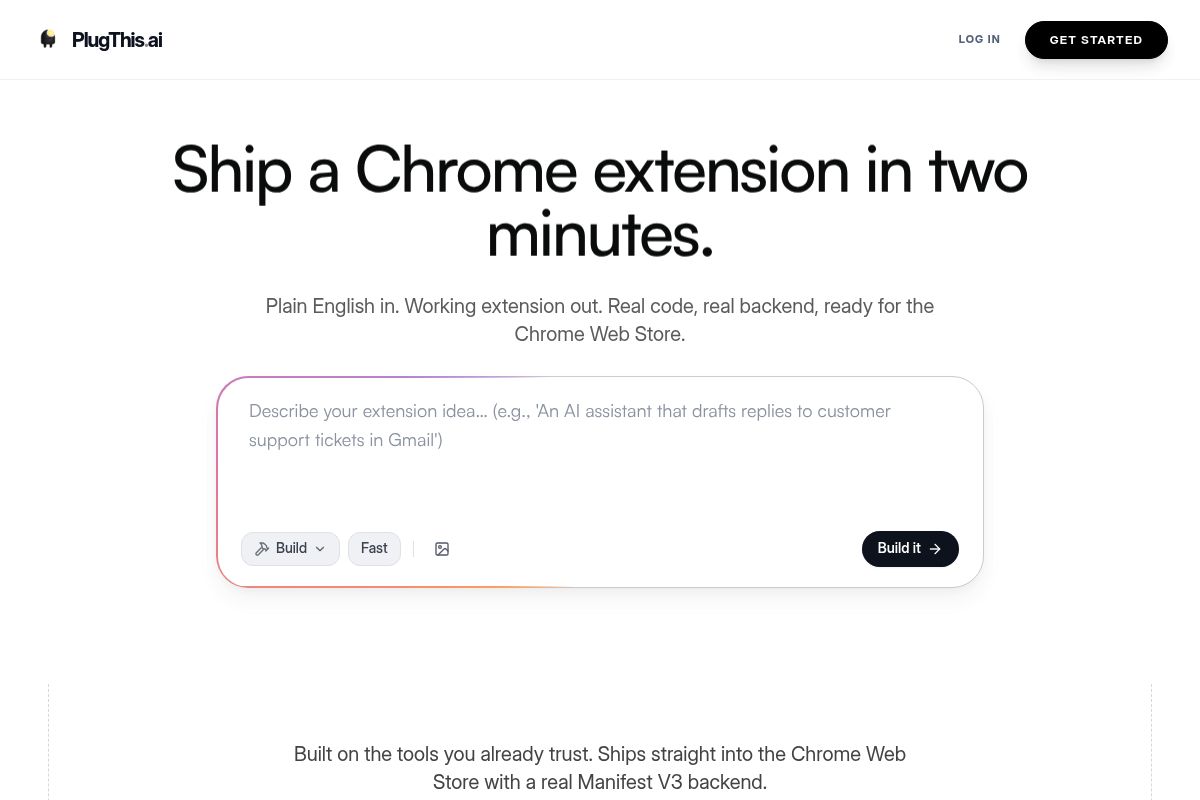
PlugThis is an AI Chrome extension builder that allows non-developers to create fully functional, production-ready browser extensions from a simple plain-English description. It is designed specifically for the Chrome platform's architecture, making it a powerful tool for turning an idea into a shipped product in minutes.
The core philosophy behind PlugThis is that AI has made the act of building software inexpensive, shifting the primary bottleneck from development to ideation. The platform removes technical barriers for non-developers and the "vibe coding" community, which is a term for creators who focus on the user experience and product vision rather than the underlying code. This enables them to build a tool, launch it the same day, and iterate based on real user feedback.
To use the tool, you describe your extension idea in natural language. PlugThis then utilizes Google's Gemini 3.1 Pro to generate a complete Manifest V3 package. This package includes the necessary `manifest.json` file with correct permissions, content scripts for specified URLs, a popup user interface, a background service worker, and even an optional Supabase backend for data persistence and user management.
Key Features
- Plain English to Working Extension: PlugThis generates the full Chrome extension code from a plain-English description. No JavaScript, manifest format, or Chrome API knowledge is required to create a functional tool.
- Manifest V3 Compliance: Every extension PlugThis generates uses Manifest V3, which is the current mandatory standard for all extensions in the Chrome Web Store. Manifest V2 was deprecated in 2024, and PlugThis ensures all output is fully compliant with the latest security and performance requirements.
- Real Backend Included: The generator includes a Supabase backend when needed. Supabase is an open-source platform that provides your extension with real data persistence, user authentication, and API connectivity without requiring a separate, complex setup.
- Downloadable Source Code You Own: The output is a complete, packageable extension ready for the Chrome Web Store. After paying the one-time $5 Chrome developer fee, you can upload the generated zip file directly, fill in the store listing details, and submit it for review.
- Broad Extension Type Support: The platform supports anything Chrome's extension APIs allow, enabling the creation of diverse tools like page summarizers, focus-mode blockers, autofill tools, price trackers, AI writing assistants, meeting transcribers, tab managers, scrapers, and translators.
- Chrome-Specific Architecture: Unlike generic AI code generators, PlugThis is the only AI builder designed specifically for Chrome extensions. This means it understands the platform's unique architecture and avoids generating generic web app code that would fail to run inside the browser environment.
- Speed: From sign-up to a working extension loaded in the Chrome browser, the entire process is incredibly fast. Most users are able to generate and test their first extension within five minutes.
Best For
For SaaS founders, product managers, and non-technical creators evaluating the best Chrome extension builders, PlugThis is the ideal solution for shipping a real, installable tool without hiring a developer or learning JavaScript. It is positioned to become the default no-code method for building Chrome extensions in 2026, allowing anyone to go from idea to installed extension in minutes. The platform provides real Manifest V3 code, an optional backend, and source code ownership, handling all the technical execution after the strategic decision of what to build is made. Plans include a free tier to get started.
Key Takeaway: PlugThis is a specialized AI tool that enables non-developers to generate complete, production-ready, and store-compliant Manifest V3 Chrome extensions from a simple English prompt, including backend functionality and full source code ownership.
Pros and Cons
- Pro: Only AI builder purpose-built specifically for Chrome extension architecture — not a general web app tool repurposed
- Pro: Generates complete Manifest V3 package including service worker, permissions, popup UI, and optional Supabase backend in under two minutes
- Pro: You own the source code — no vendor lock-in after generation
- Pro: No JavaScript, no Chrome API knowledge, no manifest format experience required
- Pro: Direct path to Chrome Web Store submission with the generated zip file
- Con: As a specialized Chrome extension tool, it does not generate other types of applications such as full web apps or mobile apps
- Con: Very complex extensions requiring highly custom background logic may need manual code refinement after generation
Rating: 9.5/10
For teams that need more sophisticated backend reasoning and multi-step AI workflows, the next option offers a different approach to extension generation.
2. Emergent.sh — Best for Full-Stack AI Chrome Extension Generation
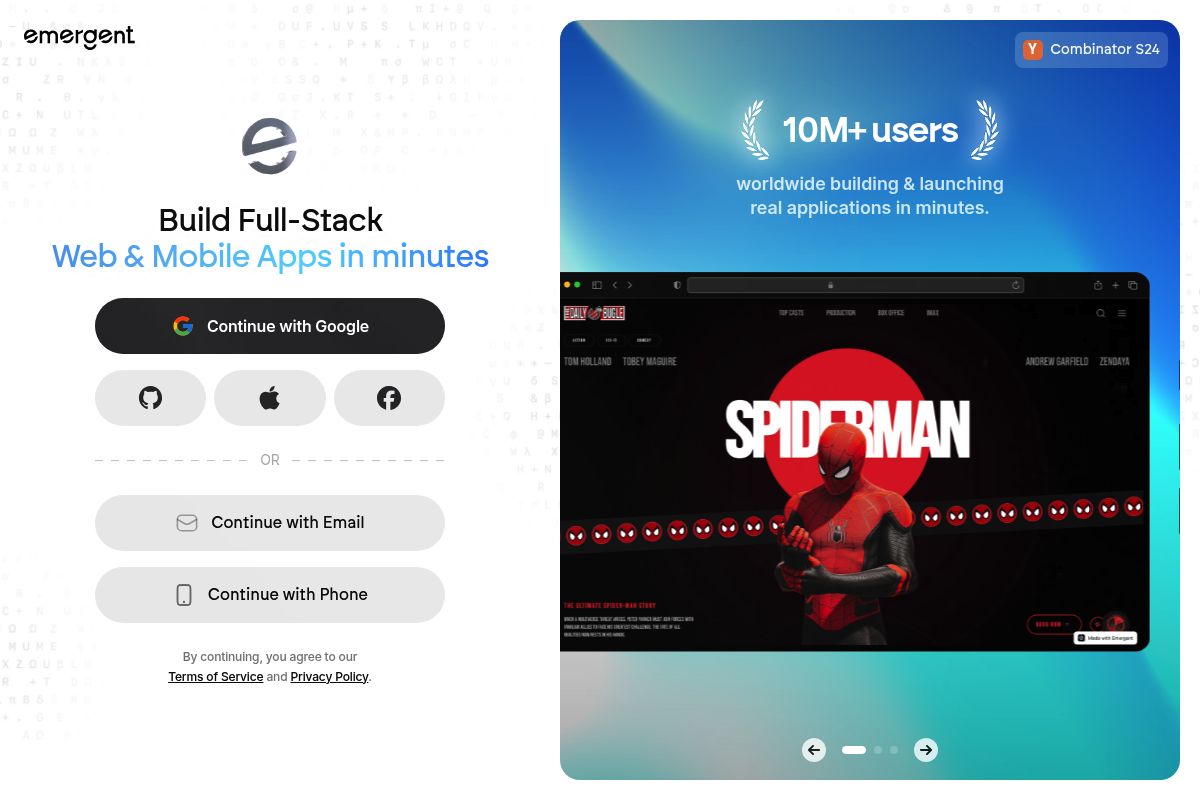
Emergent.sh is an AI-powered full-stack builder that generates complex Chrome extensions with complete backends, including authentication and databases. It stands out among the best Chrome extension builders by using multi-agent AI reasoning to automate the entire development lifecycle from a single natural language prompt.
Founded by former engineers from Google, Amazon, and Dropbox and backed by Y Combinator, the platform positions itself as your "AI engineer in a box." This innovative tool makes software creation as simple as describing your idea out loud, generating full-stack applications complete with user authentication, databases, hosting, and payment integrations.
Emergent stands out in 2026 as one of the most advanced AI Chrome extension tools because it goes far beyond generating simple browser scripts. It uniquely combines full-stack app generation, multi-agent AI reasoning, and extension-specific tooling to deliver production-ready solutions.
Key Features
- Multi-Agent AI Reasoning: This feature uses agentic AI workflows, a process where multiple specialized AI agents collaborate to plan, code, debug, and deploy applications automatically from a single prompt.
- Full-Stack Generation: The platform excels at full-stack generation, which is the process of producing Chrome extensions with complete backends, including user authentication, databases, and third-party API integrations.
- In-Platform Preview and Testing: AI builders provide in-platform previews and testing environments so users can simulate extension behavior before packaging. They also help debug issues by interpreting errors and offering fixes through conversational prompts.
- GitHub Integration: Connect your GitHub account to add custom code and maintain version control for all generated projects, blending AI generation with traditional development workflows.
- Natural Language Interface: Instead of you writing every line of code, you just describe what you want to build in plain English. From there, Emergent's AI agents take over the planning, coding, bug fixes, and even deployment.
- Responsive Layouts: Every application and extension generated is fully responsive by default, ensuring they look good and function correctly across desktop, tablet, and mobile devices without extra work.
Best For
In our PlugThis analysis, Emergent.sh is ideal for technical founders and developers who want to leverage agentic AI, which is a type of artificial intelligence that can autonomously plan and execute tasks, to build complex, full-stack Chrome extensions with real backends and integrations. It is best suited to those who need more than a simple browser script—think subscription-gated extensions with Gmail or Stripe integration.
The pricing for Emergent starts at $17 per month, with the Standard (Individual) plan offered at this entry point. A free plan is also available for evaluation, allowing users to test the platform's capabilities before committing to a paid subscription.
Pros and Cons
- Pro: Multi-agent AI reasoning produces more complex, thoughtful output than single-pass generators, resulting in more robust and feature-rich applications.
- Pro: As a Y Combinator-backed company, it benefits from an active engineering team and strong documentation, providing reliable support for users.
- Pro: The platform handles authentication, API calls, and backend logic automatically, significantly reducing manual coding and development time.
- Con: The current pricing model seems more suitable for solo developers or hobbyists; for extensive or business-critical development where cost predictability is paramount, it presents a significant hurdle.
- Con: It is not purpose-built exclusively for Chrome extensions, as it is a general-purpose app builder that also supports extension creation, which may mean some specialized features are absent.
Rating: 8.8/10
Key Takeaway: Emergent.sh is a powerful choice for developers needing to generate full-stack Chrome extensions with integrated backends, leveraging a sophisticated multi-agent AI system to automate complex development tasks from a simple text prompt. If you need instant prototyping without leaving your browser, Bolt.new takes a different technical approach.
3. Bolt.new — Best for Browser-Based Rapid Prototyping with WebContainers
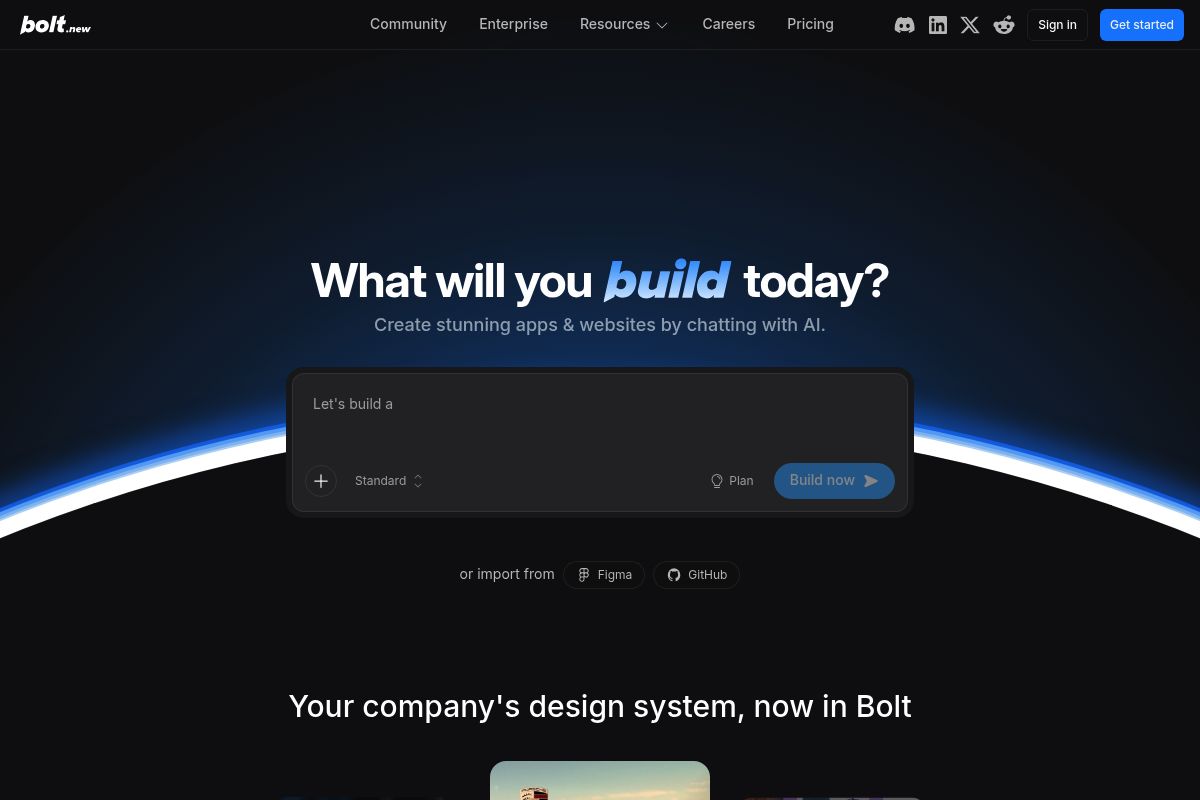
Bolt.new by StackBlitz is a browser-based AI app builder that creates full-stack web applications, including Chrome extensions, from natural language prompts. It operates entirely within a browser tab using WebContainers, a novel technology that boots a full Node.js environment directly inside the browser, meaning no cloud servers or Docker containers are involved. This unique architecture provides instant feedback and a zero-latency development experience, making it a strong contender among the best Chrome extension builders for rapid prototyping.
Key Features
- In-Browser WebContainers: A full Node.js runtime operates inside a browser tab, meaning there is absolutely no local setup required to get started.
- Real-Time Prompt-Based Editing: Users can prompt code changes via a chat interface, and the AI implements the changes in real time within the development environment.
- Wide Integration Support: Bolt.new supports various JavaScript frameworks and integrates with essential developer tools like Figma, Supabase, Stripe, Netlify, GitHub, and Expo.
- Massive User Base: With over 4 million monthly visits, Bolt.new has become one of the most popular AI app builders, particularly for web developers who need rapid prototyping with production-quality output.
- Team Templates: For users on the Teams plan, Bolt offers team templates, which are reusable project setups that your team can create, share, and build from. This feature streamlines development by allowing a team admin to save a project as a template, making it available across the entire workspace so members don't have to start from scratch.
- Token-Based Pricing: Bolt provides a functional free plan with 1M tokens/month, a Pro plan at $25/month with 10M tokens, and a Teams plan at $30/member/month for collaborative projects.
Best For
Ideal for developers and technical founders who want to rapidly prototype Chrome extensions alongside full web apps in a single, browser-based workspace. The free plan (1M tokens/month) is genuinely functional for experimentation, while the Pro plan at $25/month suits teams building consistently. In our PlugThis evaluation, we found it is less suited to pure non-coders, since Bolt still benefits from basic JavaScript familiarity when debugging or making manual adjustments.
Pros and Cons
- Pro: The entire development environment runs in the browser, meaning there is zero local setup or configuration needed.
- Pro: Key integrations with services like Stripe, GitHub, Supabase, and Netlify are built directly into the platform.
- Pro: The platform is supported by a strong community of over 4 million monthly users and offers extensive templates to start from.
- Con: Bolt's pricing model is heavily tied to token usage, and token consumption during debugging can be unpredictable. The free plan includes 1 million monthly tokens, while paid plans start at 10 million tokens per month.
- Con: It is not purpose-built for Chrome extensions but is a general web app builder that can be directed toward extension development via prompts.
Rating: 8.5/10
Key Takeaway: Bolt.new is an excellent choice for developers who prioritize speed and a zero-setup environment, as its in-browser WebContainers technology allows for instant prototyping of full-stack applications and Chrome extensions directly from text prompts. For teams already invested in full-stack app development, Lovable.dev offers similar capabilities with a different scaling approach.
4. Lovable.dev — Best for AI Full-Stack App Builders Exploring Chrome Extension Scaffolding
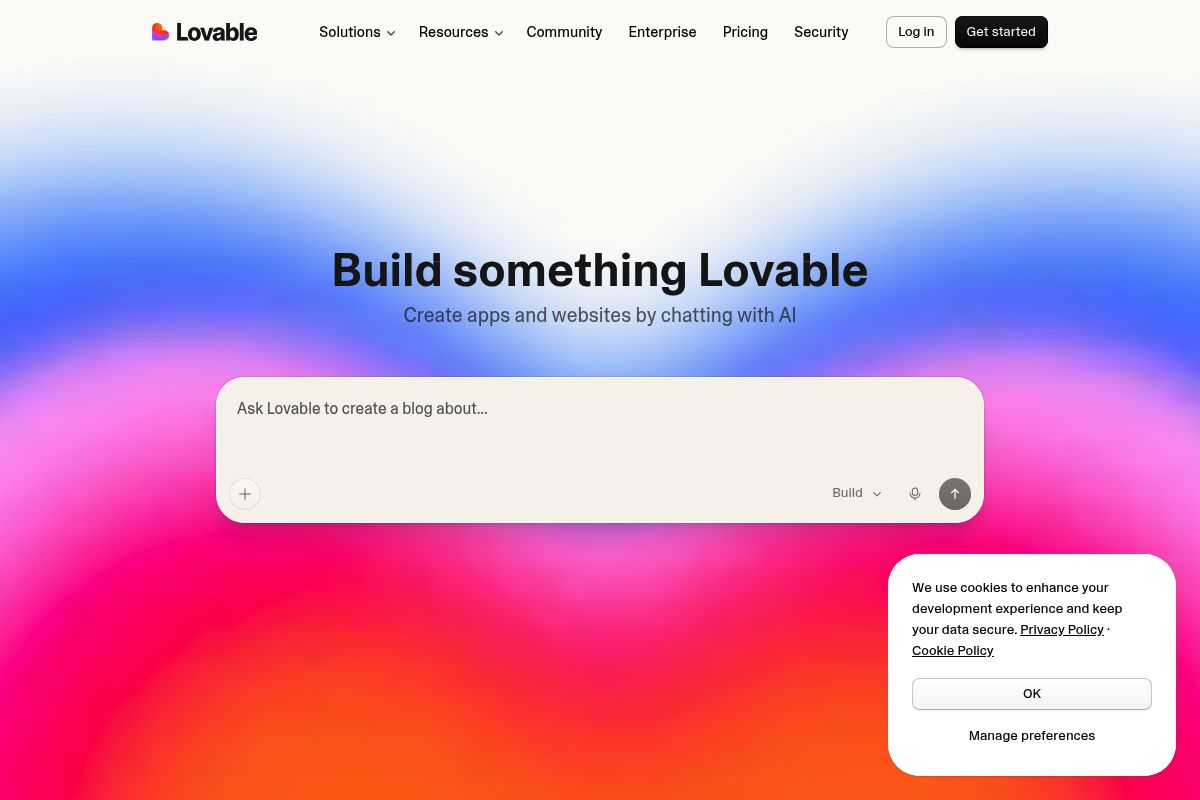
Lovable.dev is an AI-powered web app builder that translates plain language descriptions into functional React applications with a Supabase backend. While its primary function is full-stack app generation, its active community has demonstrated its capability for scaffolding Chrome extensions, making it a versatile, if indirect, option among the best Chrome extension builders.
Hailing from Sweden, the platform has become one of the fastest-growing AI development tools, achieving a remarkable milestone of going from zero to $300M ARR in under 12 months, marking one of the fastest ramps in SaaS history. Users simply describe their desired application, and Lovable generates a working app with authentication, a database schema, and deployment in minutes.
Key Features
- Natural Language to Full-Stack App: The platform uses natural language processing to translate your ideas into functional code, handles database integration through Supabase, an open-source Firebase alternative, and manages deployment automatically.
- React and TypeScript Output: Lovable.dev generates production-grade code using React, a popular JavaScript library for building user interfaces, and TypeScript, a superset of JavaScript that adds static typing, while automatically handling infrastructure.
- GitHub Integration: The platform includes integration with GitHub, a web-based platform for version control, allowing for a complete version history and the ability to edit code locally.
- Visual Editor: It offers a Figma-like editing experience for making instant visual tweaks to sizes, colors, and elements without needing to write a new AI prompt.
- Massive Platform Scale: As of mid-2026, Lovable.dev boasts impressive metrics, including over 8M+ registered users, a $6.6B valuation, and was named one of TIME's most influential companies of 2026.
- Credit-Based Pricing: The pricing model is credit-based, with the Pro plan starting at $25/month for 100 monthly credits. The Business plan begins at $50/month and includes additional team features like SSO (Single Sign-On), an authentication scheme for secure enterprise logins, and the option for data opt-out.
Best For
Lovable.dev is ideal for non-technical founders who want to build full-stack web apps and may also want to create companion Chrome extensions using the same AI-driven workflow. As observed by our team at PlugThis, this dual-use capability is increasingly valuable for startups. The Pro plan at $25/month serves as the entry point for serious building, but users should note that Lovable's Chrome extension support is community-driven rather than native—the platform excels at web apps first and extensions second.
Pros and Cons
- Pro: It stands as one of the most capable AI app builders on the market, supported by a massive 8M+ user community.
- Pro: The tool generates production-grade React/TypeScript code with a real Supabase backend, not just a prototype.
- Pro: An active community successfully building Chrome extensions with Lovable demonstrates its real-world viability for extension scaffolding.
- Con: Lovable's pricing may feel affordable upfront, but costs can become unpredictable, as credits are tied to prompt complexity, not just volume.
- Con: The platform is not purpose-built for Chrome extensions, meaning that MV3-specific architecture requires extra prompting guidance from the user.
Rating: 8.3/10
Key Takeaway: Lovable.dev is a top-tier AI tool for generating full-stack web applications that can also be prompted to build Chrome extensions, though it is not a purpose-built extension builder and may require more specific guidance for MV3 architecture. When speed and simplicity are your priorities, Kromio.ai offers a more streamlined no-code path.
5. Kromio.ai — Best for No-Code Chrome Extension Generation from Plain English
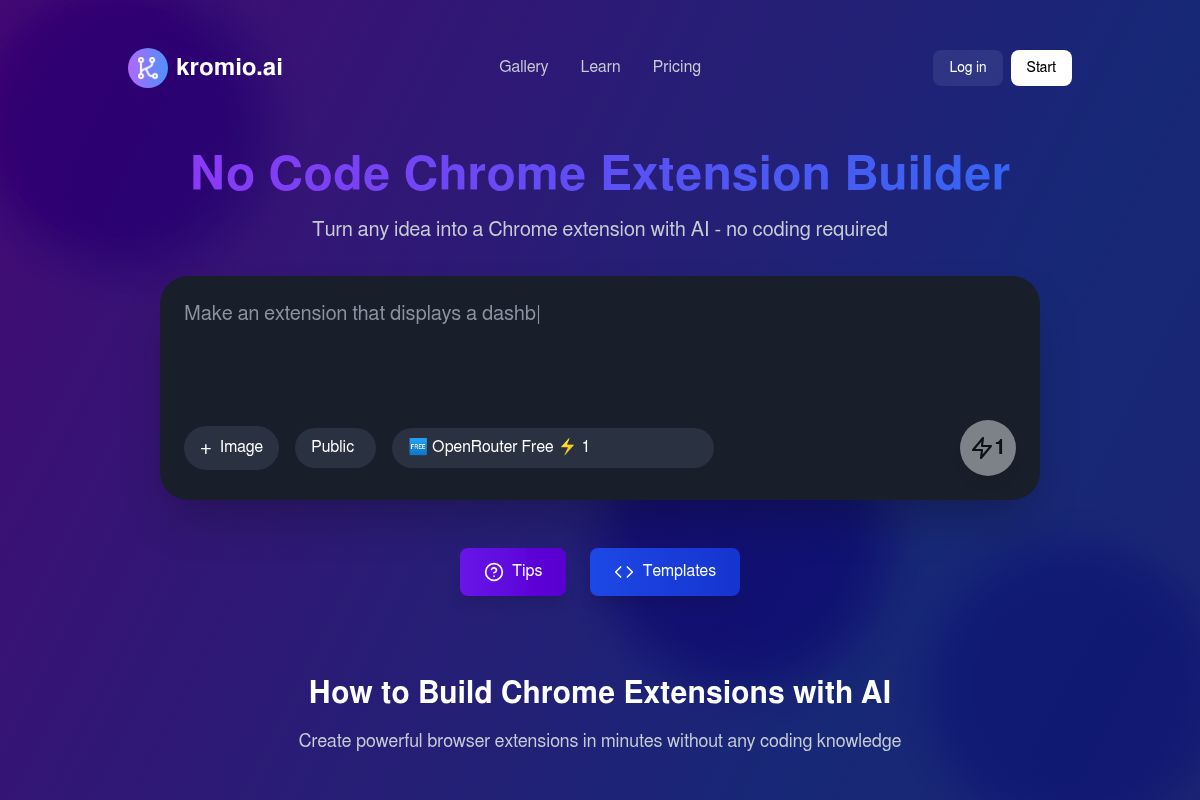
Kromio.ai is an AI-powered platform built specifically for creating Chrome extensions without any coding requirement. Users can describe what they want in plain English, and the AI automatically generates a fully functional extension, positioning it as one of the best Chrome extension builders for non-technical users.
Kromio's intelligent builder handles all of the complex setup, including the manifest file, which is a required configuration file for any extension. It also manages JavaScript logic, popup UI, and permissions, making the entire creation process as simple as typing an idea. Once generated, users can download their extension instantly and load it directly into Chrome for immediate use.
Key Features
- Natural Language Extension Generation: Kromio.ai is a revolutionary platform that enables users to generate, revise, and download professional browser extensions in minutes without any coding experience needed.
- Smart Templates: The platform simplifies the development process by enabling users to describe their extension ideas or select from over 20 pre-built templates as a starting point.
- Revise and Iterate: Kromio doesn't stop at initial generation. It also includes a "Revise Extension" feature that lets users make unlimited updates and improvements to their projects over time.
- Manifest Abstraction: Kromio abstracts away the complexity of Chrome's manifest configuration, permission declarations, and background execution. This significantly reduces errors related to misconfigured permissions and ensures extensions comply with Chrome Web Store requirements.
- Preview Before Download: Before deployment, users can test extensions in real browser sessions. The integrated preview system allows for the refinement of rules and actions without the need for repeated packaging or submission steps.
- Freemium Pricing: The service offers a flexible subscription model ranging between $10 and $39 per month, plus a free version with limited functionality for initial testing.
Best For
This tool is ideal for operations teams, marketers, growth managers, and startup founders who need predictable browser automation without learning Chrome APIs, which are the interfaces used to extend browser functionality. The PlugThis team finds its freemium entry point with paid plans from $10/month makes it highly accessible for early-stage teams validating extension ideas before committing to a more powerful platform.
Pros and Cons
- Pro: Purpose-built for Chrome extension generation with a helpful template library and a clear revision workflow.
- Pro: Privacy-focused design ensures no user data collection and maintains open code transparency for security.
- Pro: Accessible freemium pricing model is perfect for idea validation and low-risk experimentation.
- Con: Unlike more advanced AI-driven builders, Kromio excels at workflows that must behave the same way every time. This makes it less suitable for extensions requiring contextual AI reasoning or dynamic decision-making.
- Con: The platform does not include a backend or server-side infrastructure, meaning all extensions are client-side only and cannot store or process data on a remote server.
Key Takeaway: Kromio.ai excels at empowering non-technical users to generate, revise, and deploy rule-based Chrome extensions using plain English prompts, offering a freemium model that is ideal for validating ideas without initial investment. For more on this topic, see the manifest-v3-explained guide. When you need the absolute fastest generation time, ChilledSites takes a different approach with its 60-second turnaround.
6. ChilledSites — Best Chrome Extension Builder for Ultra-Fast MV3 Code Generation
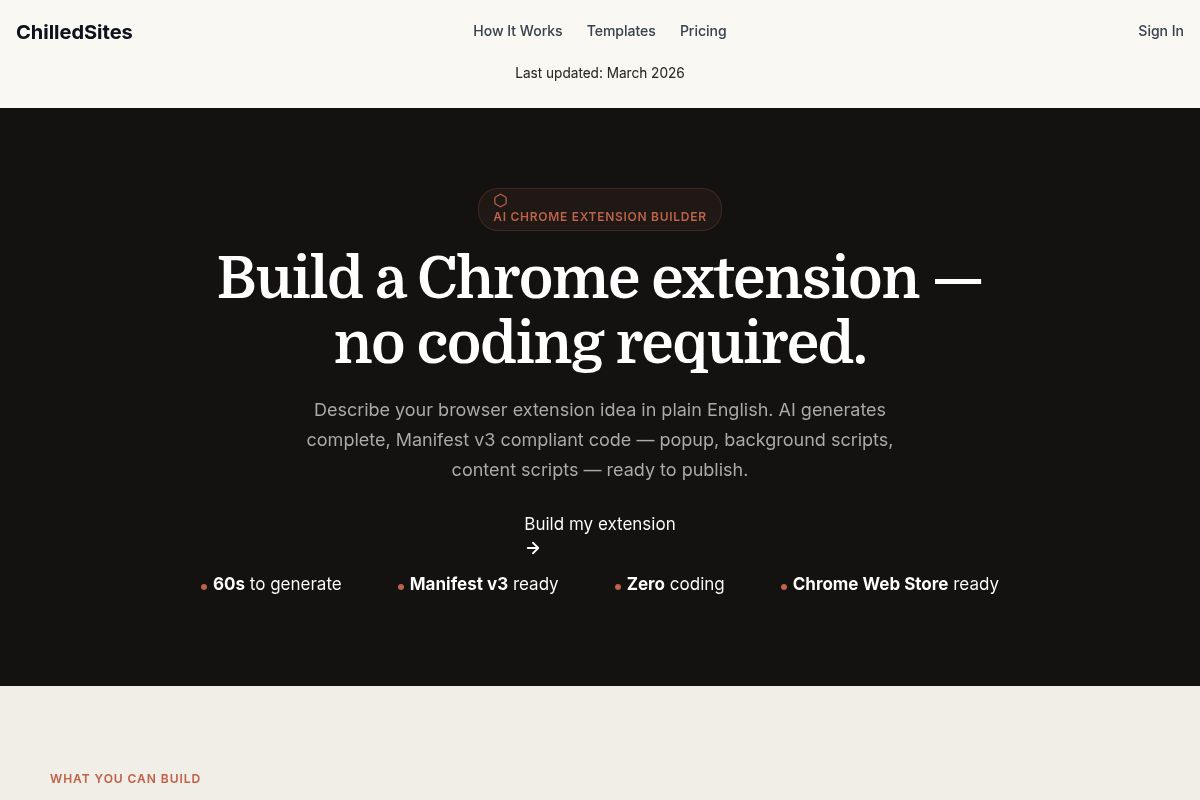
ChilledSites is an AI Chrome extension builder designed for rapid code generation, making it ideal for founders and developers who need clean code from a single text prompt. It is one of the best Chrome extension builders for speed because it generates complete Manifest V3 extension code — including popup HTML, background scripts, and content scripts — from a plain English description in under 60 seconds. Manifest V3 (MV3) is the latest standard for Chrome extensions, designed by Google to enhance browser security, privacy, and performance.
Key Features
- 60-Second Generation: In under 60 seconds, the AI writes your manifest.json, background service worker, popup HTML/CSS, and content scripts — all fully Manifest V3 compliant.
- Complete MV3 Output: The AI generates a complete, downloadable package with Manifest V3 compliant code, including the popup, background scripts, and content scripts, making it ready to publish to the Chrome Web Store.
- Wide Extension Type Coverage: The platform supports a broad range of extension types, from e-commerce tools like price trackers, coupon finders, deal alerts, and cashback tools to developer utilities like JSON formatters, API testers, color pickers, and CSS inspectors.
- Background Script Logic: ChilledSites correctly implements background logic using service workers, alarms, and events, ensuring your extension operates efficiently without draining the browser's battery or memory.
- No Prior Experience Needed: Users need no prior experience with browser extension development to get started. You simply describe the extension you want in plain English, and the AI handles the coding.
- Flat Pricing: The service offers straightforward pricing that includes hosting, custom domains, analytics, contact forms, and CRM sync, with plans starting from approximately $11/month.
Best For
ChilledSites is ideal for founders and developers who want the fastest path to downloadable Manifest V3 code without the complexity of a larger platform. It is best suited for simple-to-medium complexity extensions where the speed of generation is more critical than backend infrastructure or the advanced iterative features found in tools like PlugThis. A free tier is available for testing the platform's capabilities.
Pros and Cons
- Pro: Fastest generation time tested — complete MV3 code in under 60 seconds
- Pro: Simple, honest pricing with no hidden credit systems
- Pro: Good for a wide range of common extension types
- Con: No backend infrastructure — client-side extensions only
- Con: Less iterative refinement capability compared to PlugThis or Emergent
Rating: 7.5/10
Key Takeaway: ChilledSites stands out as the premier choice for speed, generating complete, client-side Manifest V3 Chrome extensions from a text prompt in less than a minute, which makes it an excellent tool for rapid prototyping and creating simple, functional browser tools. For developers who want AI assistance within their existing workflow, Cursor provides a different approach entirely.
7. Cursor — Best for Developers Who Want AI-Assisted Extension Development Inside a Full IDE
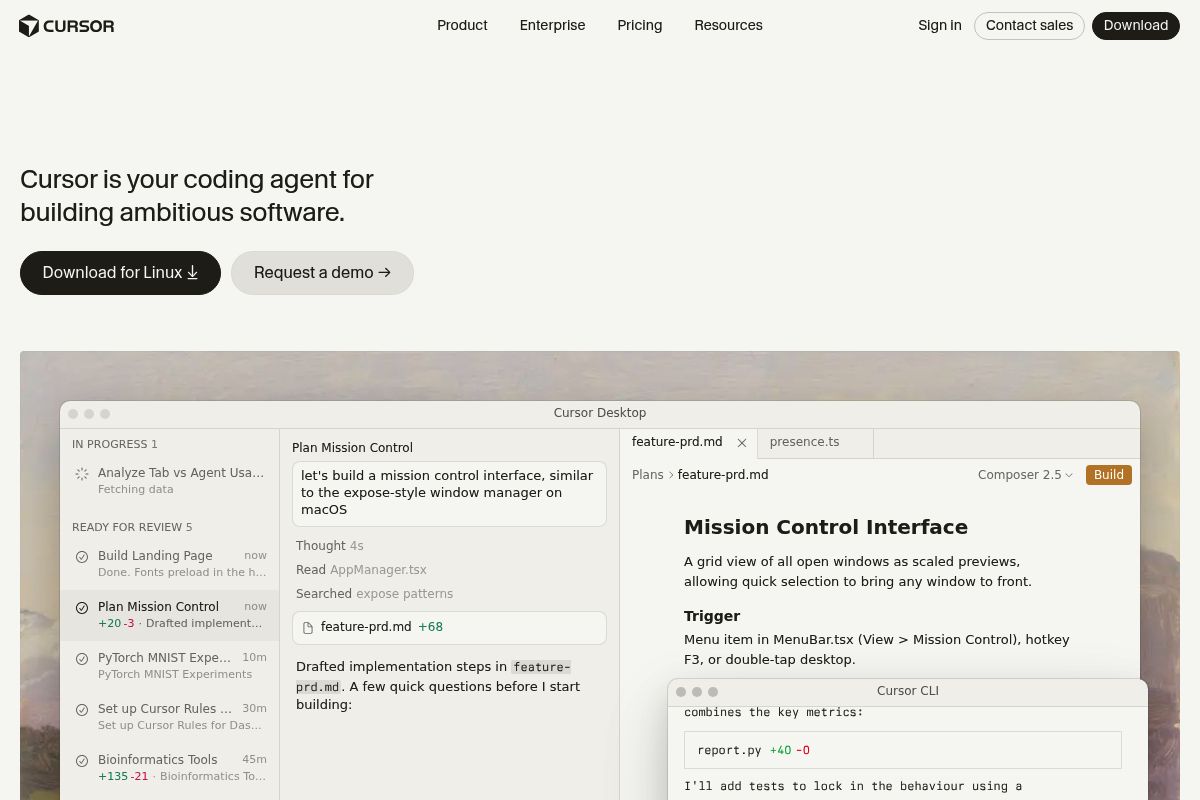
Cursor is an AI-native code editor built on a VS Code fork, which is a separate version of the popular Visual Studio Code editor, that integrates frontier AI models like Claude, GPT, Gemini, and DeepSeek directly into the development workflow. While not a dedicated Chrome extension builder, it is one of the most powerful AI coding tools for developers who need maximum control and speed when writing extension code.
Key Features
- Multi-Model AI Access: Cursor gives you a full visual editor with inline diffs, multi-file previews, and a model router that lets you switch between Claude, GPT, Gemini, and DeepSeek per task.
- Agent Mode: Agent mode is an autonomous feature that allows the AI to make multi-file changes, while Background Agents work as you do other things, and Cloud Agents run tasks without tying up your local machine.
- Tab Completion: Tab Completion is a predictive feature that suggests your next edit based on recent changes, which is particularly useful for repetitive manifest and content script patterns.
- VS Code Compatibility: Unlike GitHub Copilot, which adds AI to your existing editor as a plugin, Cursor rebuilt the editor around AI. The VS Code foundation means your extensions, themes, and keybindings carry over, so the transition feels familiar and seamless.
- Credit-Based Pricing: The pricing model includes several tiers. Pro: $20/month ($16 annual). Pro+: $60/month ($48 annual). Teams: $40/user/month ($32 annual).
- Large Community: The r/cursor community of over 180,000 members consistently rates it as the most productive AI coding tool available.
Best For
Ideal for technical founders and experienced developers who want the best AI-assisted development environment for building Chrome extensions with full code control. This focus on professional developers makes it a top contender among the best Chrome extension builders for those who write their own code. The Pro plan at $20/month gives developers unlimited Tab completions and access to frontier models, and it pairs exceptionally well with the WXT or Plasmo frameworks for a complete developer-grade extension workflow, a combination PlugThis often recommends for high-performance teams.
Pros and Cons
- Pro: The most capable AI coding IDE for developers who want fine-grained control over extension code
- Pro: Multi-model access lets you pick the right AI for each task
- Pro: Full VS Code ecosystem compatibility — all your extensions and keybindings work
- Con: Requires coding knowledge — not suitable for non-technical founders
- Con: Poor communication around the June 2025 pricing change led to widespread community backlash, as developers who had budgeted for "unlimited" suddenly saw unexpected overage bills.
Rating: 8.2/10
Key Takeaway: Cursor is a premier AI-native IDE for experienced developers building Chrome extensions, offering unparalleled coding assistance and multi-model flexibility within a familiar VS Code environment. It is not a no-code tool and requires programming expertise for effective use. For teams seeking a more structured framework approach, WXT provides excellent open-source tooling.
8. WXT Framework — Best for Developers Building Cross-Browser Production Extensions
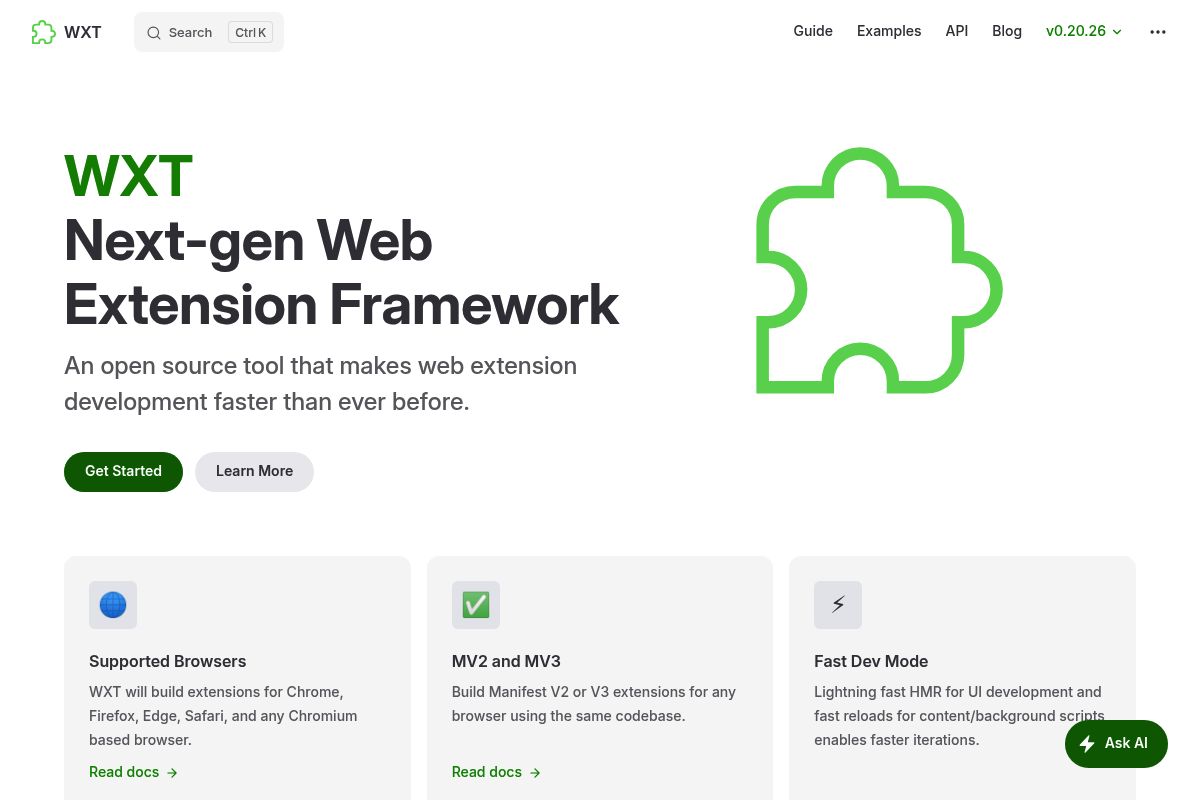
WXT (Web Extension Toolkit) is an open-source framework considered the leading choice for developers building modern, cross-browser extensions. Its superior developer experience, robust feature set, and active maintenance make it one of the best Chrome extension builders for engineering-led teams.
WXT's leadership position among developer tools is founded on its framework-agnostic architecture, which provides broad compatibility with tools like Vue, Svelte, and SolidJS. This flexibility, combined with a track record of reliable open-source maintenance, makes it a top contender for professional Chrome extension development for startups.
Key Features
- Cross-Browser Compatibility: WXT builds extensions for Chrome, Firefox, Edge, Safari, and any Chromium-based browser, ensuring your extensions have the broadest possible reach from a single codebase.
- Superior Hot Module Replacement: WXT provides incredibly fast hot module replacement, a feature that allows developers to update code modules in a running application without a full reload. This is especially effective even for Background Service Workers, which are scripts the browser runs in the background, and are traditionally hard to reload without breaking.
- Framework Agnostic: Whether you prefer the Vue 3 Composition API, Svelte, or even SolidJS, WXT treats them all as first-class citizens, offering unparalleled flexibility.
- Auto-Imports: Much like Nuxt.js, WXT automatically imports browser APIs and your own utility functions, significantly reducing boilerplate code and speeding up development.
- Automated Publishing: WXT automates the zipping, uploading, submitting, and publishing processes, making it effortless to ship to the Chrome Web Store and other marketplaces.
- Free and Open Source: WXT is a MIT-licensed open source project with its ongoing development made possible entirely by the support of its community backers.
Best For
Ideal for developers and engineering-led startup teams who need maximum flexibility, cross-browser compatibility, and a fully maintained open-source framework. Our PlugThis review finds it is best for developers who use frameworks other than React or prioritize build speed and performance. Completely free to use — costs are zero unless you need commercial support.
Pros and Cons
- Pro: The most actively maintained open-source extension framework in 2026
- Pro: Cross-browser from a single codebase — Chrome, Firefox, Edge, and Safari
- Pro: Completely free under MIT license with no pricing tiers
- Con: Requires strong JavaScript/TypeScript skills — no no-code pathway
- Con: No AI generation — you write the code yourself, just with better tooling
Rating: 8.0/10
Key Takeaway: WXT is the best Chrome extension builder for skilled developers and teams who require a free, open-source, and highly flexible framework for creating cross-browser extensions, especially when not using React. For React developers specifically, Plasmo offers a more opinionated approach with additional platform services.
9. Plasmo Framework — Best for React-Centric Teams Needing CI/CD and Staging Environments
Plasmo is a comprehensive, batteries-included browser extension SDK specifically designed for developers who prefer using React. It functions as an all-in-one platform that simplifies the creation, testing, and publishing of extensions, positioning it among the best Chrome extension builders for teams needing a streamlined, declarative workflow.
By providing a highly opinionated framework, Plasmo allows developers to bypass tedious boilerplate code and accelerate their development process. The philosophy behind the Plasmo Framework is to deliver the ultimate Browser Extension SDK, creating a more seamless and efficient experience from start to finish.
Key Features
- React-First Philosophy: Plasmo is a powerful, highly-opinionated framework that offers an excellent initial developer experience, particularly for teams specializing in React. Its "Next.js for extensions" philosophy provides a streamlined, declarative workflow for building complex user interfaces.
- Itero TestBed: Once you've built your extension, you can use the Itero TestBed, which is a powerful staging environment for testing in a real-world context. This feature lets you see how your extension will perform in the wild and allows you to ship directly to your beta testers without a review process holding you back.
- Browser Platform Publisher (BPP): The Browser Platform Publisher (BPP) is an open-source GitHub Action that automates the process of deploying an extension to the Chrome, Firefox, and Edge web stores, significantly streamlining the release cycle.
- Hot Module Replacement: Hot Module Replacement is a feature that allows developers to see real-time updates without the need to reload the extension. This capability greatly enhances productivity and speeds up the iterative development process.
- Cross-Browser Support: Plasmo is designed to ensure that extensions are compatible across multiple browsers. This built-in support reduces the need for redundant, browser-specific code and simplifies maintenance.
- Pricing Tiers: Plasmo offers several pricing plans to accommodate different needs, including two main paid tiers: Starter at $30/month and Pro at $65/month. For those just starting out, Plasmo also provides a free plan with limited features.
Best For
Among the best Chrome extension builders, Plasmo is ideal for React developer teams building production-level Chrome extensions who need CI/CD pipeline integration, a beta-testing staging environment (Itero TestBed), and automated store publishing. The Starter plan at $30/month is required to unlock the staging infrastructure. Note that community signals indicate reduced maintenance velocity in 2025–2026 — the team at PlugThis advises evaluating WXT as an alternative before committing.
Pros and Cons
- Pro: Provides an excellent staging environment (Itero TestBed) for QA without going through the lengthy Chrome Web Store review process.
- Pro: Includes React CSUI, a feature for injecting components into web pages with automatic Shadow DOM isolation, preventing style conflicts.
- Pro: The project's 12,900+ GitHub stars indicate strong historical developer adoption and a once-thriving community.
- Con: Despite its impressive feature set, the long-term viability of the Plasmo framework is a significant concern, as evidence suggests the project is not being actively maintained at a level required for a production-critical tool.
- Con: The most valuable features, particularly the Itero TestBed for staging and testing, require paid tiers to access.
Rating: 7.3/10
Key Takeaway: Plasmo excels for React-focused teams due to its powerful staging environment (Itero TestBed) and automated deployment features, but potential users should be aware of community concerns regarding its long-term maintenance velocity before committing to it for production use. For individuals focused on personal productivity rather than distribution, Manus provides a specialized solution.
10. Manus — Best for Personal Browser Automation and AI-Powered Extension Prototyping

Manus is an AI-powered Chrome extension builder that allows users to create intelligent browser tools using natural language prompts instead of traditional code. It excels at building extensions for personal productivity and research that can read webpages, extract information, and automate actions directly in the browser. As of 2026, Manus is a leading choice for individuals seeking to bridge prompt-driven AI workflows with practical browser automation, making it a unique contender in the PlugThis review of the best Chrome extension builders.
The platform focuses heavily on productivity, research, and personal automation use cases rather than deep system-level browser control. This makes it an accessible tool for users who want to leverage AI for their own workflows without the steep learning curve of extension development.
Key Features
- AI-Native Extension Behaviors: Extensions built with Manus can utilize AI-native extension behaviors, which are pre-built capabilities that allow the tool to summarize content, extract structured data, and trigger contextual AI actions on any webpage without custom coding.
- Prompt-Driven Workflow: The tool operates on a prompt-driven workflow, a process where users describe the desired extension's functionality in natural language. This approach is highly effective for extensions that modify webpage content, automate repetitive tasks, extract specific information, or customize a browsing experience. Common examples include tools that scrape data from pages, automate form filling, create custom search tools, or block unwanted content, though very complex extensions may still require traditional development.
- Daily Free Credits: Manus provides daily free credits that allow new users to experiment with the platform without a financial commitment. For users who require more extensive capabilities, Manus also offers different subscription plans to unlock higher usage limits.
- Target Audience: The platform is primarily designed for a non-technical target audience of founders, researchers, and marketers. These users benefit from fast iteration and AI-powered behaviors inside Chrome without needing to understand complex concepts like manifests, service workers, or the Chrome API.
- Natural Language First: The development philosophy is natural language first, meaning that if a user can clearly and logically describe the desired automation or browser modification, there is a high probability that the platform can build it.
Best For
Manus is ideal for researchers, marketers, and individual founders who need to build AI-powered browser automation tools for personal use. It is particularly valuable for those who want to avoid the complexities of building a distributable SaaS extension and instead focus on rapid prototyping for internal or individual productivity tasks.
A key consideration is that extensions created with Manus are currently designed primarily for an individual's personal use. The team has indicated that capabilities for sharing and distributing extensions to a wider audience are planned for future updates.
Pros and Cons
- Pro: Strong AI-native behaviors for content extraction, summarization, and page automation.
- Pro: Daily free credits make it highly accessible for experimentation without commitment.
- Pro: Very low barrier to entry for creating personal productivity extensions.
- Con: As of 2026, extensions are primarily for personal use, with limited sharing and distribution capabilities.
- Con: Manus trades low-level flexibility for speed and AI-native workflows, making it less suitable for complex, production-grade extensions that require deep browser API access.
Key Takeaway: Manus is the ideal tool for individuals who need to quickly prototype and deploy AI-powered browser extensions for personal automation and research, offering a prompt-first approach that bypasses traditional coding complexities.
Rating: 7.2/10