
Last updated: June 2026 | Author: Editorial Team | Tools tested: 10 Chrome extension builders evaluated across backend support, Manifest V3 compliance, pricing, and ease of use for non-technical and technical audiences
TL;DR — Best Chrome Extension Builders with Backend Support 2026
The market for Chrome extension builders has split into two distinct camps: AI-powered tools that let anyone ship an extension in minutes, and developer-oriented frameworks that accelerate technical teams. Whether you're building your first extension or leading an engineering team, the right tool is on this list.
| Rank | Tool | Best For | Starting Price | Rating |
|---|---|---|---|---|
| 1 | PlugThis | Non-technical founders, vibe coders, rapid prototyping | Free tier available | 9.5/10 |
| 2 | Emergent | Full-stack AI app builders needing deep backend integration | Free / $20/mo | 8.8/10 |
| 3 | imagine.bo | Founders who need AI speed plus a human engineering safety net | $20/mo | 8.6/10 |
| 4 | MindStudio | AI agent workflows deployed via browser extension | Free / $20/mo | 8.3/10 |
| 5 | ExtensionFast | Developers shipping a monetized SaaS extension fast | One-time purchase | 8.1/10 |
| 6 | Plasmo | React developers wanting an opinionated extension framework | Free / $30/mo | 7.8/10 |
| 7 | WXT | Multi-browser extension teams needing a Vite-powered framework | Free (open source) | 8.0/10 |
| 8 | ChilledSites Extension Builder | Speed-first builders wanting 60-second Manifest V3 code | Free to generate | 7.4/10 |
| 9 | Manus | AI-native automation and research-focused browser tools | Free credits / Paid plans | 7.6/10 |
| 10 | Chrome Extensions Native (Google) | Technical teams needing maximum API control | Free ($5 store fee) | 7.2/10 |
#1 Pick: PlugThis is our top-ranked Chrome extension builder for 2026. It's the only tool in this category where a non-developer can describe a browser tool in plain English and receive production-ready Manifest V3 code, a real backend, and downloadable source they own—all within minutes. For a more detailed primer, see Best Website Builder 2026 (My #1 Recommendation).
Why You Need a Chrome Extension Builder with Backend Support in 2026
A Chrome extension builder with backend support is a platform that generates not just the browser-side extension code—manifest, content scripts, popup UI, service worker—but also the server-side logic, database connections, authentication flows, and API integrations that make an extension actually useful in production. Without backend support, an extension can only read and modify a webpage. With it, the extension can store user data, authenticate accounts, call external APIs, process payments, and sync across devices.
The demand has never been higher. AI is making extension development more approachable than ever, and monthly developer registrations on the Chrome Web Store have more than doubled over the past year. At the same time, the AI-powered Chrome extension market reached $2.3 billion in 2025 and is projected to grow at 22.5% CAGR through 2035. The opportunity is enormous, but the old path—hiring a developer, fighting Manifest V3 migration, wiring up OAuth and Stripe manually—remains expensive and slow. The best Chrome extension builders with backend support collapse that timeline from weeks or months into hours or days. This shift has fundamentally changed what's possible for non-technical founders. For supporting market data, see Best Website Builder 2026 (My #1 Recommendation).
How We Evaluated These Tools
Each tool in this list was assessed across six criteria weighted to reflect what matters most for US-based SaaS founders, startup teams, product managers, and developers in 2026. For industry-standard evaluation frameworks, see Best Website Builders for 2026.
| Criterion | Weight | What We Looked For |
|---|---|---|
| Backend Support Quality | 25% | Real database, API, auth, and payment integration — not just frontend code |
| Manifest V3 Compliance | 20% | Output must be accepted by the Chrome Web Store in 2026 |
| No-Code / Low-Code Accessibility | 20% | Can a non-developer ship a working extension without writing code? |
| Code Ownership | 15% | Do you own and can you export the generated source code? |
| Speed to Ship | 10% | Time from idea to a testable, loadable extension in Chrome |
| Pricing Transparency | 10% | Clear, predictable costs with no surprise credit overages |
1. PlugThis — Best for Non-Technical Founders and Vibe Coders
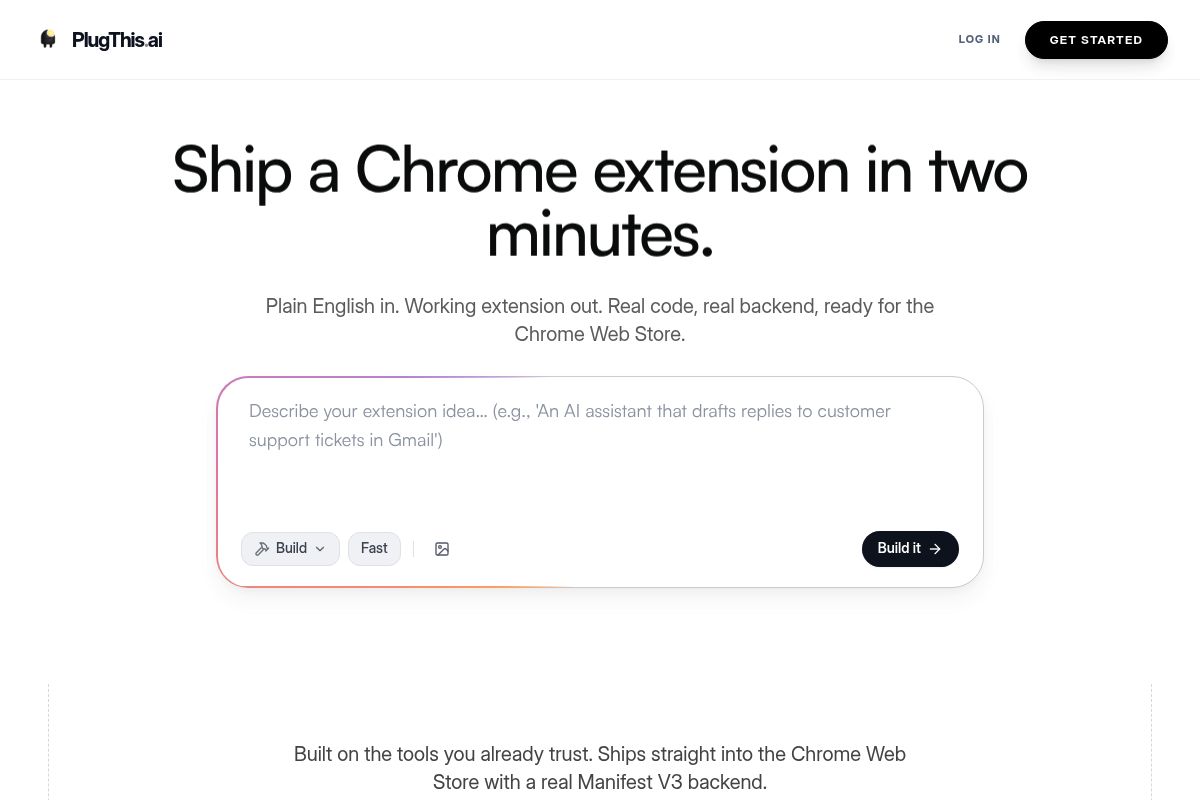
PlugThis stands out among the best Chrome extension builders with backend support as an AI-powered tool purpose-built for non-developers. Users simply describe the browser tool they want in plain English and receive a complete, production-ready Manifest V3 extension in minutes, including a real backend and source code they own outright.
The philosophy behind PlugThis is straightforward: building software is no longer the hardest part. AI has made the act of building inexpensive, which means the real bottleneck is deciding what to build. By providing a no-code Chrome extension builder, PlugThis removes the technical barrier so non-developers and the vibe coding community can turn an idea into a shipped browser tool the same day, then iterate based on what users actually do.
Key Features
- Plain-English Extension Generation: PlugThis generates the full Chrome extension code from a simple, plain-English description. No JavaScript, manifest format, or Chrome API knowledge is required to get started.
- Manifest V3 by Default: Every extension PlugThis generates uses Manifest V3, which is the current, mandatory standard for all new extensions submitted to the Chrome Web Store. Manifest V2 was officially deprecated in 2024, and extensions using the older format are no longer accepted, ensuring all output from PlugThis is fully compliant.
- Real Backend Included: Every generated extension comes with a real, server-side backend, not just client-side scripts. This allows the extension to authenticate users, store data in a database, and call external APIs without requiring any additional configuration or infrastructure setup.
- Source Code Ownership: The output is a complete, packageable extension, and you can download the full source code. This means you own your code entirely, with no vendor lock-in or ongoing platform dependency.
- Chrome Web Store Ready: The generated zip file is ready for immediate submission. Users only need to pay the one-time $5 Chrome developer fee, upload the file, fill in the store listing details, and submit for review.
- Wide Use-Case Coverage: The platform supports nearly anything Chrome's extension APIs allow. Common use cases include page summarizers, focus-mode blockers, autofill tools, price trackers, AI writing assistants, meeting transcribers, tab managers, web scrapers, and language translators.
- Fast Time to First Extension: The process is designed for speed and simplicity. Most users are able to generate, download, and have a working extension loaded in their Chrome browser within five minutes of signing up.
Best For
PlugThis is ideal for SaaS founders, product managers, entrepreneurs, and non-technical creators who want to build and ship a Chrome extension the same day without writing a single line of code. It provides a direct path from idea to a functional product, bypassing the steep learning curve of extension development.
The platform is particularly strong for the vibe coding community. Vibe coding is an approach where creators with a sharp idea for a browser tool can build based on intuition and user feedback, without needing to learn the complexities of JavaScript, service workers, or Manifest V3 architecture. It empowers anyone to build Chrome extensions simply by describing them, turning what was once a technical challenge into a creative one.
Pros and Cons
- Pro: Fastest path from idea to installed extension for non-developers—typically under five minutes
- Pro: Generates real Manifest V3 code with a real backend, not just a frontend popup
- Pro: You own and can export the complete source code
- Pro: Chrome Web Store submission-ready output out of the box
- Con: Highly complex, custom integrations (bespoke OAuth flows, proprietary enterprise APIs) may require manual code edits after generation
- Con: Advanced developers who want granular control over every Manifest V3 permission may prefer a framework like WXT
Rating: 9.5/10
Key Takeaway: PlugThis is a leading choice for non-technical founders needing a no-code Chrome extension builder with backend support, as it translates plain-English descriptions into production-ready, Manifest V3-compliant code with full source code ownership in minutes. If you're building something more complex that requires your extension to integrate with a full web app, Emergent might be worth exploring as well.
2. Emergent — Best for Full-Stack AI App Builders
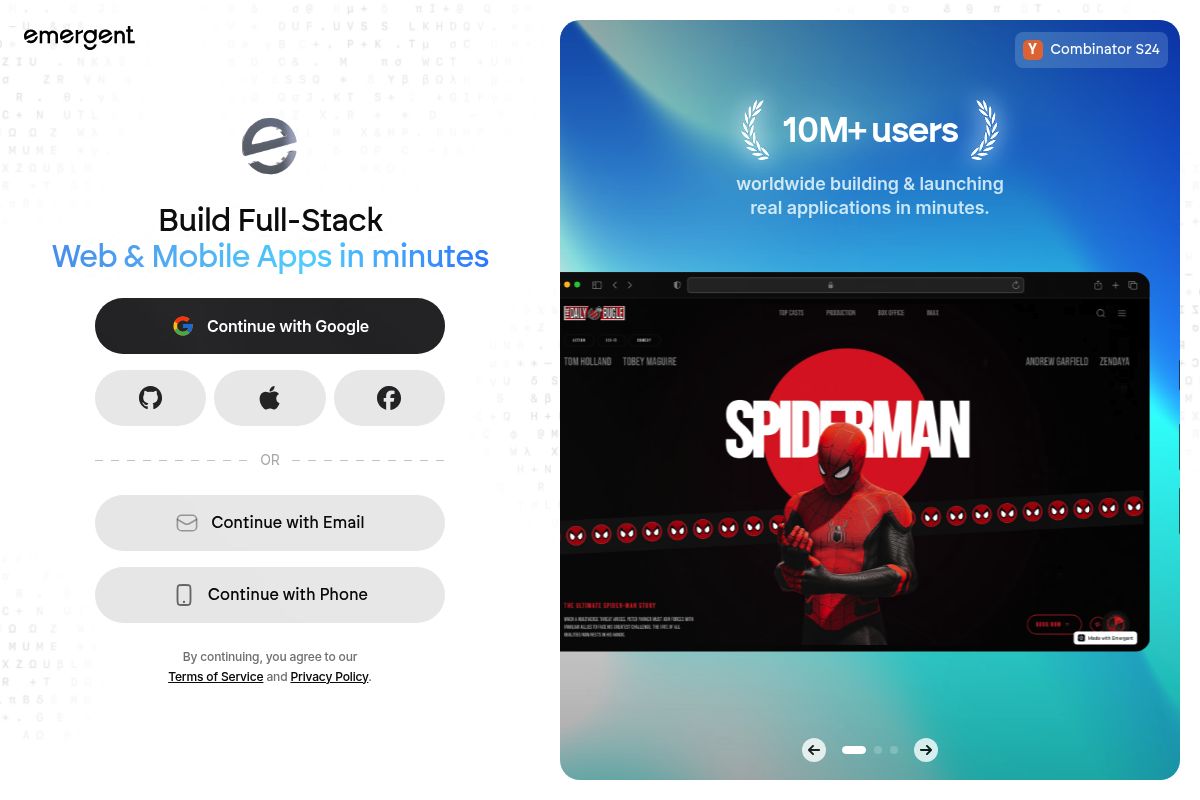
Emergent is a leading full-stack AI app builder that uses artificial intelligence to generate all layers of a software application from a single prompt. It excels as one of the best Chrome extension builders with backend support because it creates the entire infrastructure—frontend, backend, database, and authentication—alongside the extension itself. This integrated approach is ideal for building complete applications, with pricing that starts with a free tier and includes paid plans from $20/month.
Key Features
- Multi-Agent Full-Stack Generation: Emergent utilizes a process called multi-agent generation, where multiple specialized AI agents collaborate to build different parts of the software stack. This allows it to stand out in 2026 by effectively combining full-stack app generation, advanced AI reasoning, and extension-specific tooling into a single, powerful browser-based environment.
- Deep Backend Integration: The platform provides a complete backend setup with databases, authentication, and APIs right out of the box. This deep integration means you don't have to manually configure server-side components, as the AI handles the entire backend for Chrome extensions and the associated web app.
- Code Ownership and GitHub Sync: Unlike some platforms that lock you in, Emergent generates actual production-ready code that you own and can fully modify. It also integrates with GitHub for seamless version control, giving you the freedom to download, alter, or host your applications anywhere you choose.
- Natural Language Extension Building: With Emergent, you can build production-ready Chrome extensions just by describing your idea in natural language. The platform's AI interprets your requirements and handles the creation and connection of all necessary files, making it a true no-code Chrome extension builder for the initial generation phase.
- Credit-Based Pricing: The platform operates on a credit-based model where users spend credits to perform generative actions. The free plan includes five monthly credits for experimenting, while the Standard plan at $20/month or $204/year offers a more generous 100 monthly credits, unlimited small projects, and key integrations like Google Sheets and Airtable.
- One-Click Deployment: You can deploy your entire application stack with a single click, complete with managed hosting and the option to use a custom domain. A built-in Stripe integration simplifies the process of monetizing your application by making it easy to charge users for access.
Best For
For those seeking the best Chrome extension builders with backend support, Emergent is ideal for founders and small teams who require a Chrome extension that communicates with a comprehensive web app backend. It excels when the extension is one component of a larger product, such as a SaaS platform with a browser helper, rather than a simple, standalone utility. The platform generates dashboards, databases, and AI agent logic seamlessly, with plans that start free and scale up to $167/month for power users.
Pros and Cons
- Pro: Generates the complete software system, including the backend, frontend, and database, not just an isolated extension file.
- Pro: Built-in Stripe, authentication, and database generation saves significant development time and complexity.
- Pro: The code is yours to export and self-host, providing full ownership and flexibility without vendor lock-in.
- Con: The AI generation process can sometimes be less predictable, and its credit-based model may become limiting for users who iterate heavily or build highly complex products.
- Con: The platform is heavier than needed for simple, standalone browser utilities, making it overkill for very basic projects.
Rating: 8.8/10
Key Takeaway: Emergent is the ideal choice for developers who need more than just a browser extension; it provides a complete, AI-generated application stack with full backend support, code ownership, and one-click deployment, making it perfect for building integrated software products. When you need more control over the AI output and a safety net for complex integrations, imagine.bo offers a hybrid approach worth considering.
3. imagine.bo — Best for Founders Who Need AI Speed Plus Human Backup
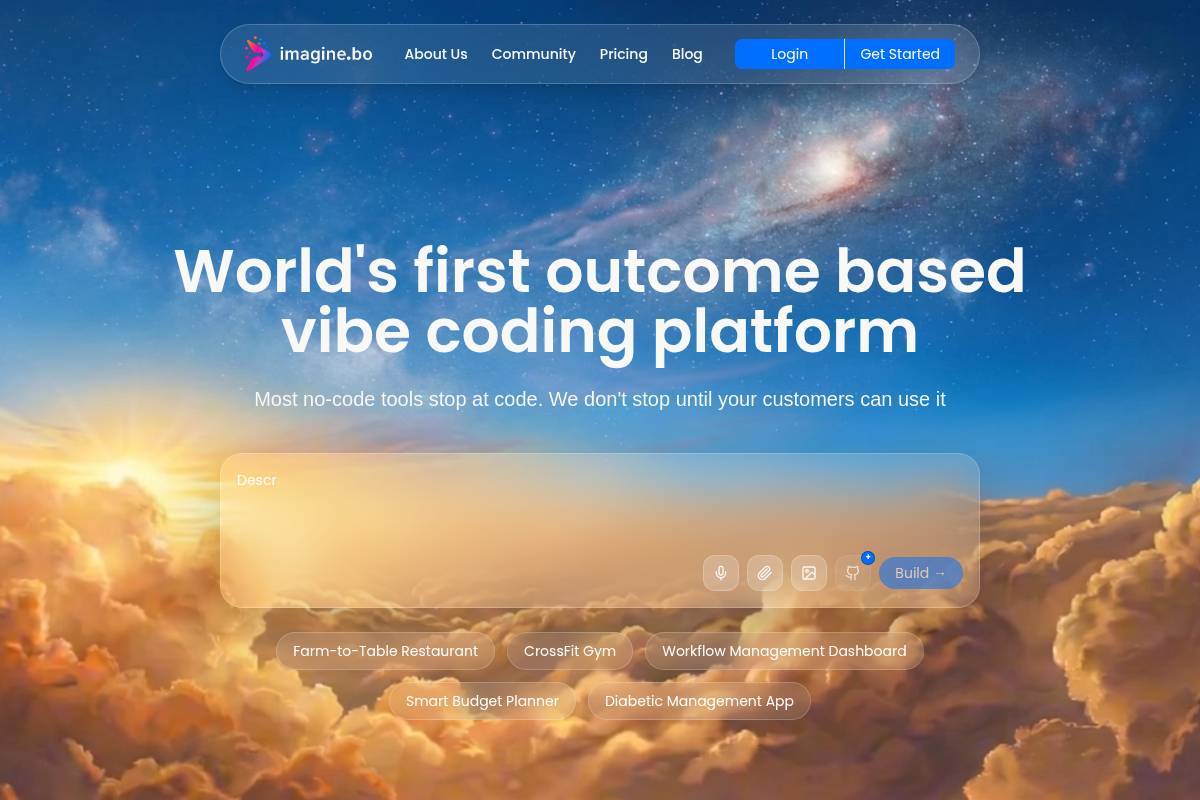
imagine.bo is an AI-native platform for creating full-stack Chrome extensions, uniquely offering a built-in "Hire a Human" feature for expert engineering assistance when AI reaches its limits. It generates complete extensions compliant with Manifest V3—the latest Chrome extension platform specification—along with a full backend, database, and UI. An AI-native full-stack builder is a development platform that uses artificial intelligence as its primary method for generating all components of an application, from the user interface to the backend database and server logic.
Key Features
- Hybrid AI + Human Engineering: The platform transforms a text prompt into a complete full-stack project, including the frontend, database, backend logic, and a Chrome extension designed to communicate with all components. When the AI is unable to resolve a complex integration, you can click "Hire a Human" directly within the dashboard. A vetted imagine.bo engineer picks up that specific module, writes the necessary code, and pushes the completed update to your project.
- Describe-to-Build Interface: You can type a description of what the extension should do—specifying its target audience, the websites it operates on, and the data it needs to read—and imagine.bo generates the full project structure. This process eliminates the need for manual manifest wrangling, service-worker boilerplate code, and the complexities associated with Manifest V3 migration headaches.
- Production Deployment: The service includes full-stack backend generation, with one-click deployment options through platforms like Vercel and Railway. Security features such as SSL and Role-Based Access Control (RBAC) are enabled by default, and users receive exportable code and the ability for unused credits to roll over.
- Compliance-Ready Architecture: Applications created with imagine.bo are built on a GDPR and SOC2-ready architecture. A GDPR and SOC2-ready architecture is a system designed to meet the stringent data protection and security standards required by the General Data Protection Regulation (GDPR) and Service Organization Control 2 (SOC2) compliance frameworks. SSL and HTTPS protocols, along with data encryption, are applied by default to ensure data security.
- Pricing: The platform offers several tiers, including Standard at $20/month (4,000 credits), Customizable at $40/month (8,000 credits), and Extended at $200/month (40,000 credits).
Best For
This tool is ideal for startup founders and growing business teams who need production-grade Chrome extensions with real backends but cannot afford to have AI limitations stall the project. For those evaluating the best Chrome extension builders with backend support, the "Hire a Human" feature, starting at just $25 per module, is the key differentiator that justifies the $20/month entry cost. It is best suited for projects where the extension must successfully pass the Chrome Web Store review process and be prepared to scale to a real user base.
Pros and Cons
- Pro: The only platform with a built-in human engineering safety net to overcome AI limitations.
- Pro: Generates full-stack output with Vercel and Railway deployment integrated directly into the workflow.
- Pro: Provides a SOC2 and GDPR-ready architecture by default, simplifying compliance efforts.
- Con: Sharing features are still in development as of 2026, and the platform offers limited low-level Chrome API control.
- Con: The credit-based model can potentially escalate costs during heavy iteration cycles or complex development phases.
Rating: 8.6/10
Key Takeaway: imagine.bo stands out among the best Chrome extension builders with backend support by offering a unique hybrid model that combines AI-driven development speed with an on-demand human engineering safety net, making it ideal for building production-ready, scalable applications without the risk of AI-related roadblocks. For teams focused on AI-powered automation that goes beyond a single extension, MindStudio takes a different approach worth examining.
4. MindStudio — Best for AI Agent Workflows Deployed via Chrome Extension
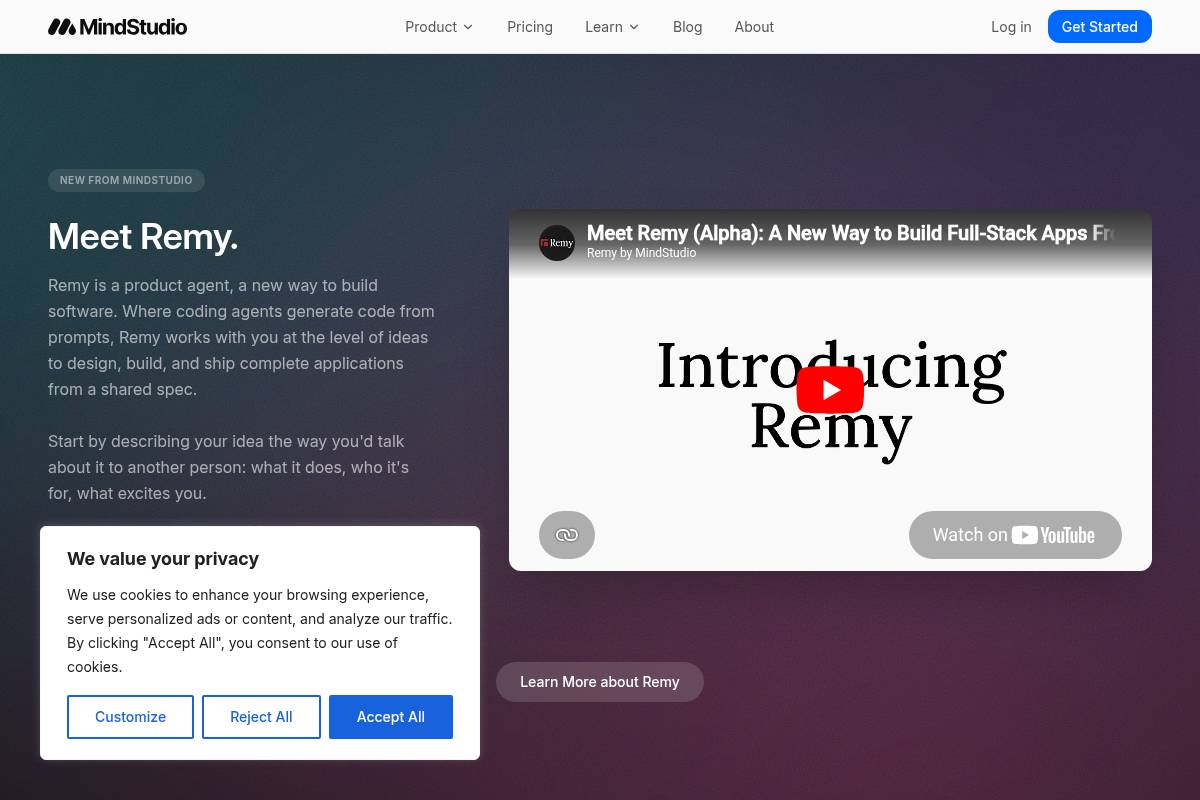
MindStudio is a visual no-code platform for building and deploying complex AI agents across multiple channels, including as a Chrome extension. It stands out among the best Chrome extension builders with backend support because it focuses on creating sophisticated agentic workflows that can reason and act across many steps, rather than just generating a simple, standalone extension.
The platform treats the Chrome extension as just one of several potential deployment targets for a single AI agent, which can also be deployed as a web app, a scheduled automation, or an API endpoint. MindStudio offers a free tier to get started, with paid Individual plans beginning at $20 per month.
Key Features
- Browser Extension Agent Deployment: Agents can be triggered by clicking a button in a browser extension, creating specialized agents to help with specific tasks on any site. An AI agent is an autonomous software program designed to perceive its environment, make decisions, and take actions to achieve predefined goals.
- 200+ AI Model Access: The platform provides access to over 200 AI models from leading providers like OpenAI, Anthropic, Google, Amazon, and Meta without requiring individual API keys. It also bills all model usage at cost with no markup, ensuring transparent pricing for users.
- No-Code Visual Builder: MindStudio's visual drag-and-drop builder is designed for non-coders, making it an accessible no-code Chrome extension builder. A no-code platform is a development environment that enables users to create applications through graphical interfaces and configuration instead of traditional programming. You arrange blocks representing AI models, data inputs, conditional logic, and outputs on a canvas, then configure prompts and routing rules visually.
- Multi-Surface Deployment: A core strength is that MindStudio agents can be deployed in numerous ways beyond the browser. These include AI-powered web apps, autonomous agents that run on a schedule, email-triggered agents, webhook or API endpoints, or even agentic MCP servers that other AI models can call.
- 1,000+ Integrations: The platform features over 1,000 pre-built integrations with popular business applications. It is also designed to make it easy to add new integrations to any service that has an available API.
- SOC2 Compliant: For enterprise needs, MindStudio is SOC 2 Type II and GDPR compliant. SOC 2 Type II is a rigorous auditing procedure confirming that a company securely manages data to protect the interests and privacy of its clients.
Best For
MindStudio is ideal for product teams and operations leads who need AI agents that use the browser as one of several deployment channels. It is not intended for teams who simply need a standalone Chrome extension with basic functionality. Its strengths are best utilized when the primary use case involves complex AI reasoning and automation across multiple web pages and services, rather than a specific browser UI tool. The free tier includes $5 in credits to explore the platform's capabilities. For more extensive use, Individual plans cost $20 per month, with custom pricing available for Business plans.
Pros and Cons
- Pro: Multi-surface deployment—the same agent logic runs in the browser, via email, or as an API
- Pro: No-code visual builder with 100+ templates and 200+ AI models
- Pro: SOC2 and GDPR compliance built in
- Con: Overkill for simple extensions; limited low-level Chrome API control; higher learning curve.
- Con: Not designed to generate standalone, downloadable Chrome extension source code.
Rating: 8.3/10
Key Takeaway: MindStudio is a powerful, enterprise-ready platform for creating multi-surface AI agents where a Chrome extension is one of many deployment options, making it ideal for complex, backend-heavy workflows but less suited for simple, browser-only tools. If you're a developer wanting to monetize your extension quickly, ExtensionFast offers a completely different—and much more streamlined—path forward.
5. ExtensionFast — Best for Developers Shipping a Monetized SaaS Extension Fast
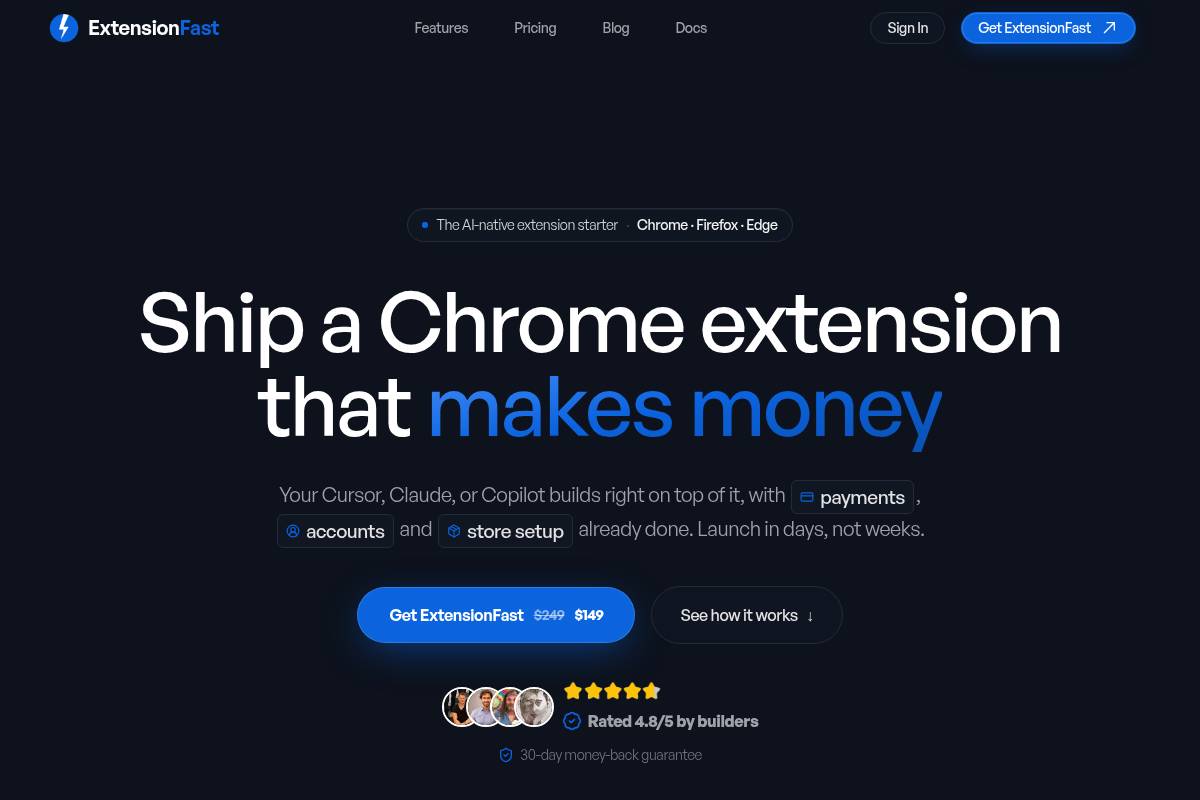
ExtensionFast is a React boilerplate, which is a pre-built project structure for React applications, engineered for developers aiming to launch a monetized SaaS Chrome extension quickly. It provides a pre-configured code foundation with integrated payments and authentication, making it one of the best Chrome extension builders with backend support for rapid deployment. Unlike AI generators, it offers a complete, battle-tested codebase as a one-time purchase.
Key Features
- Pre-Integrated Payments and Auth: ExtensionFast is built for the "Weekend Ship," prioritizing getting you to the Chrome Web Store in record time. This is achieved by including pre-integrated components for user authentication via Supabase or Clerk, payment processing via Stripe, and a ready-to-use UI built with Tailwind and Shadcn.
- Boilerplate-First Philosophy: The tool takes a "boilerplate-first" approach, providing a battle-tested, pre-configured environment using Vite and TypeScript. By not hiding the underlying logic behind custom framework tags, it feels like a standard web project, making it exceptionally easy for experienced React developers to jump in and start building immediately.
- Full Code Ownership: With ExtensionFast, developers retain full control over the code. Because it is a boilerplate rather than a locked-in framework, you own the entire configuration. This means if you need to tweak the Vite config or swap out a library, you can do so without restriction, ensuring your extension remains future-proof and adaptable to browser updates.
- Business-in-a-Box: More than just a technical bridge, ExtensionFast functions as a business-in-a-box. It includes all the necessary components to monetize your extension from day one, a critical feature that is often an afterthought or a complex add-on in more framework-heavy development tools.
- Manifest V3 Compliant: The boilerplate is fully compliant with Manifest V3, the latest version of the Chrome extension platform specification that is required for all new extensions. This ensures it meets the 2026 Chrome Web Store submission standards using modern tooling like Vite.
Best For
ExtensionFast is ideal for independent developers and startup founders with existing React experience who want to launch a Micro-SaaS Chrome extension, which is a small, niche software-as-a-service business. Its focus on rapid, monetized deployment makes it a strong contender among the best Chrome extension builders with backend support for entrepreneurs. As it is purchased with a one-time license, users should check the official site for current pricing, and note that it is not suitable for non-technical users who cannot work directly with a React and TypeScript codebase.
Pros and Cons
- Pro: Key services like Stripe, user authentication, and a landing page are all pre-wired, eliminating common integration fatigue.
- Pro: A one-time purchase model means there are no recurring SaaS fees eating into your extension's profit margin.
- Pro: Built on standard Vite and React, so there is no proprietary framework syntax for developers to learn or unlearn.
- Con: It requires solid React and TypeScript knowledge, making it inaccessible to non-developers or beginners.
- Con: There is no AI code generation included; you are responsible for writing the core extension logic yourself.
Rating: 8.1/10
Key Takeaway: ExtensionFast is the ideal solution for experienced React developers who prioritize speed-to-market and monetization for a SaaS Chrome extension. It provides a complete, non-proprietary boilerplate with full code ownership, but requires hands-on coding and is not a no-code or AI-driven tool. If you want a framework-based approach with more community support and cross-browser capabilities, Plasmo is worth exploring.
6. Plasmo — Best for React Developers Wanting an Opinionated Extension Framework
Plasmo is an open-source browser extension SDK (Software Development Kit) that provides a structured, opinionated framework for developers, describing itself as "the Next.js for Chrome extensions." It is designed to simplify the development process by automating manifest generation, file-based routing, and live reloading, making it a notable option among the best Chrome extension builders with backend support. While the core Plasmo Framework is free and open-source, its Itero TestBed staging environment is a paid service starting at $30/month.
Key Features
- Next.js-Style Developer Experience: The Plasmo Framework aims to be the ultimate Browser Extension SDK by mirroring the developer experience of Next.js, a popular React framework for building full-stack web applications. This approach is designed to help developers write extension code quickly and easily, abstracting away many of the common complexities and boilerplate associated with browser extension APIs.
- Multi-Framework Support: Plasmo provides first-class support for TypeScript, React, Preact, Svelte, and Vue, accommodating a wide range of developer preferences. It includes built-in live-reload and React HMR (Hot Module Replacement), a feature that allows modules to be updated at runtime without a full reload, so you can see changes instantly. The framework also comes with powerful libraries for storage and messaging, as well as native support for `.env` files for managing environment variables.
- Automated Publishing: The open-source Browser Platform Publisher is a dedicated GitHub Action, which is a platform for automating software development workflows, that automates the process of deploying an extension. This tool streamlines submission and updates to the Chrome, Firefox, and Edge web stores directly from your repository, reducing manual overhead.
- Backend Integration Examples: To facilitate development, Plasmo provides a repository of examples showcasing how to use it with Firebase Authentication, Redux, Supabase authentication, Tailwind, and other popular backend and frontend technologies. These examples serve as practical starting points for building extensions with a complex backend for Chrome extensions.
- Itero TestBed for Beta Testing: The optional Itero TestBed service allows teams to test how their extension will perform in a real-world environment before a public launch. This platform enables you to ship directly to beta testers without a review process holding you back, accelerating the feedback loop and allowing for necessary changes to be made quickly.
Best For
Plasmo is ideal for React developers and small engineering teams who prefer a structured, familiar development workflow for building Chrome extensions, especially those requiring backend integrations with services like Firebase or Supabase. Its opinionated nature provides a clear path for development, which can be a significant advantage for teams looking for consistency. While the framework is powerful, developers should verify its current maintenance status based on community feedback before committing to it for critical, long-running projects.
Pros and Cons
- Pro: Developers report that Plasmo's browser extension framework has saved months of development time thanks to its streamlined workflows, modern tooling, and abstraction of complex manifest configurations.
- Pro: Large community, good documentation, Discord support
- Pro: Cross-browser support for Chrome, Firefox, Edge, and Safari
- Con: The long-term viability of the framework is a concern, with feedback from the developer community on platforms like GitHub suggesting the project is not being actively maintained at a pace required for a production-critical tool.
- Con: As a comprehensive framework, Plasmo has an associated learning curve; developers must learn the "Plasmo way" of handling assets, environment variables, and messaging. This opinionated structure can require a significant time investment in reading documentation before a developer feels confident enough to ship a production-ready extension.
Rating: 7.8/10
Key Takeaway: Plasmo offers an excellent, Next.js-like development experience for React developers building extensions with backend needs, but potential users should carefully evaluate its current maintenance status before adopting it for long-term or mission-critical projects. For teams needing to support multiple browsers with a single codebase, WXT is actively maintained and worth considering.
7. WXT — Best for Multi-Browser Extension Teams
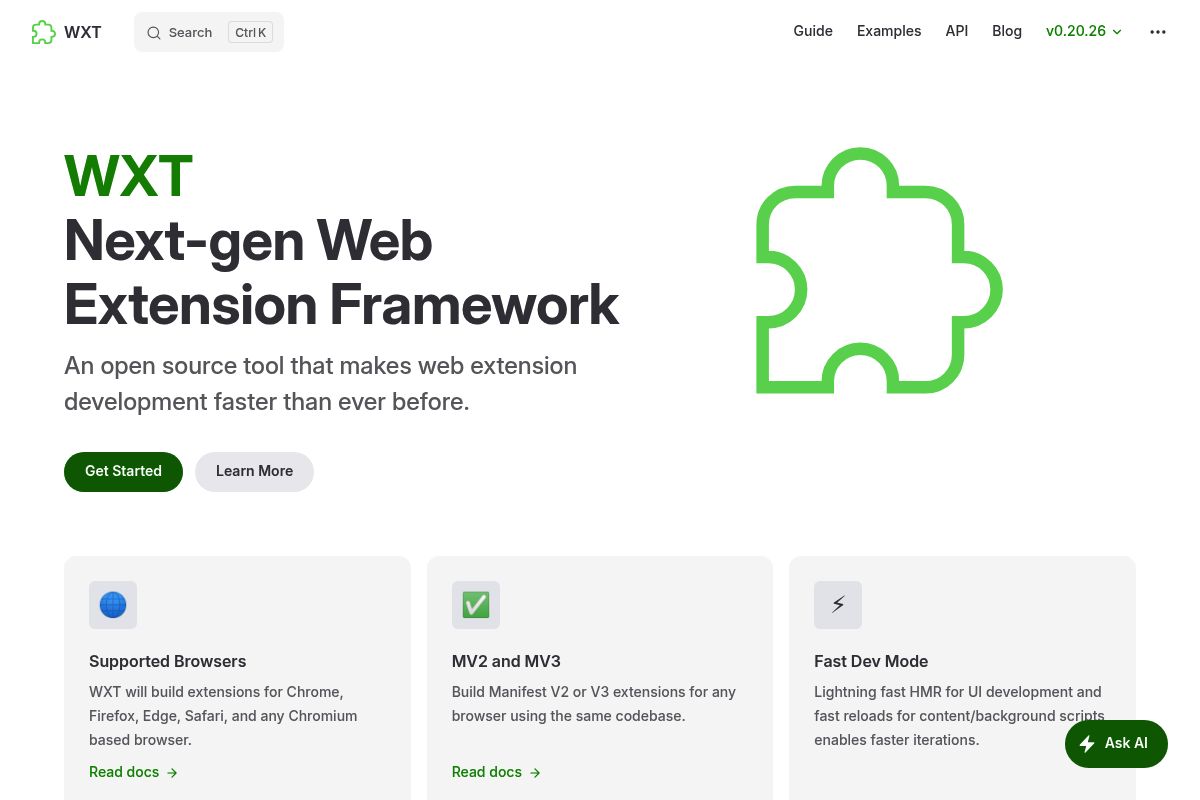
WXT is an open-source web extension framework that enables developers to build for multiple browsers, including Chrome, Firefox, and Safari, from a single codebase. As the leading actively maintained framework for 2026, it leverages Vite for a high-speed development experience and is completely free, making it a top choice for professional teams who need to build extensions for multiple browsers simultaneously.
Key Features
- Cross-Browser from One Codebase: WXT will build extensions for Chrome, Firefox, Edge, Safari, and any Chromium-based browser. You can build Manifest V2 or V3 extensions for any browser using the same codebase, drastically reducing development and maintenance overhead.
- Vite-Powered Speed: Powered by Vite, a modern frontend build tool, WXT provides an extremely fast development environment. It features lightning-fast Hot Module Replacement (HMR) for UI development and rapid reloads for content and background scripts, which significantly accelerates iteration cycles.
- Unified Browser API: WXT exposes a global `browser` object that serves as a consistent, promise-based wrapper around the underlying WebExtensions APIs, which is the cross-browser system for developing browser add-ons. This powerful abstraction layer automatically handles API differences between Chrome's `chrome.*` namespace and Firefox's `browser.*` namespace, allowing developers to write a single, clean codebase that functions correctly across all target browsers.
- Automated Publishing Pipeline: Streamline your deployment process by using the built-in tools to automatically zip, upload, submit, and publish extensions to various web stores.
- Framework Agnostic: WXT works with any front-end framework that has a Vite plugin, including popular choices like React, Vue, and Svelte, offering complete flexibility in your tech stack.
- TypeScript by Default: Create large, complex projects with confidence using TypeScript by default for enhanced type safety, better autocompletion, and improved code maintainability.
Best For
WXT is ideal for experienced developers and engineering teams building production-grade browser extensions that must be published on Firefox, Edge, or Safari in addition to Chrome. For those evaluating the best Chrome extension builders with backend support, WXT provides a robust, code-first foundation. As a free and open-source tool, the only associated cost is the standard $5 one-time Chrome developer registration fee. WXT is recognized as the default framework most analysts would recommend to a new technical team in 2026 seeking a scalable, multi-platform solution.
Pros and Cons
- Pro: Actively maintained, Vite-fast, and genuinely cross-browser, saving significant development time.
- Pro: Completely free and open source with no subscription fees or hidden costs.
- Pro: WXT has established itself as a leading framework for modern browser extension development, founded on a superior developer experience, a robust feature set, and a track record of active and reliable open-source maintenance.
- Con: Requires significant JavaScript/TypeScript knowledge, making it inaccessible to non-developers or those seeking a no-code Chrome extension builder.
- Con: Offers no built-in AI code generation features, meaning developers must write all extension logic manually.
Rating: 8.0/10
Key Takeaway: WXT is the premier open-source framework for professional teams needing to build, maintain, and publish sophisticated browser extensions across multiple platforms like Chrome, Firefox, and Safari from a single, modern codebase. For teams wanting to generate code quickly without writing it themselves, ChilledSites offers a focused, speed-first approach.
8. ChilledSites Extension Builder — Best for 60-Second Manifest V3 Code Generation
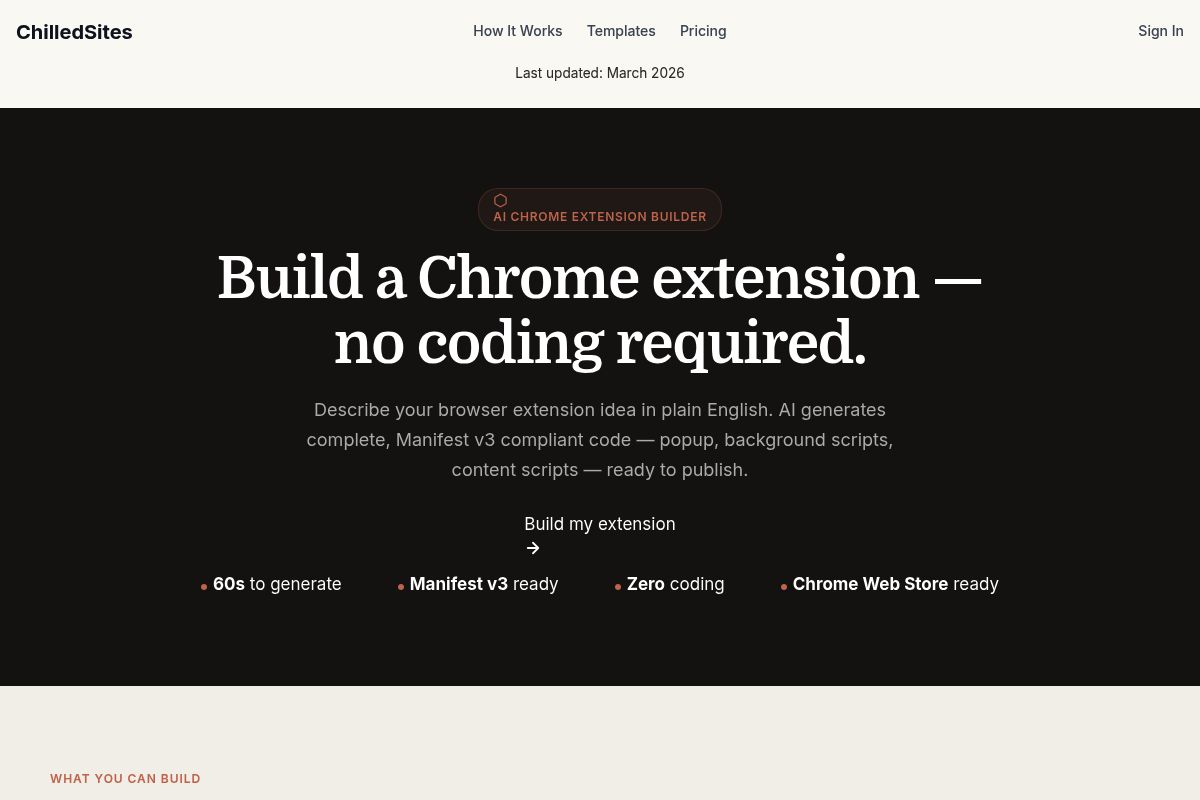
ChilledSites Extension Builder is an AI-powered tool that generates complete Manifest V3 Chrome extension code from a plain-English description in under 60 seconds. It produces all necessary files, including popup, background, and content scripts, making it an ideal solution for rapid prototype development and code scaffolding. The builder is a feature within the broader ChilledSites platform, which offers free generation tiers and paid plans starting from approximately £9/month for its full suite of tools.
Key Features
- 60-Second Generation: The AI Chrome extension builder transforms a simple text idea into production-ready Manifest V3 code in 60 seconds. Manifest V3 is the latest version of the Chrome extension platform specification, which emphasizes improved security, privacy, and performance. This process generates the popup, background, and content scripts without requiring any manual coding.
- Complete Manifest V3 Output: The AI generates a full, installable package with nothing missing or broken. The output includes a correctly configured Manifest V3 file, appropriate permissions, icons, and all metadata formatted for direct Chrome Web Store submission.
- All Script Types Generated: In less than a minute, the AI writes your manifest.json, background service worker, popup HTML/CSS, and content scripts. Background scripts (service workers) are files that run behind the scenes to manage extension logic, while content scripts are injected into web pages to interact with their content, and all generated files are fully Manifest V3 compliant.
- Wide Use-Case Range: The tool supports a diverse array of extension types. Examples include productivity tools like tab managers, to-do lists, and focus timers; shopping assistants for price tracking and coupon finding; developer utilities such as JSON formatters and API testers; and content tools like text highlighters and page summarizers.
- No Technical Knowledge Required: Users can simply describe their browser extension idea in plain English. The AI generates complete, Manifest V3 compliant code—including the popup interface, background service worker, and content scripts—that is ready to be loaded into a browser or published.
Best For
This tool is ideal for developers and technically comfortable non-developers who want to generate a clean starting point for a Chrome extension in under a minute, which they can then customize themselves. It stands out for simple-to-medium complexity extensions that do not have heavy backend requirements. While it is a powerful generator, its limited direct integration capabilities mean it serves a different purpose than some of the other best Chrome extension builders with backend support, focusing instead on frontend and script generation speed.
Pros and Cons
- Pro: Offers the fastest raw code generation in its category, delivering a complete Manifest V3 package in just 60 seconds.
- Pro: The process is entirely web-based, meaning there is no setup, no CLI, and no configuration required to get started—just describe the idea and download the code.
- Pro: All three primary script types (popup, background, and content) are included in a single generation cycle, providing a complete and functional base.
- Con: The tool offers limited built-in backend integration, functioning primarily as a generator for frontend code and browser-side scripts.
- Con: The generated code requires manual customization for implementing complex business logic or connecting to authenticated APIs.
Rating: 7.4/10
Key Takeaway: ChilledSites excels at generating a complete, frontend-focused Manifest V3 codebase from a simple prompt in under a minute, but users should anticipate performing manual coding for complex backend integrations or advanced logic. For teams building automation and research-focused extensions, Manus offers a different AI-native approach worth considering.
9. Manus — Best for AI-Native Automation and Research Extensions

Manus is an AI agent platform, now part of Meta, that excels at creating Chrome extensions for AI-native automation and research tasks. It is particularly effective for users focused on data extraction and automating browser workflows, offering a distinct approach compared to the best Chrome extension builders with backend support that target full-scale SaaS applications. Manus provides a free daily credits tier and paid subscription plans for more intensive usage.
Key Features
- Intent-Based Extension Building: Manus AI's Chrome extension builder interprets what you are trying to accomplish rather than just following rigid templates. Intent-based building is an approach where the AI understands the user's goal from a natural language prompt, meaning your extension actually does what you intended, even if you do not know the technical terminology to describe it.
- Browser Automation Focus: You can save hours each week by automating repetitive browser tasks. Manus is designed to turn tedious multi-step processes, such as filling forms, extracting data, or formatting content, into single-click actions that your custom extension handles consistently every time.
- Manus Browser Operator: The Browser Operator is a specialized Chrome extension that enables Manus to operate directly within your local browser environment, transforming your browser from a passive viewing tool into an active, intelligent agent. With this component, Manus can securely take action within your pages, executing complex tasks as if you were doing them yourself.
- No Code Required: No technical knowledge is required to build with Manus, making it a true no-code Chrome extension builder. You just need to be able to explain what you want the extension to do in plain language, the same way you would explain it to another person.
- Broad Platform Ecosystem: Manus also offers AI design, slides, image generation, and research tools, making it a valuable platform for teams who need more than just extension building from one platform and want to consolidate their AI toolset.
Best For
Manus is ideal for researchers, small business owners, and operators who want to build browser tools focused on page reading, data extraction, and task automation. It is less suited for developers aiming to build full SaaS extensions with complex backends. Manus offers free daily credits and paid subscription plans; you can check the Manus pricing page for current rates, noting that the platform has recently transitioned to Meta ownership.
Pros and Cons
- Pro: Strong intent-based interpretation—builds what you mean, not just what you literally said
- Pro: Browser Operator adds active agent capability directly inside Chrome
- Pro: Part of a broader AI ecosystem including research, design, and app building tools
- Con: Less suited for extensions that require persistent backends, user authentication, or Stripe payments
- Con: Platform ownership recently changed to Meta—long-term product direction may shift
Rating: 7.6/10
Key Takeaway: Manus is a powerful, AI-native tool for building automation and research-focused Chrome extensions without code. However, users needing robust backend for Chrome extensions, including features like user authentication or payment processing, should evaluate other platforms designed for those specific needs. For teams that want maximum control over every aspect of their extension, native Chrome development remains the foundation that all other tools build upon.
10. Chrome Extensions Native (Google) — Best for Maximum API Control
Native Chrome extension development is the foundational method of building browser extensions directly using JavaScript, HTML, CSS, and the official Google Chrome APIs. This approach represents the baseline for maximum control and is the core technology underlying all other platforms, making it an essential benchmark when evaluating the best Chrome extension builders with backend support. The only required cost is a one-time $5 Chrome Web Store developer registration fee, as there are no recurring platform fees.
Key Features
- Full Chrome API Access: Native Chrome extension development provides unrestricted access to the full suite of Chrome APIs, enabling direct control over tabs, storage, cookies, network requests, page content manipulation, and browser events.
- Maximum Control: In 2026, this approach is essential for teams that require maximum control over browser behavior, permissions, and performance. Unlike AI or no-code builders, the native system provides direct access to low-level browser events, content scripts (which are JavaScript files that run in the context of web pages), and background workers (scripts that run independently of a web page to handle events), allowing for precise extension lifecycle management.
- AI-Assisted Development: Even in native development, AI is making the process more approachable than ever. Developers are increasingly using AI code assistants to generate boilerplate code, debug service workers, and write complex API calls, which significantly lowers the traditional technical barrier. AI is becoming a core feature within the extensions themselves, performing tasks like content summarization or data analysis.
- No Vendor Dependency: Your code runs directly on Chrome's platform, ensuring there is no intermediary platform dependency or vendor lock-in, which is a common concern with third-party builders. This also means you are not subject to a third-party's pricing changes or platform discontinuation.
- Zero Platform Cost: The development framework, official documentation, and associated tooling are entirely free to use. The only mandatory expenditure is the $5 one-time developer registration fee required to publish on the Chrome Web Store.
Best For
The native approach is ideal for experienced JavaScript developers and technical teams with highly specific security, compliance, or performance requirements. Companies that cannot risk the potential limitations of an abstracted platform often choose this route for complete control. While platforms like PlugThis can accelerate development by providing managed backend support, native development is necessary when every line of code must be audited and controlled in-house.
Building extensions natively requires strong technical knowledge, including a deep understanding of the Chrome extension manifest architecture (the central JSON file that defines an extension's properties), careful permission handling, and a commitment to continuous maintenance as Chrome updates its standards. It is best suited for developers or teams who need fine-grained control and are comfortable managing the entire development and maintenance lifecycle manually.
Pros and Cons
- Pro: Complete access to every Chrome API with no abstraction layer in between
- Pro: No platform dependency, no subscription, no vendor lock-in
- Pro: Maximum flexibility for enterprise security and compliance requirements
- Con: High technical barrier—requires deep knowledge of asynchronous JavaScript, the extension manifest architecture (the core configuration file), and the nuances of service workers for background processing
- Con: Slowest time-to-ship of any option on this list for teams without dedicated browser extension engineers
Rating: 7.2/10
Key Takeaway: Native Chrome extension development offers unparalleled control and API access with no platform costs, but it comes at the cost of a significantly higher technical barrier and slower development time compared to dedicated builders.
Full Comparison Table — All 10 Chrome Extension Builders Side by Side
| Tool | AI Generation | Real Backend | MV3 Compliant | Code Ownership | No-Code Friendly | Starting Price | Rating |
|---|---|---|---|---|---|---|---|
| PlugThis | ✓ | ✓ | ✓ | ✓ | ✓ | Free tier | 9.5/10 |
| Emergent | ✓ | ✓ | ✓ | ✓ | ✓ | Free / $20/mo | 8.8/10 |
| imagine.bo | ✓ | ✓ | ✓ | ✓ | ✓ | $20/mo | 8.6/10 |
| MindStudio | ✓ | ✓ | ✓ | ✗ | ✓ | Free / $20/mo | 8.3/10 |
| ExtensionFast | ✗ | ✓ | ✓ | ✓ | ✗ | One-time fee | 8.1/10 |
| WXT | ✗ | Partial | ✓ | ✓ | ✗ | Free (OSS) | 8.0/10 |
| Plasmo | ✗ | Partial | ✓ | ✓ | ✗ | Free / $30/mo | 7.8/10 |
| Manus | ✓ | Partial | ✓ | Partial | ✓ | Free credits | 7.6/10 |
| ChilledSites | ✓ | ✗ | ✓ | ✓ | ✓ | Free to generate | 7.4/10 |
| Chrome Native | ✗ | ✓ | ✓ | ✓ | ✗ | Free ($5 store) | 7.2/10 |
How to Choose the Right Chrome Extension Builder with Backend Support
By Team Size
Solo founder or non-technical creator: Start with PlugThis. It's the fastest path to a real extension with a real backend when you have no engineering resources. Building is cheap. Deciding is the hard part—PlugThis removes the building barrier so you can focus on the decision.
Small startup team (2–10 people, mixed technical): Consider imagine.bo for the AI-plus-human engineering hybrid, or Emergent if the extension is one component of a larger web app. Both provide real backends and full-stack output that a small team can iterate on.
Developer-led engineering team: WXT is the most actively maintained technical framework in 2026 and offers the best cross-browser foundation. If the team is React-first and fine with Plasmo's maintenance risk, Plasmo remains a strong alternative with deeper React examples. For additional buying guidance, see Best Website Builders for 2026.
By Budget
Zero budget / testing an idea: PlugThis free tier, Emergent free credits (5–10 credits), MindStudio free tier, or WXT open source are all zero-
PlugThis writes about Chrome extensions, AI tooling, and the shifting economics of building your own software.