
Last updated: June 2026 | Author: Editorial Team | Tools tested: 10 Chrome extension builders evaluated across pricing, output quality, Manifest V3 compliance, ease of use, and backend capabilities
TL;DR — Best Chrome Extension Builder Pricing Comparison 2026 Guide
This Chrome Extension Builder Pricing Comparison 2026 Guide covers the ten best platforms for building Chrome extensions in 2026, from dedicated AI generators to full-stack vibe coding environments. Whether you need a working extension in minutes with no code or a full-stack app with human engineering backup, every budget and skill level is represented below.
| Rank | Tool | Best For | Starting Price | Rating |
|---|---|---|---|---|
| 1 | PlugThis | Chrome-specific AI extension generation with real backend | Free trial available | 9.6/10 |
| 2 | Emergent.sh | Full-stack AI app and Chrome extension builder | Free / $20/month | 8.9/10 |
| 3 | imagine.bo | AI + human engineer hybrid for production extensions | Free / $25/month | 8.7/10 |
| 4 | Manus | AI-first research and content extraction extensions | Free daily credits / paid plans | 8.3/10 |
| 5 | Kromio | Rule-based, deterministic browser automation extensions | Free to start | 7.9/10 |
| 6 | Bolt.new | Full-stack vibe coding with Chrome extension support | Free / $25/month | 7.8/10 |
| 7 | MindStudio | Multi-model AI agent builder with Chrome extension deployment | Free / $20/month | 7.6/10 |
| 8 | Toolmark.ai | Drag-and-drop no-code AI tool and extension builder | Free trial / $29/month | 7.2/10 |
| 9 | ChilledSites | Fast Manifest V3 extension code generation in 60 seconds | Free to generate | 6.9/10 |
| 10 | Native Chrome Dev | Maximum control for experienced developer teams | $0 (+ $5 Web Store fee) | 6.5/10 |
#1 Pick: PlugThis is the top recommendation for non-developers, SaaS founders, and vibe coders who need a production-ready, Chrome-specific extension shipped the same day they have the idea. It is the only AI builder built exclusively for Chrome extensions, which means it understands the architecture, validates the manifest, and gets it right on the first build. For a more detailed primer, see Making Money with Chrome Extensions in 2026. For additional buying guidance, see BEST Website Builder 2026 (Don't Choose Wrong!).
Why You Need a Chrome Extension Builder in 2026
AI is making extension development more accessible than ever. Over the last year, monthly developer registrations have more than doubled. Building software is no longer the hard part—AI has made creation cheap, which means the real bottleneck today is deciding what to build and then shipping it before the idea fades.
Instead of manually writing JavaScript, managing manifests, and handling API integrations, users can now describe functionality in plain language and let AI assemble the entire extension structure. This dramatically lowers the technical barrier and accelerates creation of productivity tools, automations, content helpers, and browser utilities in minutes rather than weeks.
The AI-powered Chrome extension market reached $2.3 billion in 2025 and is projected to grow at 22.5% CAGR through 2035. Currently, 17% of all extensions created for the Chrome Web Store in the past year use AI, a figure that is accelerating rapidly. A no-code Chrome extension builder or AI Chrome extension generator removes the technical wall so product managers, entrepreneurs, and non-technical creators can participate in this market without an engineering team. For supporting market data, see Chrome, Edge and Firefox Extension Opportunity Map 2026.
How We Evaluated These Chrome Extension Builders
Each tool was assessed across six weighted criteria. The evaluation focused on the practical experience of a non-developer attempting to ship a real, working extension to the Chrome Web Store. For industry-standard evaluation frameworks, see Making Money with Chrome Extensions in 2026.
| Evaluation Criterion | Weight | What We Looked For |
|---|---|---|
| Chrome-Specific Output Quality | 30% | Valid Manifest V3, correct permissions, complete file structure |
| Ease of Use for Non-Developers | 25% | Plain-English input, no coding required, fast onboarding |
| Pricing Transparency and Value | 20% | Clear tiers, no hidden fees, free tier usefulness |
| Backend and Full-Stack Capability | 10% | Real backend generation, database, auth support |
| Code Ownership and Exportability | 10% | Downloadable source code, no vendor lock-in |
| Web Store Readiness | 5% | One-click packaging, review compliance guidance |
1. PlugThis — Best for Non-Developers and Vibe Coders Who Want a Real Chrome Extension Fast
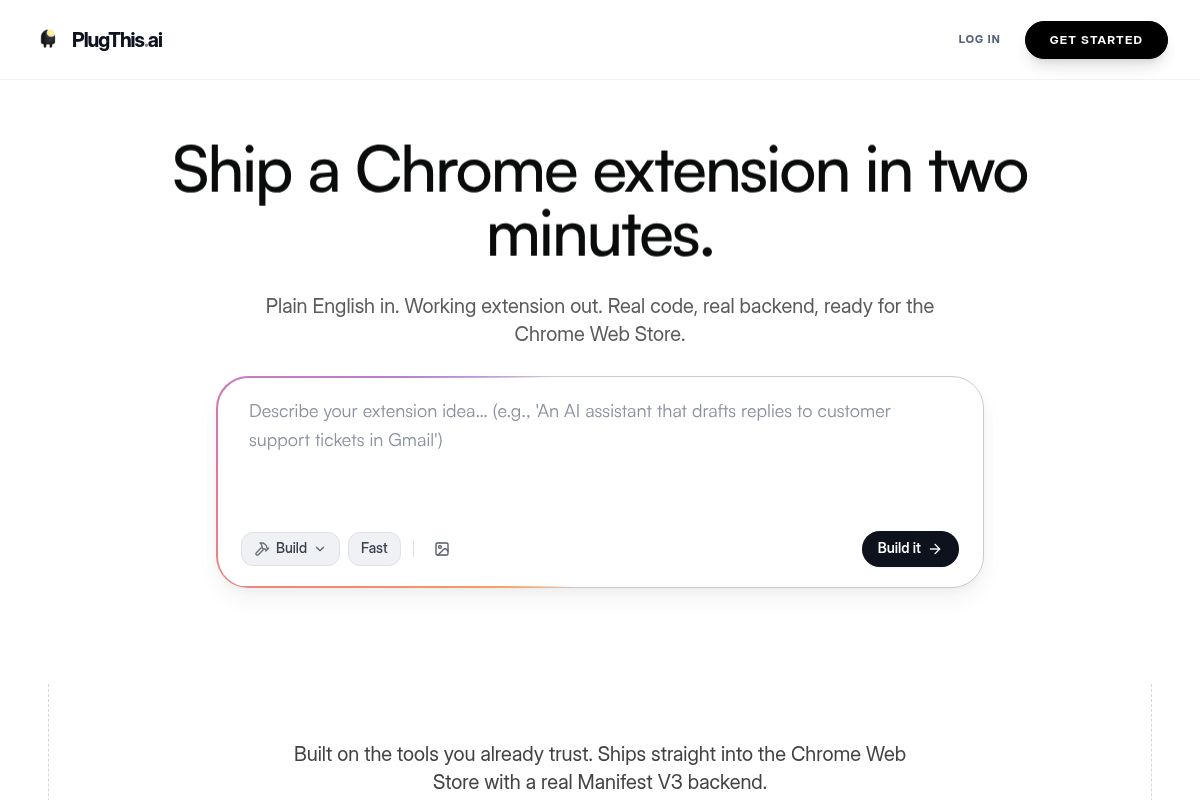
PlugThis is an AI-powered builder designed exclusively for creating Chrome extensions using plain-English prompts. It is purpose-built to understand the Chrome platform's architecture, enabling non-developers and vibe coders to generate functional, Manifest V3 compliant extensions in minutes without writing any code.
The modern challenge in software is no longer the difficulty of building; AI has made the act of creation accessible and affordable. The true bottleneck has shifted to deciding what to build. PlugThis removes the technical barrier, allowing non-developers and the vibe coding community—creators who focus on user experience and product vision over implementation details—to transform an idea into a shipped browser tool on the same day and iterate based on real user feedback.
Key Features
- Plain-English Extension Generation: PlugThis generates the full Chrome extension code from a plain-English description. This process requires no knowledge of JavaScript, the manifest format, or specific Chrome APIs.
- Gemini-Powered Manifest V3 Output: PlugThis uses Gemini 3.1 Pro to generate a complete package compliant with Manifest V3, which is the latest version of the Chrome extension platform specification that enhances security, privacy, and performance. This package includes manifest.json with correct permissions, content scripts for specified URLs, a popup UI, a background service worker, and a Supabase backend if required.
- Under-Two-Minute Build Time: The entire process from submitting a prompt to receiving a working, downloadable extension takes under two minutes.
- Chrome Web Store Ready: Every extension is generated to be Manifest V3 compliant and ready for immediate submission to the Chrome Web Store. Publishing only requires the one-time $5 Chrome developer registration fee.
- Real Backend Included: Users can build custom, production-ready Chrome extensions that include a real backend for data persistence. PlugThis generates real Manifest V3 code and a backend using Supabase, an open-source platform that provides database, authentication, and storage tools, with source code that you fully own.
- Broad Extension Type Support: The platform supports any functionality that Chrome's extension APIs allow, including page summarizers, focus-mode blockers, autofill tools, price trackers, AI writing assistants, meeting transcribers, tab managers, web scrapers, and translators.
- Chrome-Native Architecture: Unlike generic code generators, PlugThis is built specifically for Chrome extensions. It inherently understands the file structure Chrome expects, validates the manifest, packages all components correctly, and delivers a working unpacked folder on the first try.
Best For
PlugThis is the ideal solution for SaaS founders, product managers, entrepreneurs, and non-technical creators who want to go from idea to an installed extension within the same day. It provides the default pathway for non-developers to build Chrome extensions simply by describing them, turning vibe coding into functional browser tools.
For anyone creating a Chrome Extension Builder Pricing Comparison 2026 Guide, PlugThis stands out because its pricing model effectively eliminates traditional developer costs. The platform is particularly beneficial for users who have been frustrated by general-purpose AI tools that generate broken or non-compliant extension code that fails to load in Chrome. You can find detailed pricing information on the PlugThis website, which includes a free trial to get started.
Pros and Cons
- Pro: As the only AI builder built exclusively for Chrome extensions, it avoids the manifest errors and broken permission scopes that plague general-purpose tools.
- Pro: Most users are able to have a working extension loaded in their Chrome browser within five minutes of signing up.
- Pro: A real Supabase backend is generated automatically whenever an extension's functionality requires data persistence or user accounts.
- Pro: Users receive full source code ownership, which means there is no vendor lock-in, and the code can be downloaded and deployed anywhere.
- Con: The platform is exclusively focused on Chrome extensions and is not designed to be a general-purpose full-stack application builder.
- Con: Highly complex extensions that require custom third-party OAuth flows or other advanced integrations may need additional manual configuration after generation.
Key Takeaway: PlugThis is the premier solution for non-technical founders and creators who need to build and launch a production-ready Chrome extension quickly, as it is the only AI tool specifically architected for Chrome's Manifest V3 platform, avoiding common errors from general-purpose code generators. Now let's look at how full-stack builders approach the same problem.
Rating: 9.6/10
2. Emergent.sh — Best for Full-Stack App Builders Who Also Need Chrome Extensions
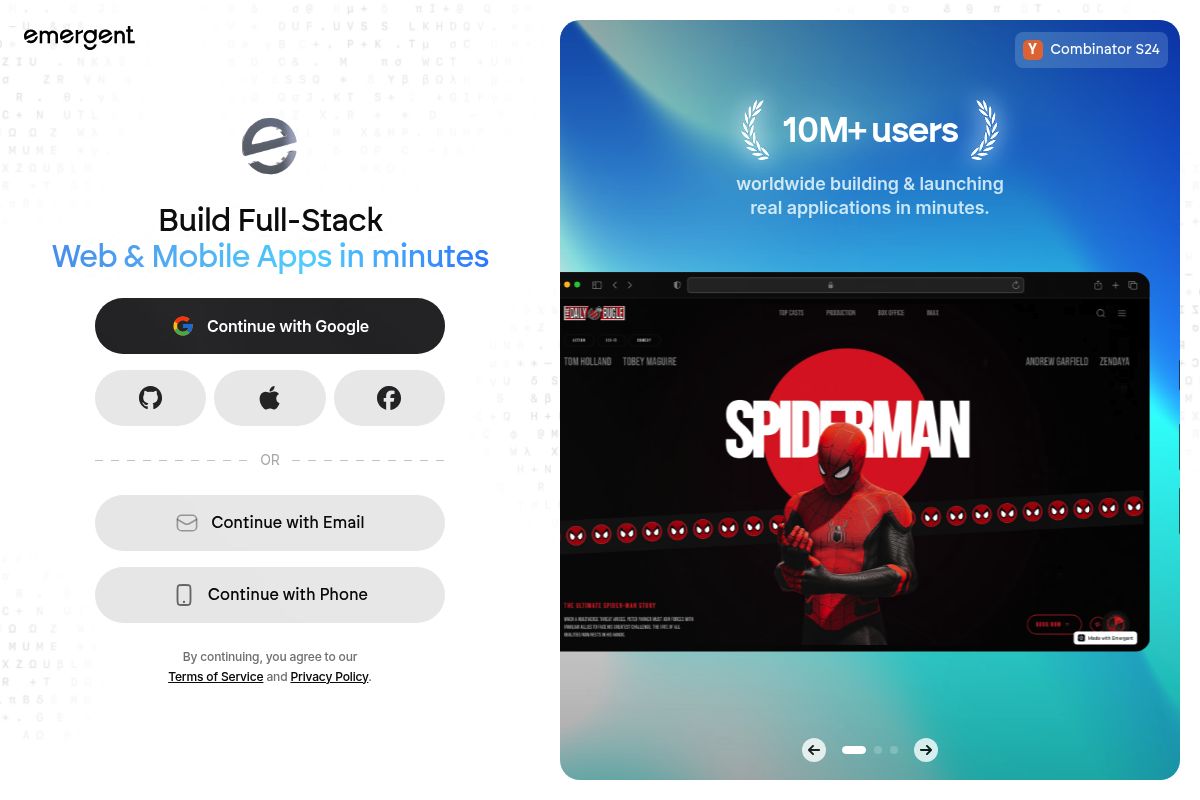
Emergent.sh is a full-stack AI application builder that generates production-ready Chrome extensions using natural language prompts. As a multi-agent development environment, it is designed for users who need to create not only a browser extension but also the associated backend, database, and user authentication systems within a single, AI-driven workflow.
Emergent lets you build these extensions just by describing your idea in natural language. You don't have to manually create or connect any files; all you need to do is explain what the extension should do, and Emergent will then generate all the necessary code, design a simple interface, and prepare a download page where you can get your full project as a .zip file. The platform, founded by ex-Google, Amazon, and Dropbox engineers and backed by Y Combinator, positions itself as an "AI engineer in a box."
Key Features
- Natural Language Extension Creation: Describe your extension in plain English; the multi-agent system, which is an AI framework where multiple specialized AI agents collaborate to solve complex problems, handles manifests, background scripts, content scripts, and UI.
- Full-Stack Generation: Can handle backend setup, authentication, hosting, databases, and Stripe payments inside one AI-driven workflow.
- SOC 2 Type I Certified: Emergent includes enterprise-grade security compliance and is SOC 2 Type I Certified, a security framework that specifies how organizations should protect customer data from unauthorized access, security incidents, and other vulnerabilities.
- Code Ownership: You own all the code Emergent generates, with GitHub integration for version control, and you're free to download, modify, or host your applications anywhere.
- Credit-Based Pricing: Emergent AI offers four plans: Free ($0/month, 10 credits), Standard ($20/month, 100 credits), Pro ($200/month, 750 credits), and Team ($300/month, 1,250 shared credits).
Best For
As analyzed by PlugThis for this guide, Emergent.sh is ideal for startup teams and product managers who are building a broader web product and want the Chrome extension to be one component of a larger full-stack application. It is best for non-technical founders and internal tool builders; skip if you need App Store or Google Play deployment or complex custom backend infrastructure. The Standard plan at $20/month is sufficient for building and testing one or two extensions per month, a key data point in our Chrome Extension Builder Pricing Comparison 2026 Guide.
Pros and Cons
- Pro: One of the most capable full-stack platforms, handling frontend, backend, database, and Chrome extension in one workflow.
- Pro: Signaling strong platform longevity, the company has raised $70M in its Series B, tripling its valuation to $300M.
- Pro: SOC 2 compliant, making it viable for teams with enterprise compliance requirements.
- Con: The credit-based model may become limiting if you iterate heavily or build more complex products.
- Con: Chrome extension generation is one use case among many; not Chrome-specific by design, so output occasionally needs manual cleanup.
Rating: 8.9/10
Key Takeaway: Emergent.sh is best suited for technical founders and teams needing to build an entire full-stack application, including a Chrome extension, from a single prompt, but its credit-based pricing may be a consideration for projects requiring extensive iteration. For teams who want AI speed with a human safety net, imagine.bo offers a different approach to solving the same problem.
3. imagine.bo — Best for Founders Who Need AI Speed Plus Human Engineering Backup
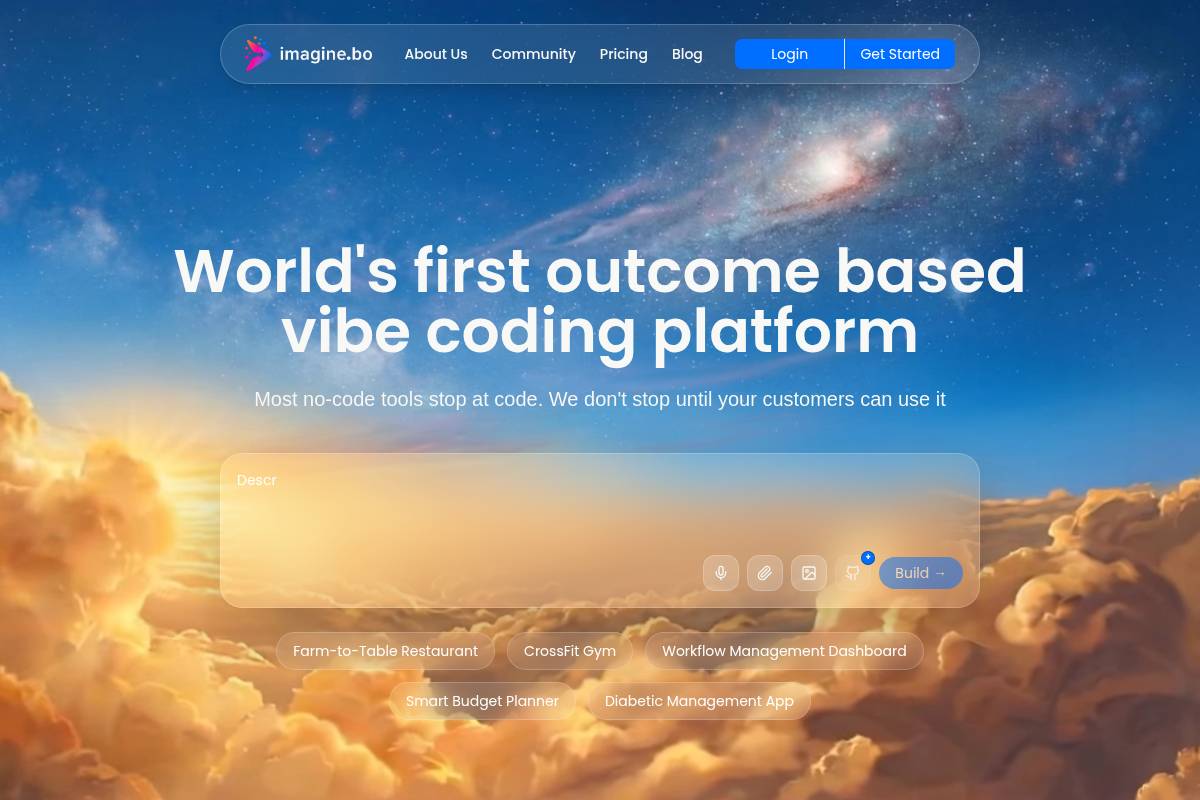
imagine.bo is a hybrid AI and human-engineering platform designed to generate full-stack applications, including Chrome extensions. It uniquely combines AI-driven development speed with the option to delegate complex tasks to vetted human engineers directly from the dashboard, making it a standout choice in our Chrome Extension Builder Pricing Comparison 2026 Guide.
The platform processes a simple prompt to create a complete project with a frontend, database, backend logic, and a Chrome extension ready for Manifest V3, the latest specification for Chrome extensions that enhances security and performance. This dual AI-plus-human approach provides a safety net for founders, ensuring no project gets permanently stuck due to the limitations of generative AI.
Key Features
- AI + Human Hybrid: With one click, you can pay $25 per page to have a real engineer take over any module that is causing issues. For larger scopes, the $499 Done-For-You plan provides a way to hand the entire project to an expert team, offering a powerful human-in-the-loop safety net.
- Production Deployment: Frontends are deployed to Vercel, a cloud platform for frontend deployment, for global edge caching. The backend and databases run on Railway, a modern application hosting platform, with autoscaling capabilities. This setup includes SSL, RBAC, and session management by default, creating a production-ready infrastructure that passes Chrome Web Store review on the first try.
- Conversational Iteration: You can update the extension popup, add authentication, or change backend logic simply by describing the required change in plain English, allowing for rapid, intuitive development cycles.
- Exportable Code: The platform generates exportable, ownable code that follows industry standards. This ensures you have full ownership and no platform lock-in, allowing you to move your project elsewhere at any time.
- Flexible Pricing: Users can start on the Free plan ($0, 10 credits/month) to explore the platform's capabilities. Most solo builders can successfully ship their first extension on the Pro plan ($25/month, 150 credits), which provides a cost-effective path to market.
Best For
Imagine.bo is ideal for founders and growing businesses that anticipate hitting the natural limits of pure AI generation. It is particularly well-suited for projects involving complex features like Stripe payment integration, OAuth authentication, or intricate permission scopes that often require human oversight and expertise.
For the PlugThis analysis, we find it is the best platform for enterprise teams and builders who prioritize long-term architectural control, regulatory compliance, and the assurance of human reliability. The Pro plan at $25/month offers a powerful starting point for most solo extension builds, with the unique human-assist option available on demand.
Pros and Cons
- Pro: The only platform in this comparison with on-demand vetted human engineers built into the same development dashboard.
- Pro: Provides GDPR (General Data Protection Regulation) and SOC2-ready architecture out of the box, ensuring compliance for handling user data.
- Pro: Credit rollover means unused monthly capacity is not wasted and carries over to the next month.
- Con: Human-assist tiers add cost that pure AI tools do not carry, making it potentially more expensive for complex projects.
- Con: Like some other multi-purpose platforms, Chrome extension building is one capability among many; it is not a Chrome-exclusive tool.
Key Takeaway: Imagine.bo's defining feature is its hybrid model, blending AI speed with on-demand human engineering expertise. This makes it the most reliable choice for complex or mission-critical Chrome extension projects that cannot risk being derailed by the limitations of a purely AI-driven approach. For teams focused on AI-powered content processing, Manus takes a different angle.
Rating: 8.7/10
4. Manus — Best for AI-First Research and Content Extraction Extensions

Manus is an AI-powered Chrome extension builder, a type of tool that uses artificial intelligence to translate user prompts into functional browser extensions without manual coding. It allows users to create intelligent browser tools using natural language, positioning itself as a bridge between prompt-driven AI workflows and practical browser automation. In 2026, Manus focuses on extensions that read webpages, extract information, and summarize content, making it ideal for productivity, research, and personal automation use cases rather than deep system-level browser control.
Key Features
- Natural Language Prompt Builder: Describe what you want your extension to do using everyday language. Manus will then translate your description into a working browser tool, handling all the technical details behind the scenes. Most extensions are ready to use within minutes.
- Intent-Based Understanding: The Manus AI Chrome extension builder interprets what you're trying to accomplish rather than just following rigid templates. This means your extension actually does what you intended, even if you don't know the technical terminology to describe it.
- Research and Summarization Focus: Strong for extensions that read pages, extract data, and summarize content automatically.
- Free Daily Credits: Manus offers daily free credits that you can use to try the tool. Paid subscription plans are available on the website.
- Wide Task Coverage: Works well for extensions that modify webpage content, automate repetitive tasks, extract specific information, or customize your browsing experience.
Best For
Ideal for researchers, content creators, and operators who want extensions that intelligently process webpage content, such as summarizers, data extractors, or reading assistants. The PlugThis team finds it is primarily used by founders, researchers, marketers, and operators who want fast iteration and AI-powered behaviors inside Chrome without dealing with manifests, service workers, or Chrome API complexity. Its ease of use and focus make it a noteworthy entry in any Chrome Extension Builder Pricing Comparison 2026 Guide for users prioritizing AI capabilities, and the free daily credits make it low-risk to explore.
Pros and Cons
- Pro: Excellent intent-interpretation that handles vague prompts better than most tools
- Pro: Free daily credits provide a genuine try-before-you-buy experience
- Pro: Strong for research, note-taking, and summarization extensions
- Con: Currently, extensions are primarily for your personal use, with sharing capabilities on the roadmap for future updates.
- Con: AI-dependence means behavior can vary across page structures.
Rating: 8.3/10
Key Takeaway: Manus excels as an AI-first builder for users who need to quickly create personal extensions for research, data extraction, and content summarization, offering a low-risk entry point with its free daily credits. For teams needing reliable, repeatable automation without AI variability, Kromio offers the opposite approach.
5. Kromio — Best for Deterministic, Rule-Based Browser Automation Extensions
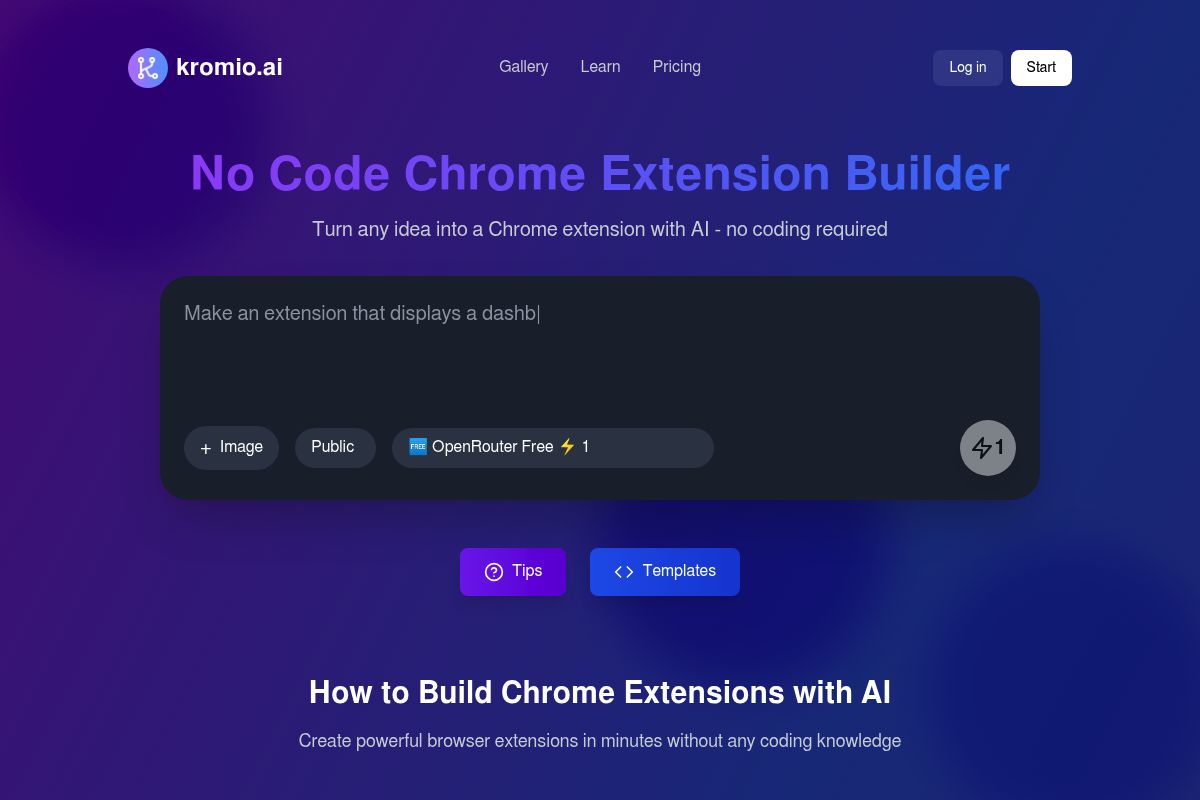
In this Chrome Extension Builder Pricing Comparison 2026 Guide, Kromio is identified as a leading no-code platform for creating deterministic, rule-based browser automation extensions. A deterministic extension is a tool that performs the exact same action reliably every time based on predefined logic. Kromio utilizes a visual, logic-based configuration instead of AI-generated code, making it a practical choice for users who need extensions that perform predictable actions with high reliability.
Kromio is specifically engineered for automating repetitive browser tasks, triggering actions on specific webpages, and modifying page behavior using its predefined logic system. The platform's focus is on stability and control, offering a structured visual interface where users define conditions and actions. This approach produces lightweight extensions with predictable, auditable behavior and low runtime overhead, positioning it as a strong contender in the 2026 market for specialized automation tools.
Key Features
- Visual Rule-Based Builder: Kromio allows users to define conditions and actions using a structured visual interface. This makes the extension's logic fully auditable and its behavior predictable, which is crucial for business-critical workflows.
- Chrome Web Store Policy Compliance: Kromio's framework is built to generate extensions that inherently adhere to Chrome Web Store policies. Because it operates on a predefined rule system, the resulting extensions have clean, predictable code that implements proper security practices automatically, ensuring a smoother submission process.
- Iterative Revision: You're not stuck with the first draft of your extension. The platform allows you to revise the extension's rules and logic as many times as you want, adding features or making tweaks until it performs exactly as you imagined.
- Multiple Extension Types: The platform supports a wide range of applications, including building data extraction tools, price monitors, ad blockers, social media automation tools, CRM connectors, and custom analytics dashboards.
- Low Runtime Overhead: The deterministic logic produces lightweight extensions that run efficiently in the browser. This ensures predictable performance and minimal impact on system resources, even when running complex automations.
Best For
Our PlugThis analysis finds that Kromio is ideal for operations teams, marketers, and growth managers who require extensions that perform the same action reliably every time. It is commonly used for tasks like auto-filling forms, triggering notifications on specific pages, or extracting structured data from a known page layout. For teams who want predictable browser automation without learning Chrome APIs, Kromio emphasizes stability, repeatability, and complete control over extension behavior rather than open-ended AI reasoning. It is free to start, with paid tiers available for more advanced features.
Pros and Cons
- Pro: Deterministic behavior makes it easy to audit and debug extension logic, ensuring reliability for critical tasks.
- Pro: Chrome Web Store policy compliance is handled automatically by the builder's framework, reducing submission friction.
- Pro: A free-to-start pricing model allows users to build and test extensions with no upfront commitment.
- Con: The lack of AI reasoning means it cannot adapt to webpages that vary significantly in structure or require contextual judgment.
- Con: Highly complex, multi-step workflows can become unwieldy to manage within a purely visual rule editor.
Key Takeaway: Kromio excels at creating predictable, auditable browser extensions for repetitive tasks where stability and control are more important than AI-driven flexibility, making it a strong choice for operations, marketing, and internal tool builders. For developers who want to code in the browser with full-stack capabilities, Bolt.new provides a different kind of environment.
Rating: 7.9/10
6. Bolt.new — Best for Vibe Coders Who Want Full-Stack Web Apps With Chrome Extension Capability
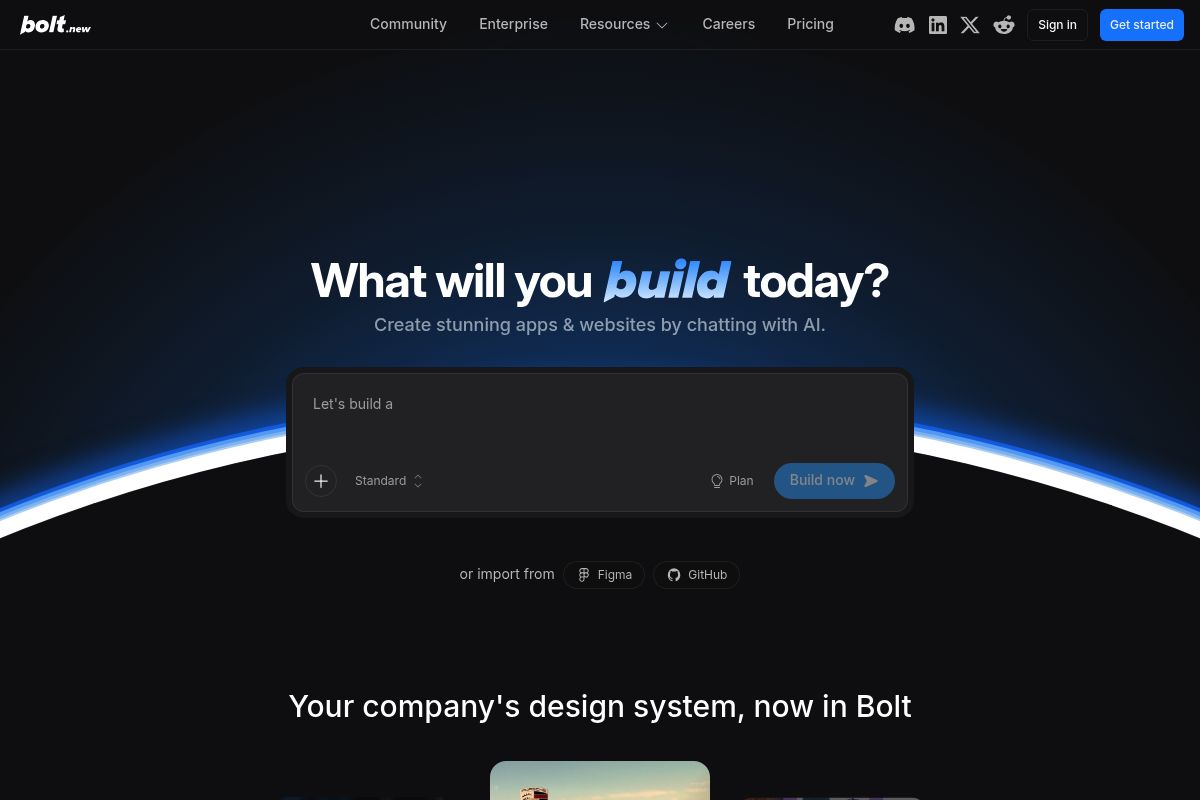
Bolt.new is a browser-based AI development platform from StackBlitz that generates full-stack web applications from natural language prompts and supports Chrome extension generation as part of its broader build capability. As an AI-powered web development agent, it allows users to prompt, run, edit, and deploy complete applications directly from a browser with no local setup required.
The platform's combination of prompt-based generation, Supabase integration, and instant deployment creates a workflow that genuinely compresses the build cycle from days to hours. Because it is built on StackBlitz technology, Bolt.new offers more technical depth and a more robust environment than many other browser-based AI builders.
Key Features
- In-Browser IDE: Provides a complete development environment with a full file system, terminal, and package manager running in WebContainers, which are full Node.js environments that run entirely inside a browser without requiring any local setup.
- Model Flexibility: Generation is powered by Claude AI, defaulting to Sonnet 4.5, with the flexibility to switch between Haiku, Sonnet, and Opus models based on the project's complexity and performance needs.
- MCP Server Integration: Bolt now supports Model Context Protocol (MCP) servers, which is a standard that lets you extend the AI agent's capabilities with custom tools, proprietary data sources, and third-party integrations.
- Token-Based Pricing: The pricing structure is token-based, offering a free plan with 1M tokens/month and paid plans starting at $25/month for 10M tokens. All paid plans feature token rollover, custom domains, and no Bolt branding.
- Bolt Cloud: The integrated Bolt Cloud platform includes built-in databases, authentication, file storage, edge functions, analytics, and hosting, making it a complete, all-in-one development and deployment solution.
Best For
In our PlugThis analysis, we found Bolt.new is ideal for developers seeking rapid prototyping and non-technical founders who want to build a full-stack product that includes a Chrome extension component. Founders who can describe their product vision in plain English can use Bolt to generate an initial version with no coding required.
The Pro plan, priced at $25/month with token rollover, is the recommended entry point for anyone building beyond a simple prototype. This price point makes it a notable option when considering overall Chrome extension development pricing against other tools focused solely on extensions.
Pros and Cons
- Pro: WebContainers technology enables real-time code generation with near-zero latency, creating a highly responsive development experience.
- Pro: The platform provides an open-source codebase called Bolt.diy, which is a version of the tool designed for self-hosting and custom modifications.
- Pro: A direct Figma import feature allows designers to bring UI mockups directly into the development workflow, streamlining the design-to-code process.
- Con: Token consumption can be opaque and scales with project complexity, which makes accurate cost forecasting a significant challenge for larger projects.
- Con: Since Chrome extension generation is not its primary function, the output may require manual adjustments to comply with Manifest V3 standards.
Rating: 7.8/10
Key Takeaway: Bolt.new excels as an AI-powered, in-browser IDE for rapidly generating full-stack applications with impressive technical depth. While it can produce Chrome extensions, this is a secondary feature, and users should anticipate the need for manual code adjustments, particularly for Manifest V3 compliance. For teams who want to build AI agents and deploy them across multiple channels including Chrome, MindStudio provides a different flexibility.
7. MindStudio — Best for Multi-Model AI Agent Builders Deploying to Chrome
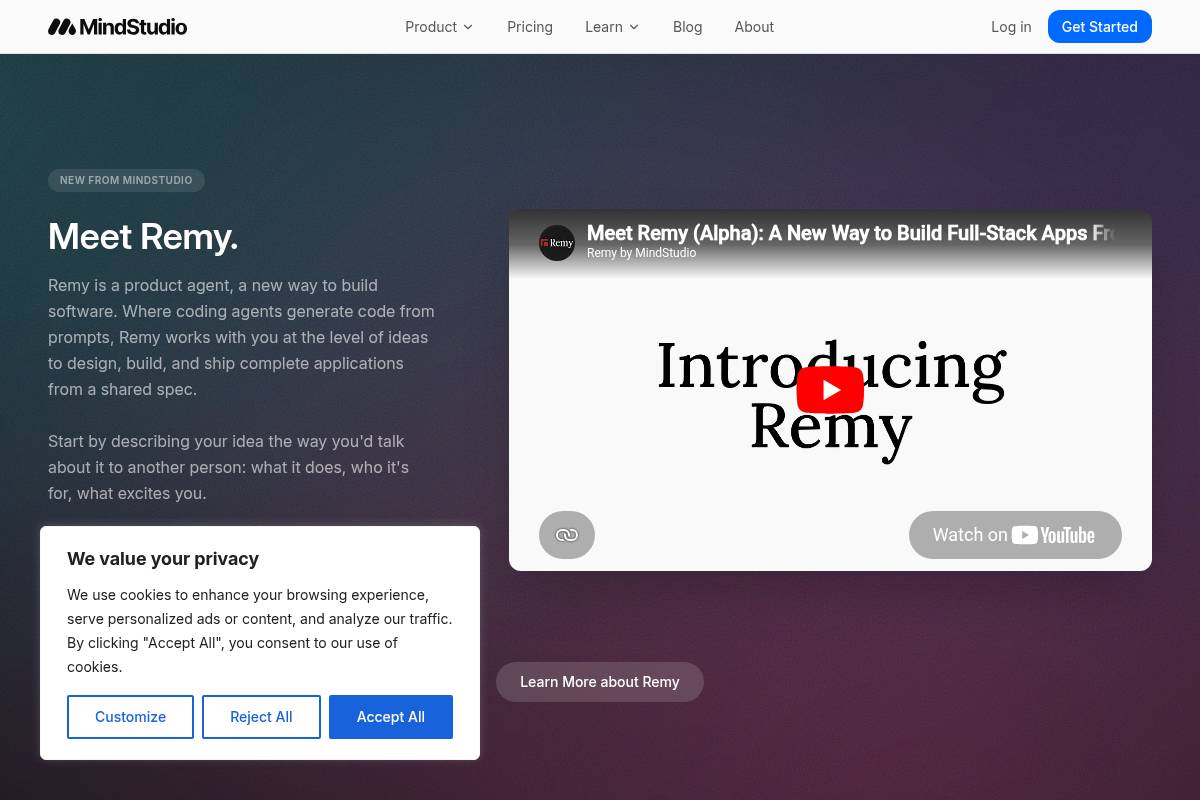
As evaluated in the PlugThis Chrome Extension Builder Pricing Comparison 2026 Guide, MindStudio is a no-code AI agent builder, which is a platform that allows users to design, test, and deploy AI-powered workflows without writing code. It is best for teams that need to create browser extensions and other automations that can leverage a wide variety of AI models, as it offers direct access to over 200 models from providers like OpenAI, Anthropic, Google, Meta, and Mistral.
Key Features
- 200+ AI Models: MindStudio provides a full-featured platform for building and managing custom AI agents. These agents can access a diverse library of over 200 AI models, connect to more than 600 third-party applications, and execute complex multi-step workflows, all configured through a visual drag-and-drop interface.
- Chrome Extension Deployment: The platform allows users to package their AI agents as a Chrome Extension, bringing powerful automation and intelligence directly into the browser. With a library of over 100 ready-to-use AI Agents and the ability to build your own with zero coding, MindStudio serves as a key productivity tool for automating repetitive browser-based tasks.
- No AI Model Markup: A significant pricing advantage is that the platform charges exactly what the model providers charge for API calls and token usage. This transparent pricing model means there is no additional markup, making it a cost-effective solution for high-volume usage.
- SOC 2 Type II Certified: The platform is freemium and built for enterprise-level security and compliance needs. It is SOC 2 Type II and GDPR compliant, where SOC 2 Type II is an auditing procedure that ensures service providers securely manage data to protect the interests and privacy of their clients, making it suitable for projects involving sensitive data.
- Pricing: The Individual plan is priced at $20 per month (or a discounted $16 per month when billed annually). This plan provides significant value by offering unlimited agents and unlimited runs per month, catering to power users and developers building multiple automations.
Best For
MindStudio is ideal for operations, marketing, and IT teams that need to deploy AI reasoning agents across Chrome and other channels like webhooks or email simultaneously. Its versatility makes it particularly useful for Operations and IT Professionals automating internal processes, Marketing Teams creating content tools, AI Automation Specialists building client solutions, and Product Managers prototyping new AI-driven features.
Pros and Cons
- Pro: Access to 200+ AI models from a single platform with no model markup on token costs, offering flexibility and cost savings.
- Pro: The free tier is generous, including 1,000 runs per month on a single agent, which is sufficient to build, test, and even run a lightweight production agent at no cost.
- Pro: Built-in SOC 2 Type II and GDPR compliance provides the necessary security and data privacy assurances for enterprise use cases.
- Con: Chrome extension deployment is one of several output channels, meaning the platform is not Chrome-native and may lack some specialized browser extension features.
- Con: While the interface is visual, complex multi-step workflows with branching logic, robust error handling, and multiple external integrations still require real effort to configure correctly.
Rating: 7.6/10
Key Takeaway: MindStudio stands out for its extensive multi-model support and transparent, no-markup pricing, making it a cost-effective AI Chrome extension generator for users who need to deploy agents across various platforms, not just as browser-native tools. For creators focused on building and selling AI tools directly to end users, Toolmark.ai offers a monetization-first approach.
8. Toolmark.ai — Best for Creators Who Want to Build and Monetize AI-Powered Browser Tools
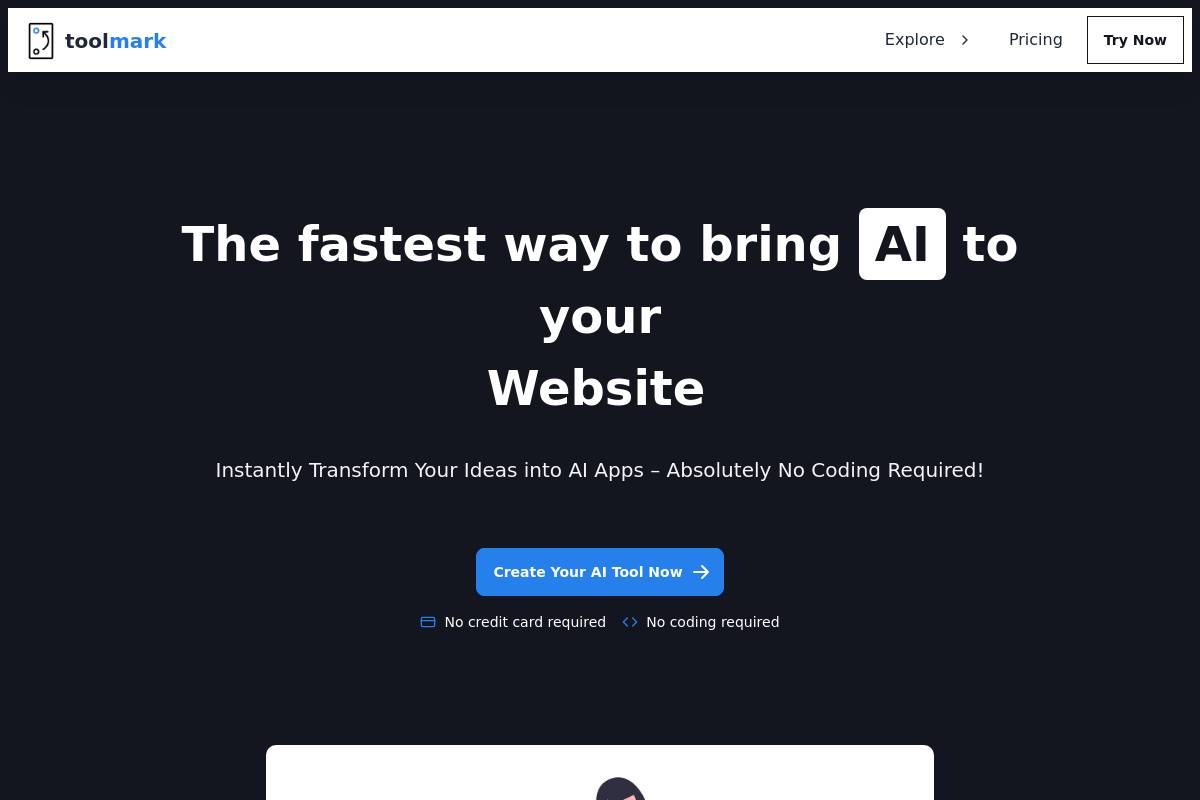
Toolmark.ai is a no-code AI tool builder designed for creating and monetizing AI-powered applications and Chrome extensions. It features a drag-and-drop interface that allows users to build tools without writing any code, supporting models like GPT-4o, Gemini, and DALL-E. This platform is particularly useful for streamlining business automation and integrating custom AI workflows.
Key Features
- Drag-and-Drop Editor: The editor is a versatile no-code AI tool builder that enables individuals and companies to effortlessly create and integrate AI tools into their workflows. With its user-friendly drag-and-drop interface, you can generate text, images, and voice using advanced AI models without any coding knowledge.
- White-Label Chrome Extensions: White-labeling is a feature that lets you create your own Chrome Extension with your own branding, icon, and a dedicated Chrome Web Store page to distribute to your users. This allows your users to use your tools directly in Chrome without having to install the main Toolmark AI Chrome Extension.
- Marketplace Monetization: The platform includes a built-in marketplace where creators can sell AI tools within the Toolmark community, providing a direct path to monetization for the applications they build.
- Zapier and Airtable Integration: To enhance functionality, Toolmark.ai can connect with popular third-party tools like Zapier and Airtable to automate workflows and manage data more effectively.
- Pricing: As part of this Chrome Extension Builder Pricing Comparison 2026 Guide, it's notable that Toolmark.ai offers a free trial. Paid plans begin with a $29/month option, with higher tiers available at $99/month and custom enterprise pricing for larger teams.
Best For
In our analysis for PlugThis, we found Toolmark.ai is ideal for content creators, coaches, and small business owners who want to build branded AI tools and Chrome extensions that they can sell or distribute to their audience. As a no-code solution, it is perfect for non-technical users, offering extensive customization options, monetization opportunities, and real-time applications. Access to the white-label Chrome extension feature begins with the $29/month plan.
Pros and Cons
- Pro: The white-label Chrome extension output is a rare and valuable feature for creators focused on building and distributing branded tools.
- Pro: A built-in marketplace allows for direct monetization of the tools you build, creating a clear revenue stream for developers and creators.
- Pro: Multi-model support lets you flexibly switch between different AI providers like OpenAI, Google, and Mistral based on the specific requirements of each task.
- Con: The drag-and-drop approach is less suited for extensions requiring custom page interaction logic or complex content script behavior.
- Con: The valuable white-label Chrome extension feature requires a paid plan and is not available on the free tier.
Rating: 7.2/10
Key Takeaway: Toolmark.ai excels at empowering creators to build and monetize white-label AI Chrome extensions through a no-code interface, making it a unique option for brand-focused tool distribution and workflow automation. For developers who just need a quick prototype, ChilledSites offers blazing-fast code generation.
9. ChilledSites — Best for Fastest Manifest V3 Code Generation in Under 60 Seconds
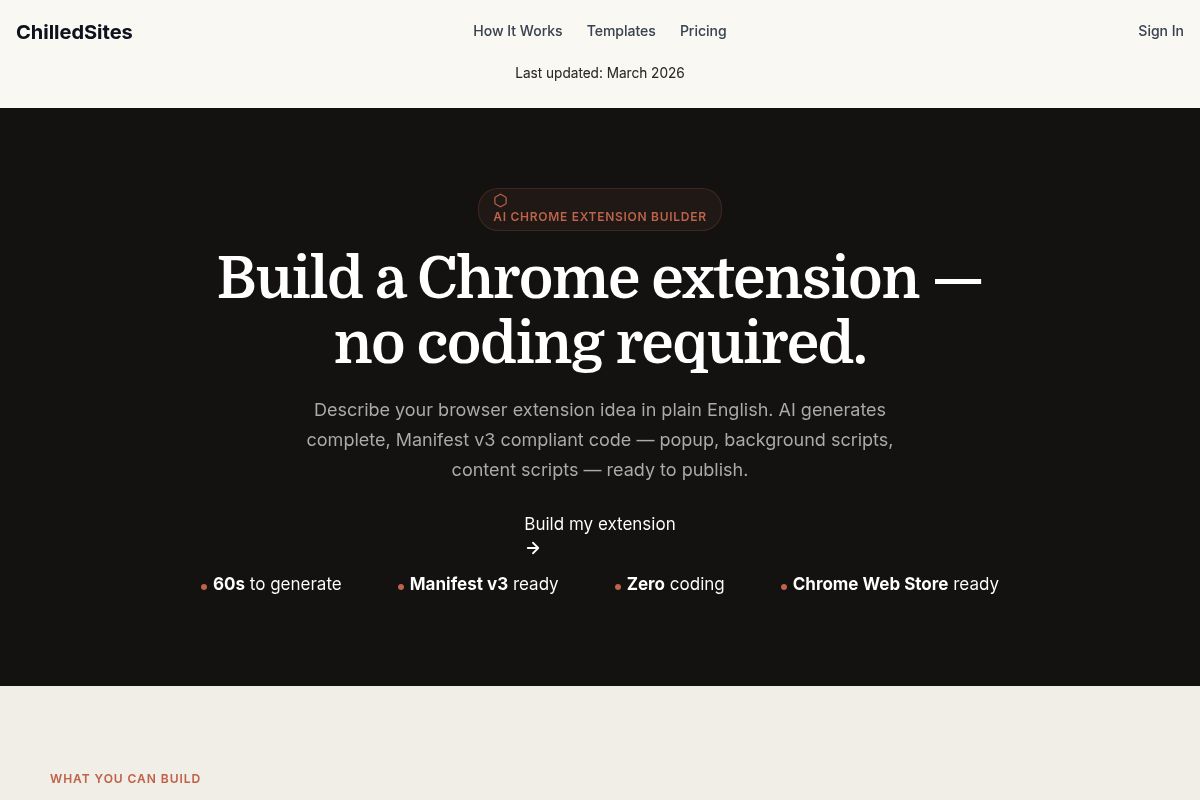
ChilledSites is an AI Chrome extension builder that generates complete, production-ready Manifest V3 code directly from a plain-English description. The platform's main advantage is its speed, delivering a full extension package including popup, background, and content scripts in under 60 seconds with no coding required. This makes it a lightweight and efficient entry point for developers or technical users who need clean starter code for rapid prototyping.
Key Features
- 60-Second Generation: The AI generates a complete extension in under 60 seconds. This includes the manifest.json, background service worker, popup HTML/CSS, and content scripts, all compliant with Manifest V3, which is the latest version of the Chrome extension platform focused on security and performance.
- Complete Package Output: The generated code is a full package ready for testing and submission, including a valid Manifest V3 file, correct permissions, icons, and all metadata configured for the Chrome Web Store.
- Broad Extension Category Support: The generator supports a wide range of use cases, including productivity tools, shopping assistants, developer utilities, content manipulation tools, social media integrations, and custom new tab page replacements.
- Download and Load Locally: Users can immediately download the generated code package, load it as an unpacked extension in Chrome's developer mode for local testing, and then proceed to publish it on the Chrome Web Store.
- Free to Generate: The core AI extension code generator tool is accessible with a free generation tier, making it easy to try. Broader access to the ChilledSites platform is available through affordable subscription plans.
Best For
ChilledSites is ideal for developers and technical users seeking rapid prototyping with clean Manifest V3 starter code. It provides a fast, no-frills solution without the commitment or overhead of a full-stack platform subscription, making it a strong contender in this Chrome Extension Builder Pricing Comparison 2026 Guide for specific use cases.
It is also useful for non-technical users who want the fastest possible first draft to share with a developer for further iteration. It's worth noting that ChilledSites is a front-end code generator best suited for client-side extensions. For more complex projects requiring data persistence or user accounts, alternative tools like PlugThis or imagine.bo are better fits.
Pros and Cons
- Pro: Its generation time of under 60 seconds is the fastest among the tools compared, enabling extremely quick starts.
- Pro: The tool produces clean, well-structured Manifest V3 code with the correct permissions and metadata pre-configured for submission.
- Pro: Users can generate their first extension without requiring registration or an account, lowering the barrier to entry.
- Con: The platform does not generate a backend, which limits its use to client-side extension logic and functionality.
- Con: It is less suited for highly complex extensions that require advanced state management, multi-file coordination, or secure API authentication.
Rating: 6.9/10
Key Takeaway: ChilledSites is the fastest option for generating simple, client-side Manifest V3 Chrome extension starter code, making it perfect for rapid prototyping and initial drafts, but it lacks backend support for more complex applications. For teams with deep technical expertise and specific architectural requirements, native Chrome development remains the gold standard.
10. Native Chrome Extension Development — Best for Developer Teams Who Need Maximum Control
Native Chrome Extension Development refers to building browser extensions directly using JavaScript, HTML, CSS, and official Chrome APIs. This approach is best for developer teams who require maximum control over browser behavior, permissions, and performance, offering unparalleled customization that is not possible with template-based builders.
Unlike AI or no-code builders, Chrome's native development environment provides direct access to low-level browser events, content scripts, background workers, and complete extension lifecycle management. This granular control allows for the creation of highly complex and deeply integrated browser tools.
Key Features
- Full API Access: Native Chrome extension development gives developers full access to Chrome APIs for managing tabs, storage, cookies, network requests, page content manipulation, and browser events.
- Zero Platform Cost: The native Chrome extension platform is free to use, with no subscription or usage-based pricing. The only direct cost is a one-time developer registration fee for publishing to the Chrome Web Store.
- AI-Assisted Development: Google has created a skill for coding agents specifically designed for extension development, making AI tools like Claude Code or Cursor viable accelerators for native development and reducing manual coding time.
- Chrome Web Store Fee: The one-time developer registration fee for publishing to the Chrome Web Store is $5 USD, a single payment that covers all future extensions published under one developer account.
- Built-In AI APIs: Developers can try the new built-in AI APIs in Chrome extensions, including Prompt, Summarizer, Writer, and Rewriter APIs running on-device via Gemini Nano. Gemini Nano is a lightweight, on-device large language model from Google designed for efficient AI tasks directly within the browser.
Best For
This approach is ideal for experienced developers and engineering teams that need fine-grained control over browser behavior, security, and performance. Teams who are comfortable managing complexity manually and require direct API access for unique features will find native development to be the most powerful option.
However, building extensions this way requires strong technical knowledge, careful permission handling, and continuous maintenance as Chrome updates its extension standards. While platforms like PlugThis abstract away this complexity, native development puts the full responsibility on the developer's shoulders.
When evaluating options in this Chrome Extension Builder Pricing Comparison 2026 Guide, it is crucial to understand that the $5 one-time Web Store fee is the only direct platform cost. The real, and often substantial, investment is measured in developer hours, infrastructure, and ongoing maintenance.
Pros and Cons
- Pro: No platform subscription cost; the only fee is the $5 one-time Chrome Web Store registration.
- Pro: Complete control over every line of code, permission scope, and performance optimization opportunity.
- Pro: Access to the full Chrome extension API surface, including experimental and advanced APIs not available in builders.
- Con: Requires deep familiarity with JavaScript, Chrome APIs, and the Manifest V3 specification. Manifest V3 is the latest version of the Chrome extension platform specification that dictates security, performance, and capability rules for extensions.
- Con: Ongoing costs come from developer time, infrastructure for backend services if used, and maintenance effort rather than predictable platform fees.
Rating: 6.5/10
Key Takeaway: Native Chrome extension development has virtually no platform cost beyond a $5 registration fee, but it demands a significant investment in specialized developer time for building, security management, and ongoing maintenance, making it the most flexible but resource-intensive option.