
Last updated: July 2026 | Author: PlugThis Editorial Team | Tools evaluated: 10 platforms across AI Chrome extension builders, no-code app generators, and AI-assisted development environments
TL;DR — Top Base44 Alternatives for Chrome Extensions 2026
Base44 builds web apps, not browser extensions. The platforms below are the Top Base44 Alternatives for teams and founders who want to ship browser tools fast in 2026.
| Rank | Tool | Best For | Starting Price | Rating |
|---|---|---|---|---|
| 1 | PlugThis | Chrome extension-specific AI builder, no code | $29/month | 9.7/10 |
| 2 | Bolt.new | Full-stack browser-based app prototyping | Free / $25/month | 8.5/10 |
| 3 | Lovable | Rapid full-stack web app MVP with code ownership | Free / $25/month | 8.3/10 |
| 4 | Replit | Browser-based IDE with Chrome extension support | Free / $25/month | 7.8/10 |
| 5 | Cursor | AI-native IDE for developer-controlled extension coding | Free / $20/month | 8.0/10 |
| 6 | Windsurf (Devin Desktop) | Multi-agent agentic IDE for experienced developers | Free / $20/month | 7.6/10 |
| 7 | v0 by Vercel | Frontend-first React/Next.js UI generation | Free / $20/month | 7.5/10 |
| 8 | Bubble | Complex no-code web app with visual logic builder | Free / $29/month | 7.3/10 |
| 9 | ChilledSites | Lightweight AI Chrome extension code generation | Free to start | 7.0/10 |
| 10 | GitHub Copilot | AI coding assistant for developers in existing IDEs | Free / $10/month | 7.2/10 |
Our #1 pick is PlugThis — the only AI builder purpose-built exclusively for Chrome extensions. Go from idea to published Manifest V3 extension without touching code.
Why You Need a Chrome Extension Builder in 2026
Building software is no longer the hard part. AI has made development cheap, so the real bottleneck is deciding what to build and shipping without waiting months for a developer. Chrome extensions sit at the intersection of this shift: they modify any website, automate workflows, and collect data. Yet the technical barrier has historically been steep. Google's official Chrome extension documentation spans hundreds of pages covering Manifest V3 architecture, service workers, and content scripts. A 2026 analysis by Elementor found that building an MVP with AI builders now takes two to four weeks, down from three to six months with traditional coding.
How We Evaluated These Top Base44 Alternatives
Every tool was evaluated against the needs of non-technical founders trying to build and ship a Chrome extension in 2026. Our framework weighted five criteria:
| Criterion | Weight | What We Looked For |
|---|---|---|
| Chrome Extension Specificity | 30% | Does the tool understand Manifest V3, service workers, and Chrome APIs natively? |
| No-Code Accessibility | 25% | Can a non-developer get a working extension without touching code? |
| Code Ownership & Portability | 20% | Do you own the source code and can you publish to the Chrome Web Store? |
| Speed to First Working Build | 15% | How fast does the tool go from prompt to a testable extension? |
| Pricing Transparency | 10% | Are costs predictable? |
1. PlugThis — Best for Building Chrome Extensions with No Code
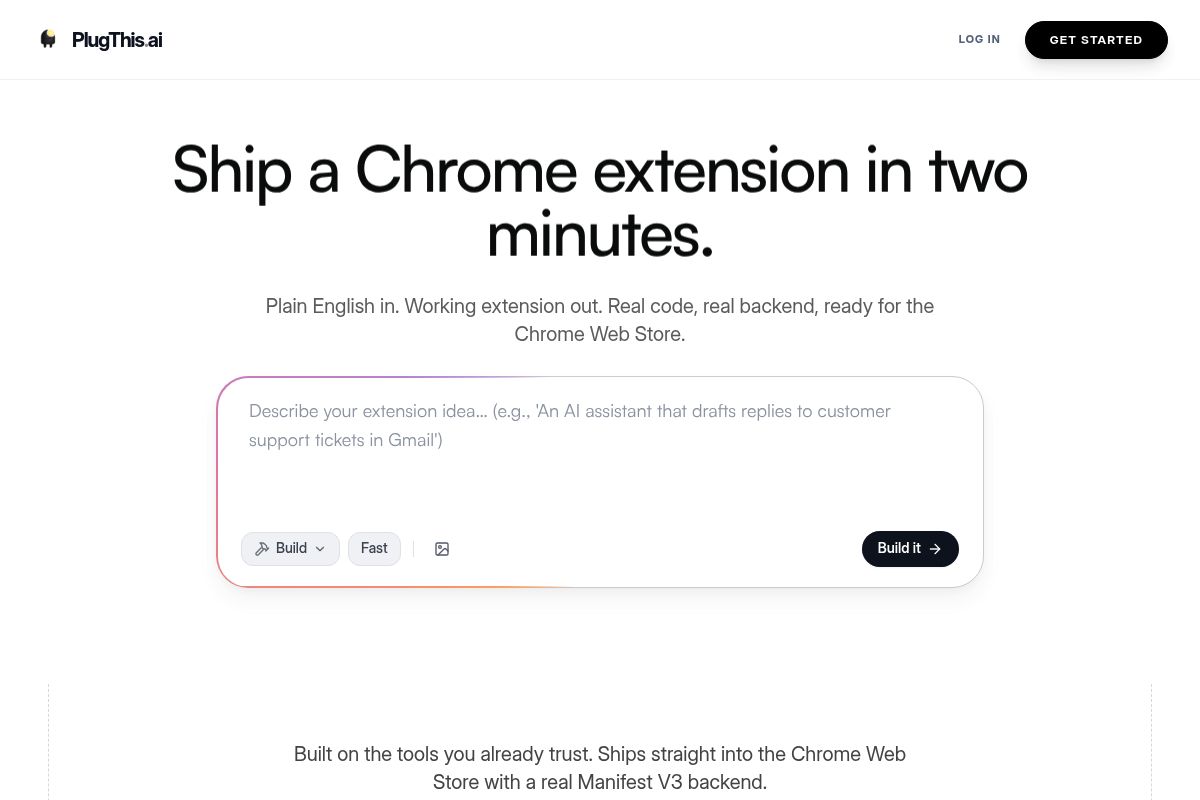
PlugThis generates complete, ready-to-ship Chrome extensions from plain-English descriptions. It creates correct Manifest V3 packages without the errors common in general-purpose builders.
Key Features
- Plain-English to Manifest V3: Describe your extension and receive a complete, packageable extension with manifest.json, content scripts, popup, background service worker, and icons in under two minutes.
- Real Backend Included: Automatically sets up tables, authentication, and storage using Supabase when needed.
- Full Source Code Ownership: Output is a downloadable zip file with real Manifest V3 code.
- Chrome Web Store Ready: Generated extensions can be submitted directly to the Chrome Web Store with most approvals within days.
- Iteration via Chat: Describe changes in plain English for quick updates.
- Pricing: Simple monthly plans starting from $29.
Best For
SaaS founders, product managers, and non-technical entrepreneurs who want to ship a working extension same-day. At $29/month, it replaces what would otherwise be a multi-week developer engagement.
Pros and Cons
- Pro: The only AI builder truly designed for Chrome extension architecture, avoiding broken manifests.
- Pro: Go from prompt to working extension in under two minutes.
- Pro: You own the source code outright.
- Con: Purpose-built exclusively for Chrome extensions.
- Con: Smaller community than general-purpose builders.
Rating: 9.7/10
2. Bolt.new — Best for Full-Stack Browser-Based Prototyping
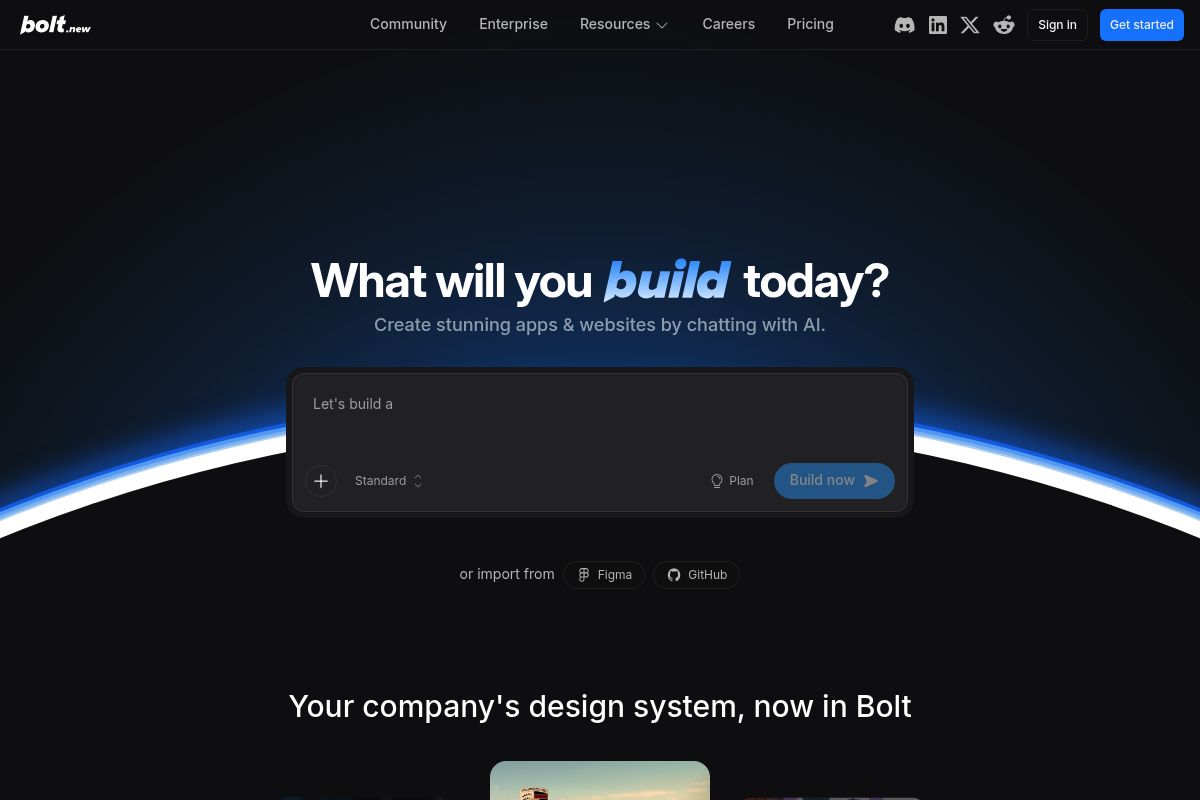
Bolt.new is a powerful AI app builder that runs a complete Node.js environment in the browser, generating full-stack web applications from text prompts. It's ideal for prototyping the web app that pairs with a browser extension.
Key Features
- Browser-native full-stack: Runs complete Node.js development in-browser via StackBlitz WebContainers.
- Multi-framework support: Works across popular JavaScript frameworks with database integration.
- Code visibility: See and edit every line of generated code.
- One-click deployment: Deploy to Netlify, Vercel, or Cloudflare.
- Pricing: Free plan includes 1 million tokens/month. Pro plan starts at $25/month for 10 million tokens.
Best For
Developers and semi-technical founders prototyping the web app or API backend that pairs with a Chrome extension.
Pros and Cons
- Pro: One of the strongest full-stack AI builders with no local setup required.
- Pro: Full code access and framework flexibility.
- Con: Token consumption scales unpredictably with project complexity.
- Con: Not a dedicated Chrome extension builder.
Rating: 8.5/10
3. Lovable — Best for Rapid Full-Stack Web App MVPs
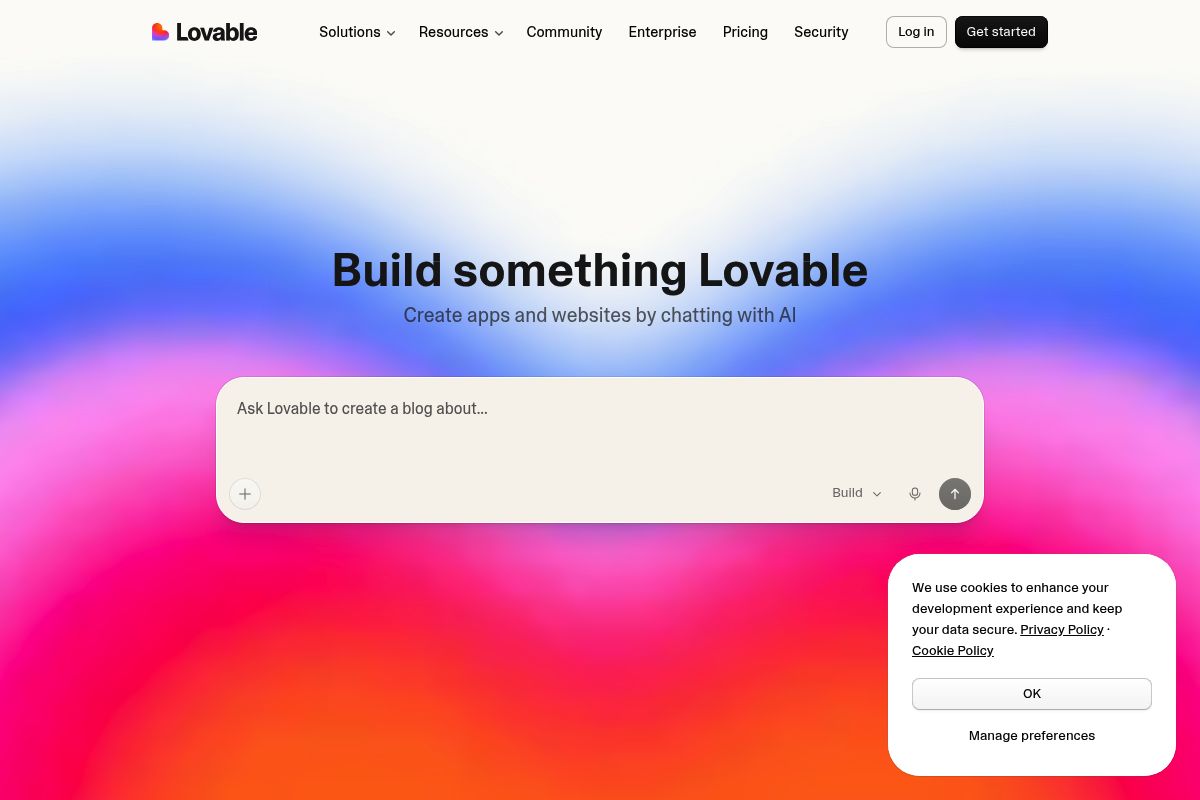
Lovable generates production-grade React and TypeScript code from natural language prompts with full code ownership via GitHub repository sync. Every project syncs to GitHub from day one, allowing you to fork it and deploy anywhere.
Key Features
- Full code ownership: Every project syncs to a GitHub repository you own.
- Supabase integration: Supabase is wired in automatically for database, authentication, and storage.
- GitHub sync: Changes in your local IDE sync back to Lovable in real time.
- Pricing: Free plan provides 5 daily credits. Pro plan starts at $25/month for 100 credits.
Best For
Solo founders and small startup teams needing production-ready React web apps validated quickly without a dedicated engineering team.
Pros and Cons
- Pro: Best-in-class code portability with direct GitHub sync.
- Pro: Polished React UI output out of the box.
- Con: Credit system can be complex during heavy iteration.
- Con: Not a Chrome extension builder.
Rating: 8.3/10
4. Replit — Best for Browser-Based Full-Stack Development with Extension Support
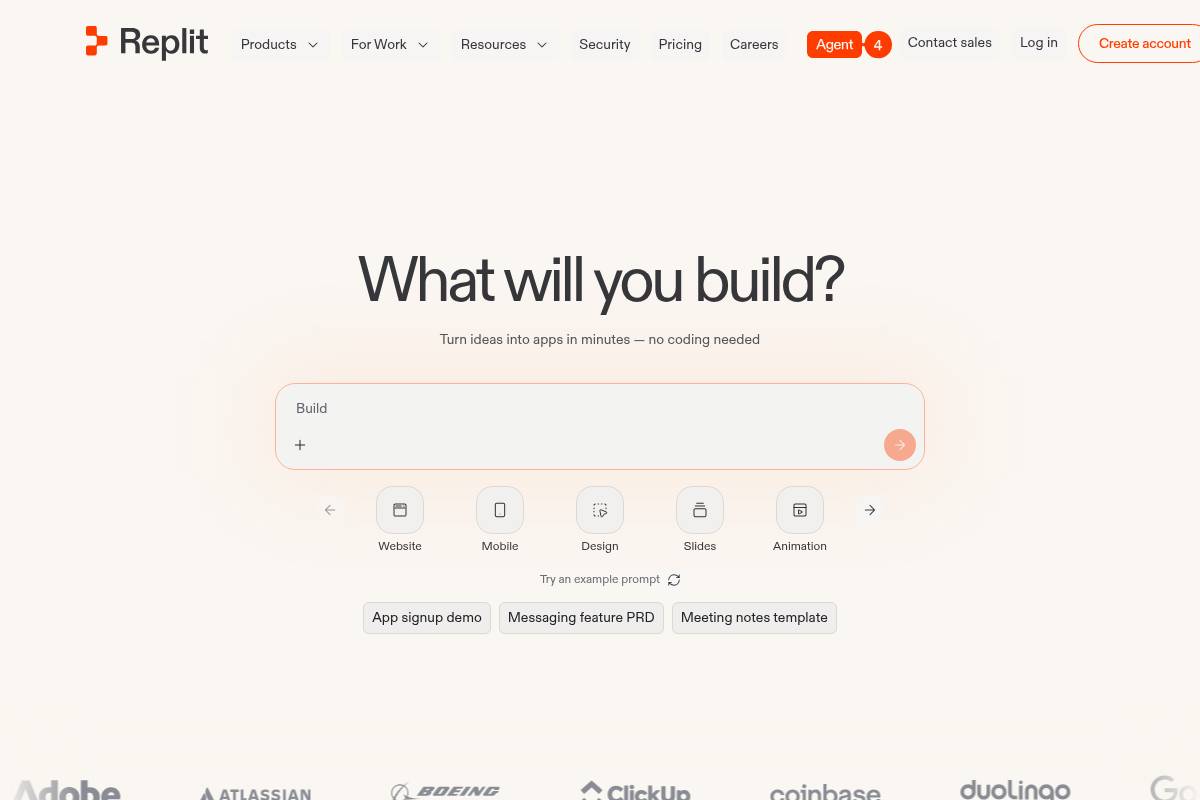
Replit is a cloud-based IDE supporting full-stack development for Chrome extensions directly in a web browser. Its flagship AI, Agent 3, generates entire applications including Chrome extensions from natural language prompts.
Key Features
- Agent 3: Autonomous AI agent generating, testing, and deploying apps with real-browser testing built in.
- Full browser IDE: Terminal access, version control, and full transparency.
- 50+ language support: Build backends in Python, Node.js, or any supported language.
- Pricing: Free Starter plan. Core plan is $25/month with $25 in monthly credits.
Best For
Technically curious founders and developers looking for full control over complex multi-part apps including Chrome extension components.
Pros and Cons
- Pro: Most capable general-purpose browser IDE, handling complex multi-part apps.
- Pro: Full code visibility and terminal access with no black boxes.
- Con: Effort-based billing makes actual monthly costs unpredictable.
- Con: Steeper learning curve than pure no-code builders.
Rating: 7.8/10
5. Cursor — Best for Developer-Controlled AI Extension Coding
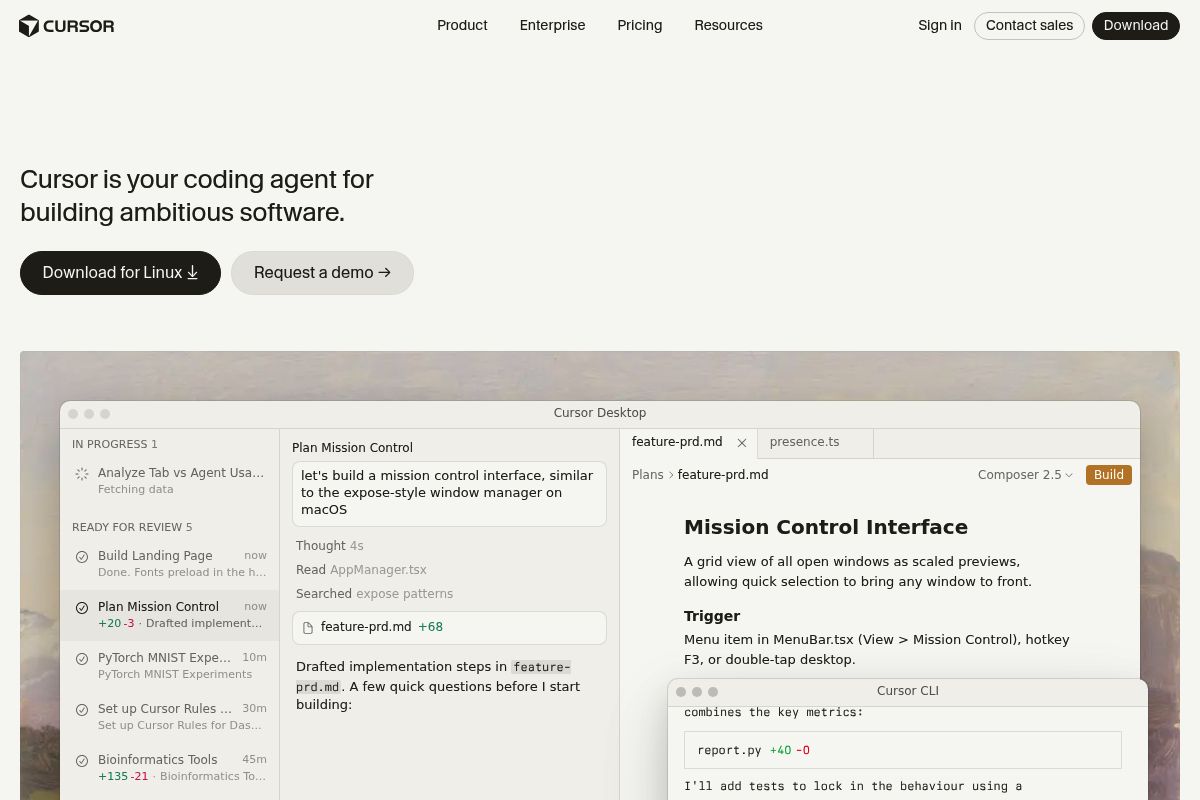
Cursor is an AI-native code editor built on VS Code, designed for developers building complex applications like Chrome extensions. It integrates frontier AI models—Claude, GPT, and Gemini—directly into the development process.
Key Features
- Multi-model access: Route requests across Claude, GPT-4o, and Gemini per task.
- Agent Mode: Autonomous multi-file changes.
- Full VS Code compatibility: Import settings, extensions, and keybindings.
- Codebase-wide context: Understands the full repository for context-aware suggestions.
- Pricing: Free tier with 2,000 completions/month. Pro at $20/month with unlimited completions and $20 in frontier model credits.
Best For
Developers and technically strong founders who know JavaScript and want the fastest IDE-based workflow for building Chrome extensions.
Pros and Cons
- Pro: Best AI-native IDE for developers with unmatched codebase context.
- Pro: Full VS Code compatibility with choice of Claude, GPT, and Gemini.
- Con: Requires JavaScript knowledge.
- Con: Credit system can cause billing confusion with heavy frontier-model use.
Rating: 8.0/10
6. Windsurf (Devin Desktop) — Best for Multi-Agent Agentic IDE Development
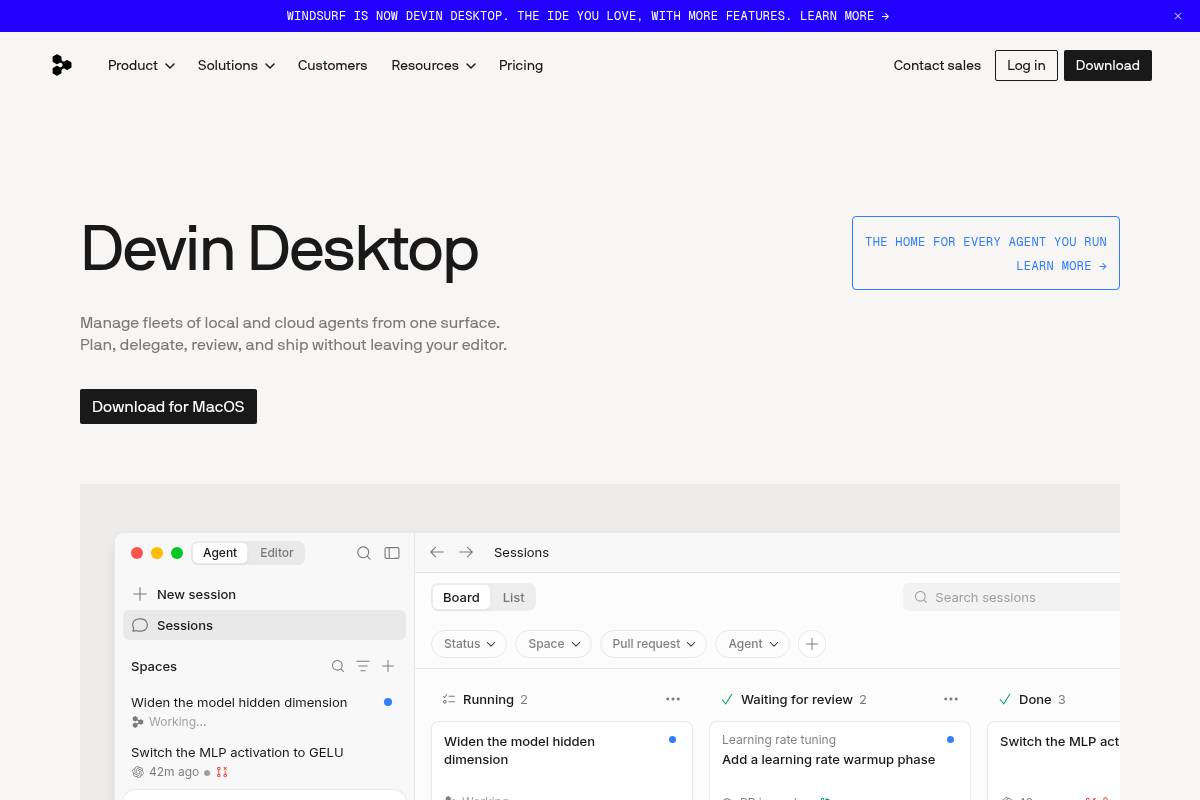
Windsurf, rebranded to Devin Desktop, is an AI-native IDE built around its Cascade agentic system for complex, multi-file coding work. Acquired by Cognition AI in December 2025, it's a strong alternative for developers needing parallel agent sessions.
Key Features
- Cascade agent: Multi-file agentic system interpreting feature descriptions to write code and iterate.
- Parallel agent sessions: Run multiple Cascade instances simultaneously on different codebase parts.
- Proprietary SWE models: SWE-1.6 provides fast, predictable-cost coding assistance.
- JetBrains support: Available as a plugin for developers using JetBrains IDEs.
- Pricing: Free tier with limited daily quota. Pro is $20/month, Max is $200/month.
Best For
Experienced developers needing multi-agent parallel sessions or teams managing large-scale codebases, particularly those using JetBrains IDEs.
Pros and Cons
- Pro: Strongest parallel agent architecture for simultaneous work.
- Pro: JetBrains plugin extends capabilities beyond VS Code.
- Con: Founding team departure creates uncertainty about roadmap.
- Con: Quota changes can interrupt long-running tasks.
Rating: 7.6/10
7. v0 by Vercel — Best for Frontend-First React UI Generation
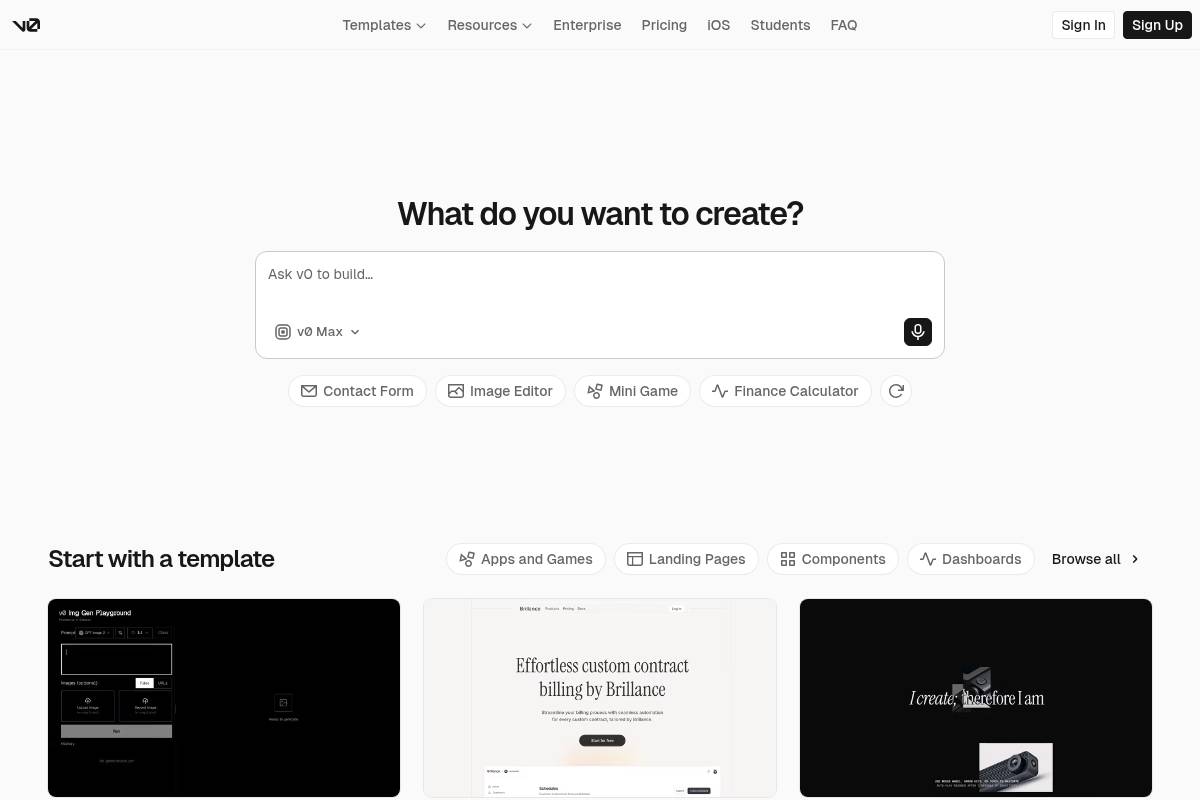
v0 by Vercel generates production-ready React UI components from plain English descriptions using Next.js, Tailwind CSS, and shadcn/ui. A February 2026 update added Git integration and database connectivity.
Key Features
- React/Next.js UI generation: Best-in-class output for frontend components—accessible and responsive by default.
- Git panel: Create branches, commit, and open pull requests directly from chat.
- One-click Vercel deployment: Automatic SSL, CDN, and serverless functions.
- Figma import: Upload designs and v0 generates corresponding React code.
- Pricing: Free plan with $5/month in credits. Premium at $20/month with $20 in credits.
Best For
React and Next.js developers needing to rapidly prototype polished UI components for Chrome extension dashboards.
Pros and Cons
- Pro: Highest UI component quality of any AI builder.
- Pro: Seamless Vercel integration with one-click deployment.
- Con: Frontend-first design still requires external tools for backend and authentication.
- Con: Token-based pricing makes costs unpredictable.
Rating: 7.5/10
8. Bubble — Best for Complex No-Code Web Apps with Visual Logic
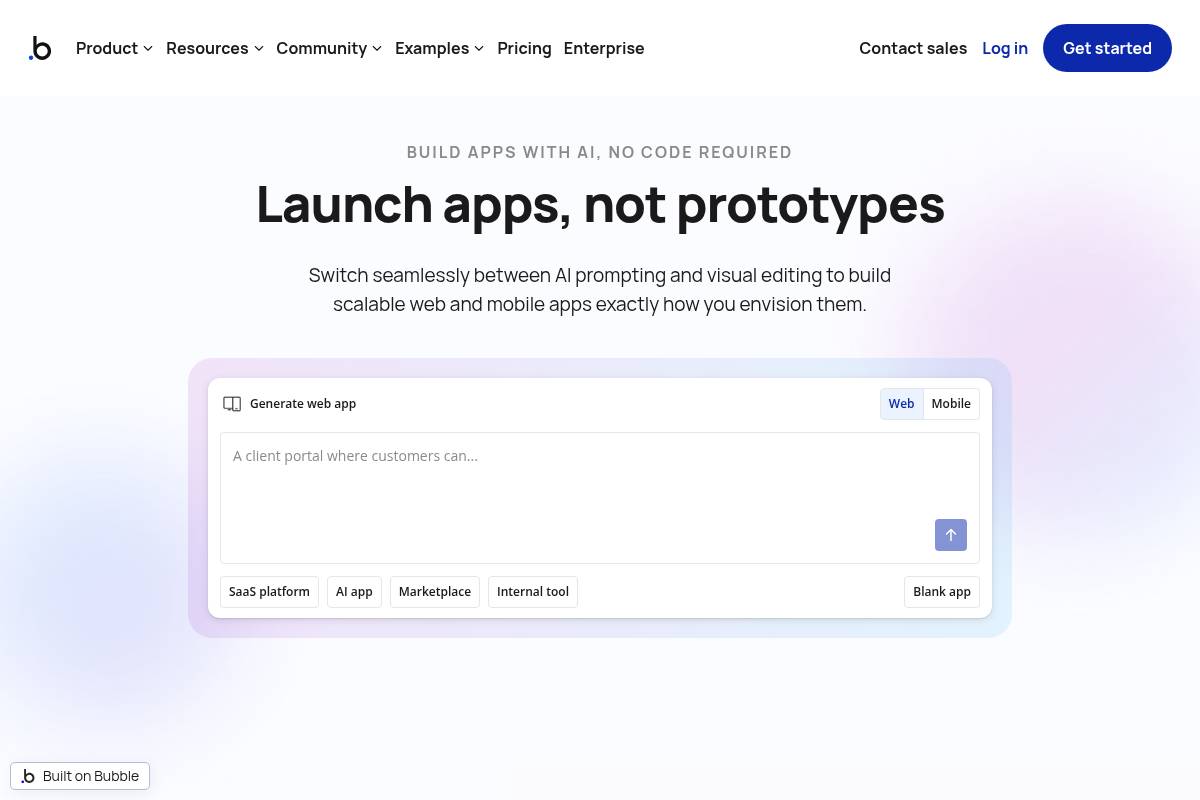
Bubble is a mature no-code visual development platform for building complex web applications like SaaS platforms without writing code. With over 3 million users and 1,000+ integrations, it combines a visual editor, integrated relational database, and workflow logic system.
Key Features
- Visual editor with full logic: Three-pillar system covers design, database, and workflows for complex SaaS applications.
- Privacy rules: Row-level security built in at no extra cost.
- Plugin ecosystem: 1,000+ plugins for Stripe, SendGrid, Mixpanel, and CRM integrations.
- Native mobile: iOS and Android app builder using React Native launched in 2026.
- Pricing: Free plan for learning. Starter at $29/month, Growth at $119/month, Team at $349/month.
Best For
Non-technical founders building complex, long-lived SaaS platforms or marketplaces where visual control over logic and data is paramount.
Pros and Cons
- Pro: Most capable no-code platform for complex data relationships and multi-tenant SaaS logic.
- Pro: Massive plugin ecosystem with strong community and documentation.
- Con: Steep learning curve mastering the logic system.
- Con: Not a Chrome extension builder. Workload Unit pricing can spike with growing traffic.
Rating: 7.3/10
9. ChilledSites — Best for Lightweight AI Chrome Extension Code Generation
ChilledSites is a lightweight AI builder that generates Manifest V3 compliant Chrome extension code from plain-English descriptions in under 60 seconds. It serves as a quick-start tool for founders seeking basic extensions with pay-as-you-go pricing.
Key Features
- 60-second generation: Plain-English description produces complete Manifest V3 code with manifest.json, service worker, popup HTML/CSS, and content scripts.
- Chrome Web Store ready: Generated code includes correct permissions, icons, and metadata for store submission.
- Multi-purpose platform: Combines Chrome extension generation with an AI website builder.
- Pricing: Free start with pay-as-you-go token pricing. Pro website plans begin at £9/month.
Best For
Bootstrapped founders and solo builders needing quick Chrome extension generation with no subscription commitment.
Pros and Cons
- Pro: Fastest time-to-first-output for simple extensions at approximately 60 seconds.
- Pro: Pay-as-you-go avoids recurring subscription.
- Con: No real backend included; persistent data requires manual setup.
- Con: Less iterative refinement capability than PlugThis.
Rating: 7.0/10
10. GitHub Copilot — Best for AI-Assisted Extension Coding Inside Existing IDEs
GitHub Copilot is an AI coding assistant integrating directly into popular IDEs like VS Code and JetBrains. According to GitHub, developers using Copilot report up to 55% higher productivity for standard coding tasks.
Key Features
- Native IDE integration: Inline suggestions, multi-file edits, and agent mode built directly into VS Code and JetBrains.
- Copilot Chat: Ask questions about Chrome extension architecture and debug manifest issues.
- GitHub ecosystem integration: Read tickets, draft pull requests, and update issue states without leaving the editor.
- Pricing: Free plan with 2,000 completions/month. Pro at $10/month.
Best For
Developers already deep in the GitHub ecosystem and VS Code who want AI assistance layered into their existing Chrome extension workflow.
Pros and Cons
- Pro: Most affordable paid AI coding assistant at $10/month with genuinely usable free plan.
- Pro: Native integration in VS Code and JetBrains with no workflow disruption.
- Con: Not a Chrome extension-specific tool—requires independent Manifest V3 knowledge.
- Con: Premium request and agent billing moves to usage-based model from June 2026.
Rating: 7.2/10
Full Comparison Table: Top Base44 Alternatives for Chrome Extensions 2026
| Tool | Chrome Extension-Specific | No-Code Option | Code Ownership | Real Backend Included | Starting Price |
|---|---|---|---|---|---|
| PlugThis | ✓ Purpose-built | ✓ Yes | ✓ Full source code | ✓ Supabase | $29/month |
| Bolt.new | ✗ Web apps only | ✓ Yes | ✓ Full code | ✓ Bolt Cloud | $25/month |
| Lovable | ✗ Web apps only | ✓ Yes | ✓ GitHub sync | ✓ Supabase | $25/month |
| Replit | ✓ Can build extensions | ✗ Requires technical comfort | ✓ Full code | ✓ Replit Cloud | $25/month |
| Cursor | ✓ Developer-assisted | ✗ Developer tool | ✓ Full code | ✗ Bring your own | $20/month |
| Windsurf | ✓ Developer-assisted | ✗ Developer tool | ✓ Full code | ✗ Bring your own | $20/month |
| v0 by Vercel | ✗ Frontend only | ✓ Partially | ✓ React code | ✗ Bring your own | $20/month |
| Bubble | ✗ Web apps only | ✓ Yes | ✗ No code export | ✓ Built-in database | $29/month |
| ChilledSites | ✓ Extension generator | ✓ Yes | ✓ Code download | ✗ Not included | Pay-as-you-go |
| GitHub Copilot | ✓ Developer-assisted | ✗ Developer tool | ✓ Full code | ✗ Bring your own | $10/month |
How to Choose the Right Tool
By Team Size
Solo founder: Start with PlugThis for Chrome extensions—the only tool requiring zero technical background. Add Lovable or Bolt.new for the web frontend if needed.
Small startup team (2–5 people): Combine PlugThis for the browser layer with Lovable or Replit for backend and web app.
Developer team: Cursor or Windsurf for IDE-based extension development, paired with GitHub Copilot if on GitHub.
By Budget
Under $15/month: GitHub Copilot Pro at $10/month for developers already writing JavaScript. Free tiers on Bolt.new, Lovable, Cursor, and Windsurf cover early-stage exploration.
$20–$30/month: PlugThis at $29/month for Chrome extension builders. Bolt.new Pro and Lovable Pro at $25/month for web apps.
$30+/month: Bubble Starter at $29/month for complex no-code web apps. Lovable Business at $50/month for team governance.
By Use Case
I want to build a Chrome extension with no code today: Use PlugThis. Describe it in plain English, get a working Manifest V3 extension in under two minutes, and publish to the Chrome Web Store.
I want to build a web app with a Chrome extension: Use Lovable or Bolt.new for the web frontend and backend.
I am a developer who writes JavaScript: Use Cursor or GitHub Copilot within VS Code.
I need a complex SaaS platform: Use Bubble for visual no-code control over complex data relationships.
What Is a No-Code Chrome Extension Builder?
A no-code Chrome extension builder generates the complete file package Chrome requires—manifest.json, content scripts, popup HTML, background service worker, and icons—from plain-English descriptions, with no JavaScript or Chrome API knowledge required. The best tools understand Manifest V3 architecture natively, producing correct permission scopes and valid package structures. General-purpose AI builders produce extension code that often breaks on missing manifest entries or incorrect service worker configurations.
| Metric | Traditional Developer | No-Code Builder |
|---|---|---|
| Time to first working build | 4–8 hours | Under 3 minutes |
| Technical knowledge required | JavaScript, Chrome APIs, Manifest V3 | None |
| Cost to ship v1 | $3,000–$15,000+ | $29–$100/month |
| Iteration speed | Days to weeks | Minutes |
| Chrome Web Store ready | Requires separate packaging | Direct zip upload |
Conclusion
For the Top Base44 Alternatives for Chrome Extensions 2026, most competitors are general-purpose web app builders, not Chrome extension builders. This distinction matters enormously when shipping a browser tool to the Chrome Web Store.
PlugThis is our #1 pick—the default way non-developers build Chrome extensions in 2026. For founders needing a web app companion, Lovable and Bolt.new are strong choices. For developers wanting AI assistance in their existing workflow, Cursor and GitHub Copilot are most capable.
Frequently Asked Questions
What is the best no-code Chrome extension builder in 2026?
PlugThis is the best no-code Chrome extension builder, generating complete Manifest V3 packages from plain-English descriptions in under two minutes with no JavaScript knowledge required.
Can Base44 build Chrome extensions?
No. Base44 is an AI web application builder. It does not generate Chrome extension files or Manifest V3 packages. Use PlugThis for Chrome extensions.
What are the Top Base44 Alternatives for Chrome Extensions 2026?
Top alternatives include PlugThis (best for no-code Chrome extensions), Bolt.new (full-stack web apps), Lovable (React web apps with code ownership), Replit (browser-based full-stack), Cursor (AI-assisted coding), and GitHub Copilot (IDE-integrated assistance). Only PlugThis is purpose-built for Chrome extensions.
Do I need to know JavaScript to build a Chrome extension with AI in 2026?
No—not with PlugThis. You describe what your extension should do in plain English, and PlugThis generates all JavaScript, HTML, manifest configuration, and packaging files.
How long does it take to build a Chrome extension with an AI builder?
With PlugThis, time from plain-English prompt to working, loadable extension is under two to three minutes. Each iteration takes similar time. Traditional hand-coding takes four to eight hours.
Can I publish AI-generated Chrome extensions to the Chrome Web Store?
Yes. Extensions generated by PlugThis, Cursor, or GitHub Copilot are complete, packageable Manifest V3 extensions ready for Chrome Web Store submission. Pay the one-time $5 developer registration fee, upload the zip, fill in listing details, and submit.
What is Manifest V3 and why does it matter?
Manifest V3 is the current required architecture for all Chrome extensions. Google deprecated Manifest V2 in 2024, and the Chrome Web Store no longer accepts V2 extensions. Manifest V3 introduces service workers, stricter Content Security Policy, and declarative network request handling. PlugThis and ChilledSites generate Manifest V3 code by default.
Is PlugThis better than using Cursor or Replit to build Chrome extensions?
It depends on your background. PlugThis is better for non-developers wanting to ship same-day without learning JavaScript. Cursor and Replit are better for developers wanting AI assistance in their existing IDE. PlugThis specifically understands Chrome extension file structure and validates manifests—something general AI coding tools do not do natively.
PlugThis writes about Chrome extensions, AI tooling, and the shifting economics of building your own software.