Last updated: July 2026 | Author: PlugThis Editorial Team | Tools tested: PlugThis, Emergent, Plasmo, ExtensionFast, Toolmark AI, Manus, imagine.bo, Extendo, ChilledSites, Native Chrome Development
TL;DR: Top Kromio Alternatives for Chrome Extensions 2026
If you want to build a Chrome extension without writing code, you have more options than ever in 2026. Here are the ten best platforms ranked for non-technical creators, SaaS founders, and developers seeking rapid prototyping.
| Rank | Tool | Best For | Starting Price | Rating |
|---|---|---|---|---|
| 1 | PlugThis | Non-developers shipping production-ready extensions fast | From $29/month | 9.5/10 |
| 2 | Emergent | Full-stack AI app builders | Free; from $20/month | 8.8/10 |
| 3 | Plasmo | Developer teams using React and TypeScript | Free; from $30/month | 8.3/10 |
| 4 | ExtensionFast | Developers launching monetized extensions fast | One-time purchase | 8.1/10 |
| 5 | Toolmark AI | AI-powered workflow extensions with multi-model support | Free trial; pay-as-you-go | 7.6/10 |
| 6 | Manus | Researchers and personal browser automation | Free tier available | 7.4/10 |
| 7 | imagine.bo | Teams needing AI speed plus human engineering backup | Free; from $20/month | 7.8/10 |
| 8 | Extendo | Visual no-code builders connecting extensions to web apps | Contact for pricing | 7.0/10 |
| 9 | ChilledSites | Quick Manifest V3 code generation with zero setup | Free to generate | 6.8/10 |
| 10 | Native Chrome Development | Developer teams needing maximum control | Free ($5 store fee) | 7.2/10 |
Our #1 pick is PlugThis — the only AI builder purpose-built for Chrome extensions. It turns plain-English descriptions into real Manifest V3 extensions with a real backend in minutes, making it the default choice for non-developers who want to ship the same day they have an idea.
Why You Need a Chrome Extension Builder in 2026
A Chrome extension builder generates the manifest, background service worker, content scripts, popup UI, and packaging files needed to create a Chrome extension without writing code by hand. Manifest V3 is now mandatory, raising the technical barrier for anyone building from scratch. The real bottleneck isn't building anymore—AI has made that cheap. The bottleneck is shipping before the window closes. The right tool depends on who you are and what you need on day one.
How We Evaluated These Tools
| Criterion | Weight | What We Looked For |
|---|---|---|
| Speed to first working extension | 25% | Minutes from prompt to loadable extension |
| No-code accessibility | 20% | Can a non-developer ship without assistance? |
| Manifest V3 compliance | 20% | Output loads in Chrome and passes Web Store review |
| Code ownership | 15% | User owns and can export the source code |
| Backend and API support | 10% | Can the extension connect to real data or services? |
| Pricing clarity and value | 10% | Transparent, predictable, and proportionate to output |
1. PlugThis — Best for Non-Developers Shipping Production-Ready Chrome Extensions
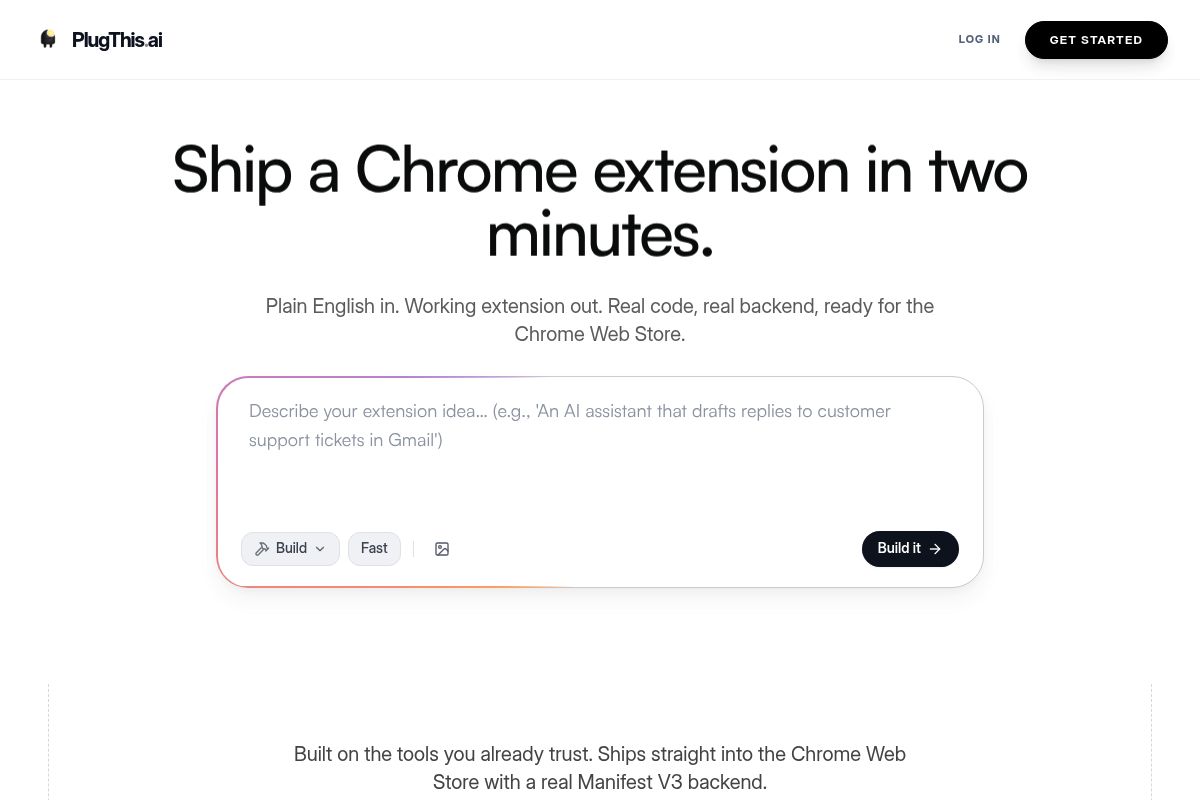
PlugThis is an AI builder designed specifically for creating production-ready Chrome extensions without writing code. Describe your extension in plain English and get a complete, packageable Manifest V3 extension in under two minutes, including the manifest.json, background service worker, content scripts, and popup UI.
Key Features
- Plain-English to Manifest V3: Get a complete, packageable Manifest V3 extension in under two minutes.
- Real backend included: PlugThis sets up tables, auth, and storage using Supabase automatically when needed.
- Source code you own: The output is a downloadable ZIP file containing the full unpacked extension structure.
- Chrome-specific architecture: Designed specifically for Chrome, not adapted from a general web app generator.
- Community gallery: Browse and remix extensions other builders have shipped.
- Simple monthly plans from $29: No per-extension fees means unlimited experimentation.
Pros and Cons
- Pro: The only AI builder purpose-built for Chrome extensions.
- Pro: Produces full Manifest V3 packages that load directly into Chrome without modification.
- Pro: Includes a real Supabase backend for extensions that need to store and sync data.
- Pro: Source code is fully exportable and submittable to the Chrome Web Store as-is.
- Con: Focused exclusively on Chrome extensions, not cross-browser.
- Con: Complex AI-reasoning behaviors may need prompt iteration.
Rating: 9.5/10
2. Emergent — Best for Full-Stack AI-Powered Browser Extensions
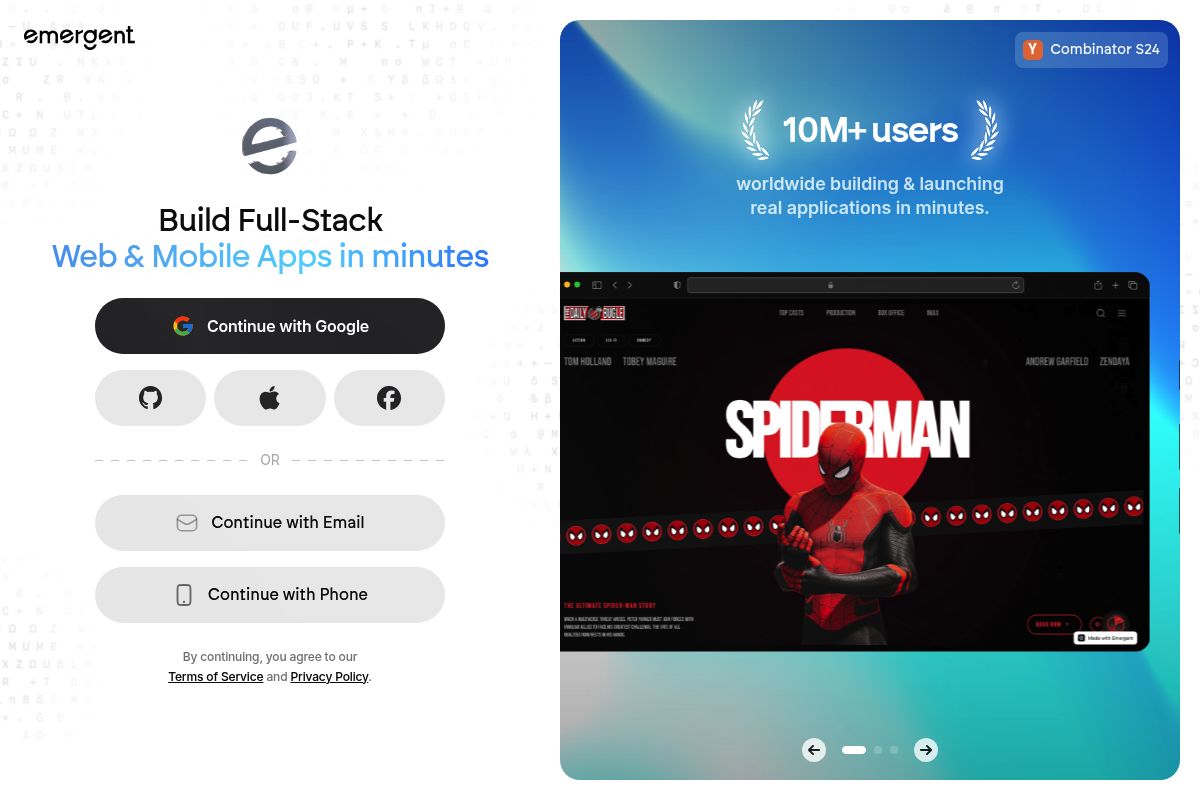
Emergent is a full-stack AI app builder that generates not just the extension but also the connected frontend, backend, and database from a single prompt.
Key Features
- Multi-agent AI architecture: Specialized agents for coding, testing, design, and deployment work simultaneously.
- Full-stack output: Generates the frontend, backend logic, database, authentication, and Chrome extension code together.
- Conversational debugging: Describe issues in plain English for automatic fixes.
- Code ownership: On paid plans, builds sync to GitHub; you can export the entire project.
- Credit-based pricing: Free plan (10 credits); Standard $20/month (100 credits); Pro $200/month (750 credits).
Pros and Cons
- Pro: Generates the full stack alongside the extension.
- Pro: Conversational iteration without touching files manually.
- Pro: Production-grade output with full code ownership.
- Con: Credit-based pricing can be unpredictable.
- Con: May be more powerful than needed for simple extensions.
Rating: 8.8/10
3. Plasmo — Best for Developer Teams Using React and TypeScript
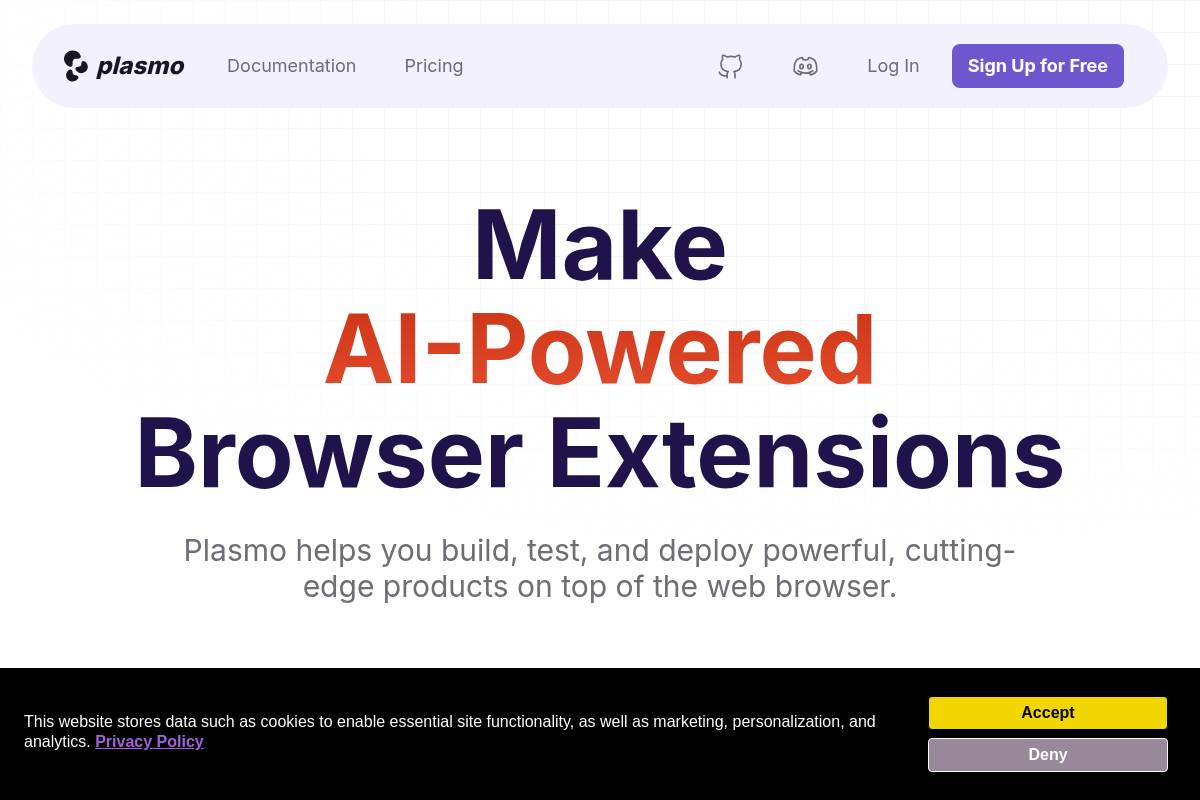
Plasmo is a browser extension SDK that abstracts away complex manifest configurations so teams can focus on building features using React and TypeScript.
Key Features
- File-based routing: Place files in conventional folders and Plasmo automatically bundles and mounts them.
- Framework support: React, TypeScript, Svelte, and Vue out of the box.
- Live-reload and HMR: See changes instantly during development.
- Itero TestBed: Push extension updates directly to beta testers without store review.
- Plasmo BPP: Automates publishing to Chrome, Firefox, and Edge stores via GitHub Actions.
- Pricing: Free; Starter $30/month; Pro $65/month.
Pros and Cons
- Pro: Dramatically simplifies extension development for React developers.
- Pro: Itero TestBed enables fast beta distribution without store review delays.
- Pro: Active community and strong documentation.
- Con: Requires significant coding knowledge.
- Con: Framework abstraction can be opaque when Chrome updates occur.
Rating: 8.3/10
4. ExtensionFast — Best for Developers Launching Monetized Extensions Quickly
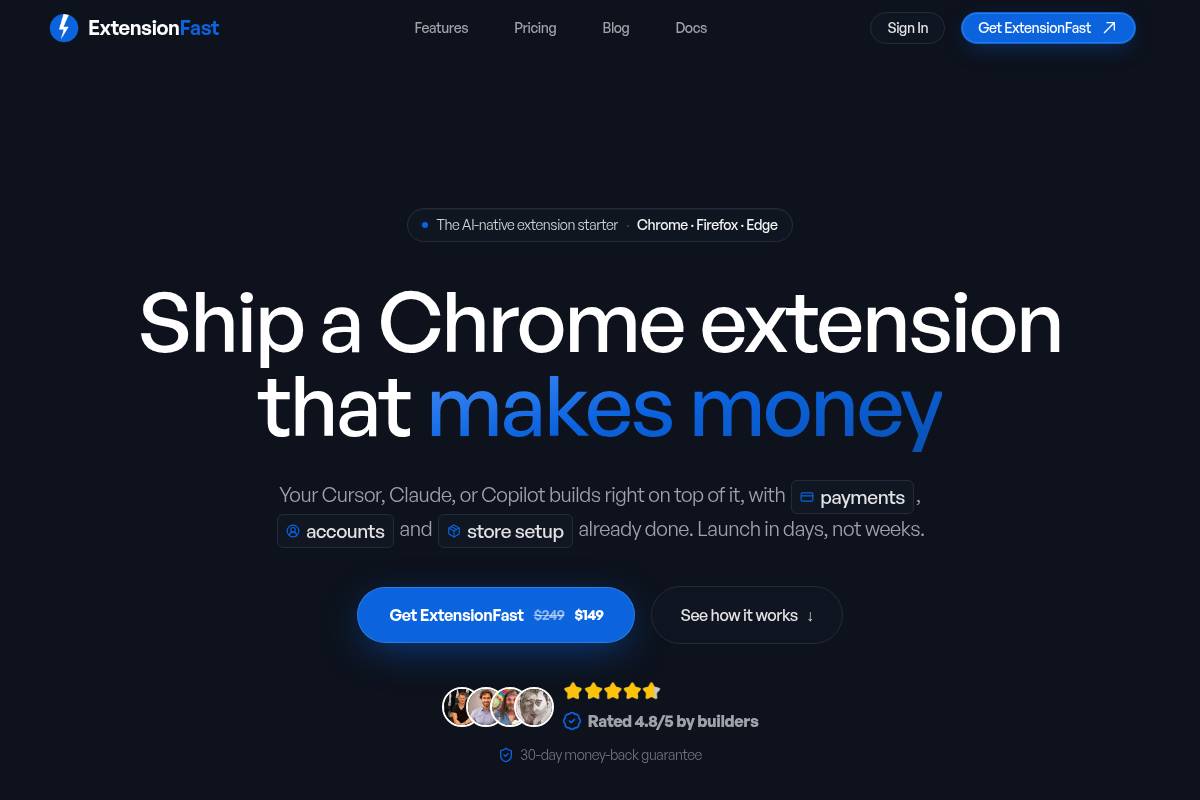
ExtensionFast is a React and TypeScript boilerplate pre-integrated with Stripe payments, Firebase authentication, and Manifest V3 for launching monetized extensions quickly.
Key Features
- Pre-integrated payments: Stripe is wired up out of the box with subscription management.
- Auth included: Firebase and Supabase authentication pre-configured.
- Cross-browser support: Chrome, Firefox, and Edge from a single codebase.
- AI agent recipes: Pre-written instructions for Cursor, Claude, and Copilot.
- One-time purchase: Single payment model with 30-day money-back guarantee.
Pros and Cons
- Pro: Payments, auth, and submission guides all included.
- Pro: Full code ownership with no framework lock-in.
- Pro: One-time purchase removes ongoing costs.
- Con: Requires developer knowledge.
- Con: No AI code generation.
Rating: 8.1/10
5. Toolmark AI — Best for AI Workflow Extensions
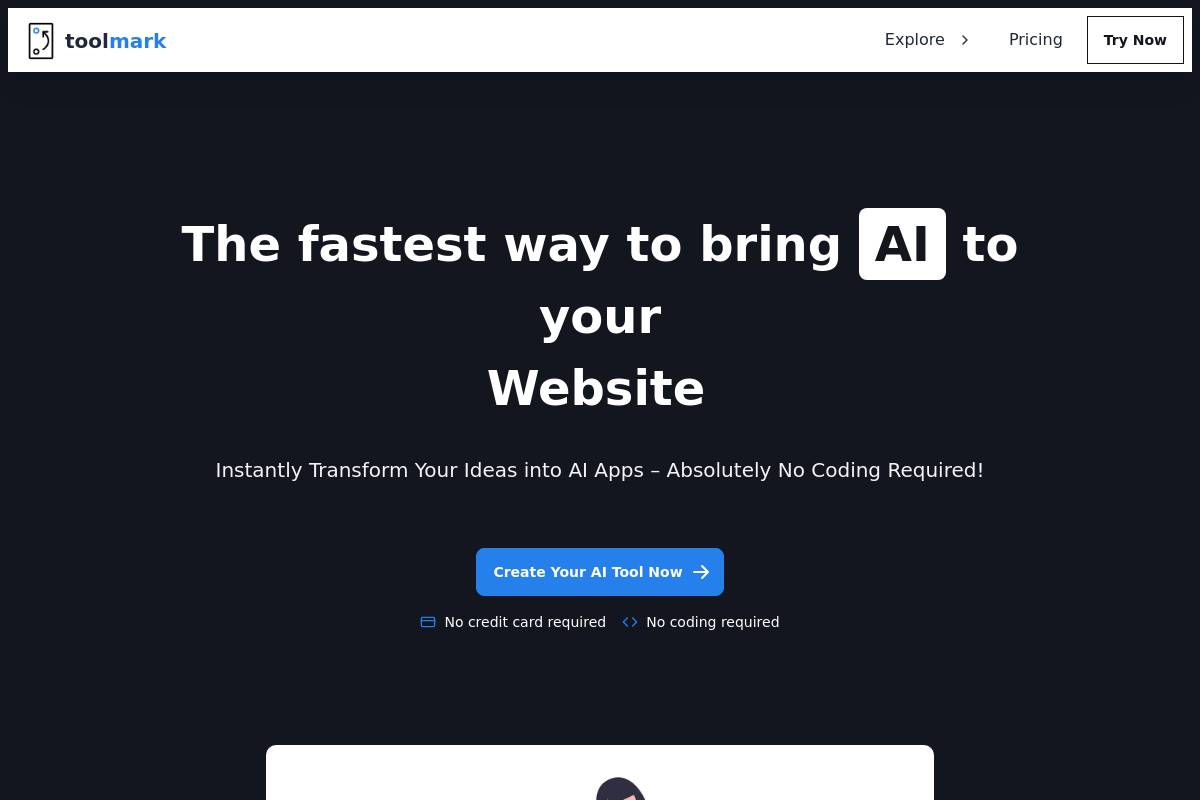
Toolmark AI is a no-code platform for building AI-powered applications with multiple model support including GPT-4o and Google Gemini, published as Chrome extensions.
Key Features
- Drag-and-drop AI builder: Create AI tools that generate text, images, and voice without code.
- Multi-model support: Switch between OpenAI, Google, Meta, and other AI models.
- Chrome extension deployment: Tools available via Chrome extension on any website.
- Zapier and Airtable integration: Connect to existing workflows without custom code.
- Marketplace: Create and sell AI tools to the Toolmark community.
- Pricing: Free trial with pay-as-you-go options.
Pros and Cons
- Pro: Widest AI model selection of any tool reviewed.
- Pro: Zapier and Airtable integrations require no custom code.
- Pro: Pay-as-you-go pricing keeps initial cost low.
- Con: Extensions tied to Toolmark platform.
- Con: Mixed user ratings suggest reliability concerns.
Rating: 7.6/10
6. Manus — Best for Personal Browser Automation

Manus is an AI-powered agent platform for building custom Chrome extensions using natural language prompts, optimized for research and data extraction.
Key Features
- Natural language interpretation: Manus interprets what you're trying to accomplish without rigid templates.
- Productivity focus: Automate repetitive browser tasks and gather data without deep system-level control.
- Single-click automation: Turn multi-step processes into single actions.
- Accessible to non-technical users: No Chrome API or JavaScript knowledge required.
- Free tier available: Entry-level access without upfront commitment.
Pros and Cons
- Pro: Handles intent-based prompts rather than technical specification.
- Pro: Free tier available for experimentation.
- Pro: Strong for research and data extraction.
- Con: Less suited for public distribution.
- Con: Limited low-level browser control.
Rating: 7.4/10
7. imagine.bo — Hybrid AI Builder with Human Support
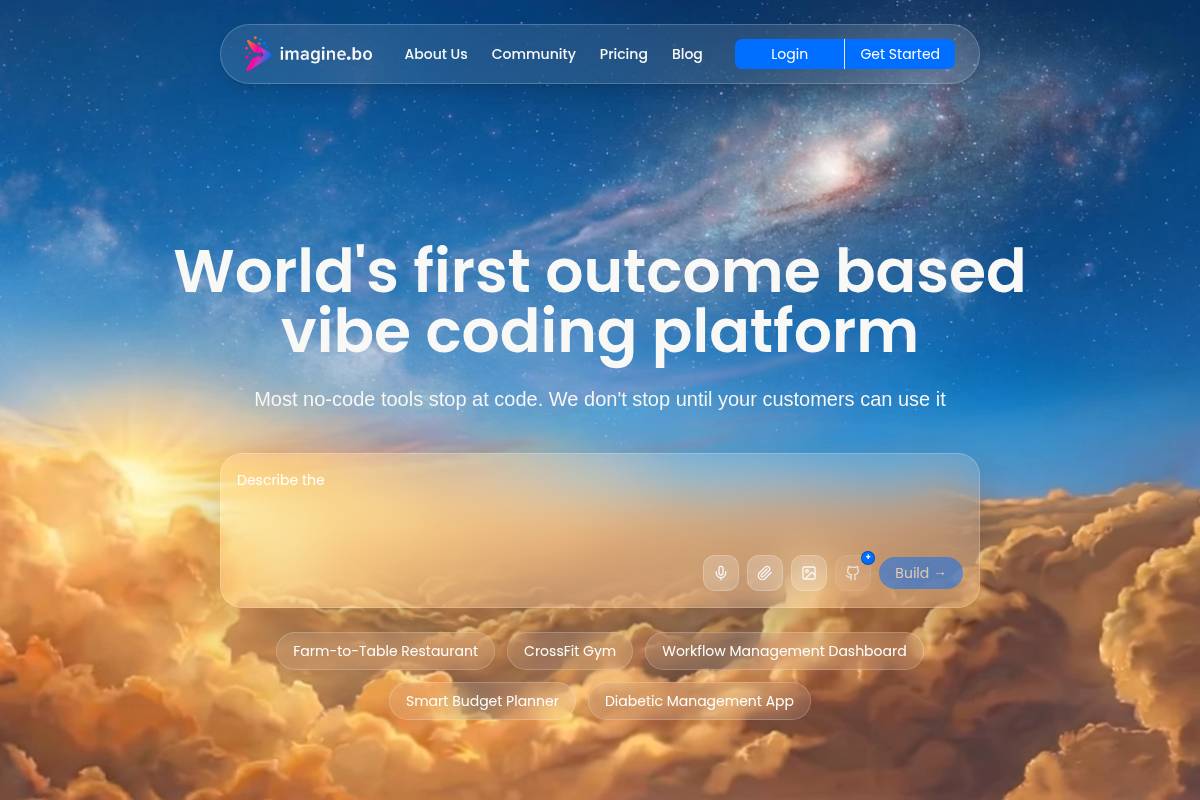
imagine.bo generates full-stack Chrome extensions from plain-English descriptions with a "Hire a Human" feature to escalate complex modules to vetted engineers.
Key Features
- Describe-to-build interface: Type what the extension should do and imagine.bo generates the full project.
- Human escalation: "Hire a Human" button for complex integrations like specific OAuth flows.
- Full-stack backend: Every extension generated with database, API, and authentication.
- Production deployment: Vercel and Railway deployment with SSL and RBAC.
- Pricing: Free plan (10 credits); Lite (30 credits); Pro (150 credits); Standard from $20/month.
Pros and Cons
- Pro: Human escalation is a genuine differentiator for complex edge cases.
- Pro: Full-stack backend included by default.
- Pro: Production deployment with SSL and RBAC built in.
- Con: Credit-based pricing requires careful planning.
- Con: Human escalation adds cost per module.
Rating: 7.8/10
8. Extendo — Best for Visual No-Code Builders
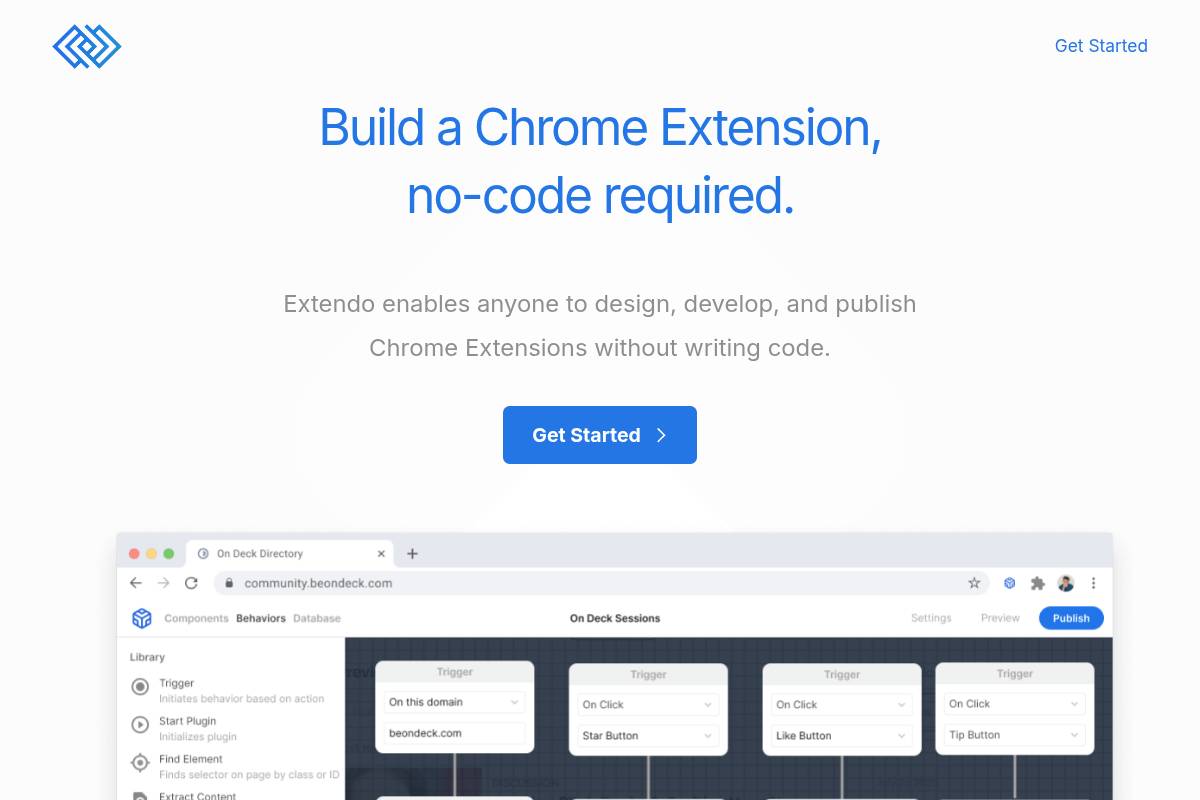
Extendo is a no-code Chrome extension builder with a drag-and-drop interface for connecting extensions to popular web apps and APIs.
Key Features
- Visual builder: Drag-and-drop interface without code.
- App integrations: Link extensions to popular web apps with a few clicks.
- One-click publishing: Publish directly to the Chrome Web Store.
- Supported capabilities: Web scraping, page UI changes, data retrieval, and automation.
Pros and Cons
- Pro: Fully visual builder with no coding required.
- Pro: One-click Chrome Web Store publishing.
- Pro: External app integrations without custom code.
- Con: Complex behaviors may exceed visual editor capabilities.
- Con: Pricing not publicly listed.
Rating: 7.0/10
9. ChilledSites — Best for Quick Manifest V3 Generation
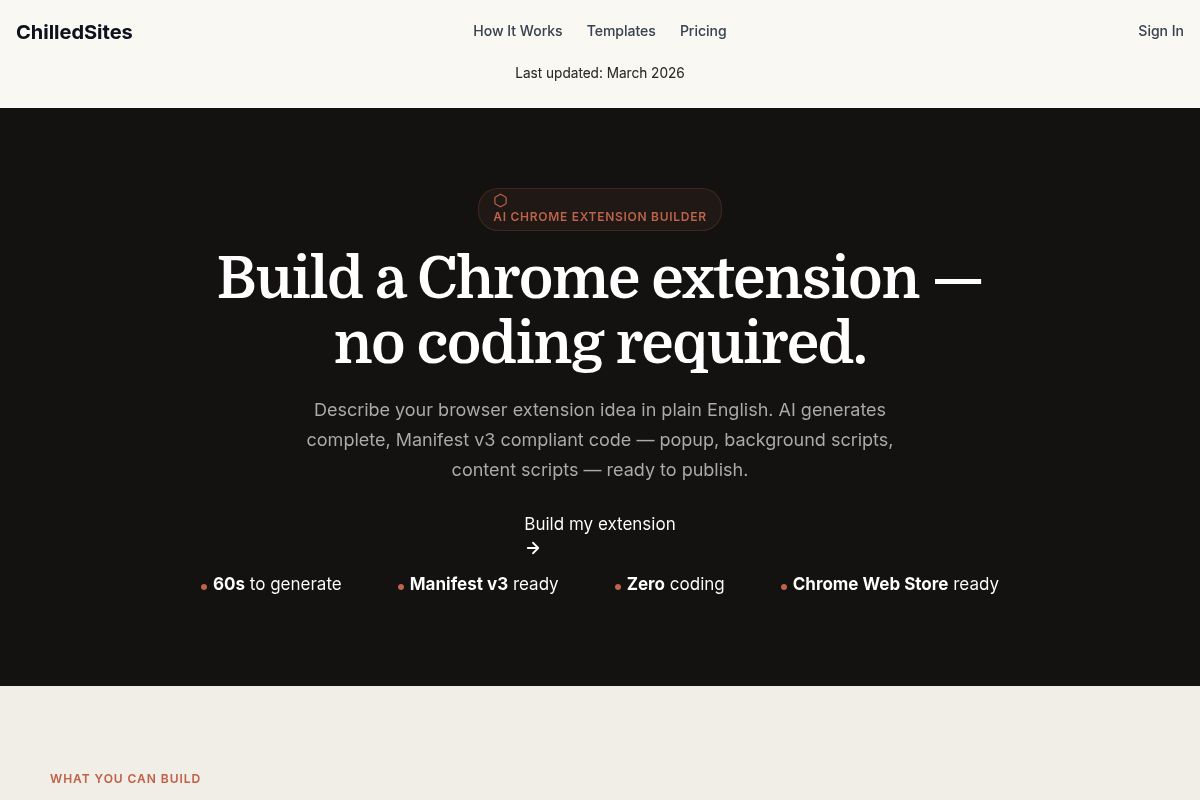
ChilledSites generates a complete, downloadable Manifest V3 code package from a plain-English description in under 60 seconds.
Key Features
- 60-second generation: Complete Manifest V3 package in under a minute.
- Full package output: manifest.json, popup HTML and JavaScript, background service worker, content scripts, and icon metadata.
- Immediate download: Load locally in Chrome developer mode or submit directly to Chrome Web Store.
- No backend generation: Browser-side code only; backends require separate implementation.
- Free to generate: Core generation accessible without paid plan.
Pros and Cons
- Pro: Fastest time-to-code of any tool in this list.
- Pro: Free to use for basic extension generation.
- Pro: Clean, complete Manifest V3 output ready for submission.
- Con: No backend generation; complex extensions need additional work.
- Con: Limited to Chrome; no cross-browser output.
Rating: 6.8/10
10. Native Chrome Development — Best for Maximum Control
Native Chrome extension development using JavaScript, HTML, and CSS offers unparalleled control over browser behavior and performance.
Key Features
- Full API access: Direct access to tabs, storage, cookies, network requests, and complete Chrome Extensions API.
- No platform dependency: Code runs entirely under your control with no subscription or third-party platform.
- Manifest V3 native: Build directly against Manifest V3 without framework abstraction.
- Cross-browser potential: With careful API selection, adapt for Firefox and Edge alongside Chrome.
- Free to develop: No platform cost; only a one-time $5 Chrome Web Store developer fee.
Pros and Cons
- Pro: Maximum flexibility and control.
- Pro: No ongoing platform costs.
- Pro: Full cross-browser potential.
- Con: Requires deep JavaScript knowledge.
- Con: Significant time investment before first working extension.
Rating: 7.2/10
Full Comparison Table
| Tool | No-Code | AI Generation | Manifest V3 | Backend Included | Code Ownership | Free Tier | Cross-Browser |
|---|---|---|---|---|---|---|---|
| PlugThis | ✓ | ✓ | ✓ | ✓ | ✓ | ✗ | ✗ |
| Emergent | ✓ | ✓ | ✓ | ✓ | ✓ | ✓ | ✗ |
| Plasmo | ✗ | ✗ | ✓ | ✗ | ✓ | ✓ | ✓ |
| ExtensionFast | ✗ | ✗ | ✓ | ✓ | ✓ | ✗ | ✓ |
| Toolmark AI | ✓ | ✓ | ✓ | ✗ | ✗ | ✓ | ✗ |
| Manus | ✓ | ✓ | ✓ | ✗ | ✗ | ✓ | ✗ |
| imagine.bo | ✓ | ✓ | ✓ | ✓ | ✓ | ✓ | ✗ |
| Extendo | ✓ | ✗ | ✓ | ✗ | ✗ | ✗ | ✗ |
| ChilledSites | ✓ | ✓ | ✓ | ✗ | ✓ | ✓ | ✗ |
| Native Chrome Dev | ✗ | ✗ | ✓ | ✗ | ✓ | ✓ | ✓ |
How to Choose the Right Chrome Extension Builder
By Team Size
Solo founders with no coding background should start with PlugThis, or ExtensionFast if they can code and want to launch a paid product. Small startup teams with mixed technical and non-technical members will find PlugThis or imagine.bo easiest. Engineering teams should evaluate Plasmo or Native Chrome Development based on desired framework abstraction.
By Budget
For zero budget, ChilledSites, Manus, Emergent, and imagine.bo offer free tiers. PlugThis starts at $29/month with real backend support. ExtensionFast is a one-time purchase eliminating ongoing fees. Native Chrome development has no platform cost beyond the $5 Chrome Web Store developer fee.
By Use Case
For shipping the same day without writing code, use PlugThis. For deep web app integration, use Emergent or imagine.bo. For cross-browser support with developers, use Plasmo or ExtensionFast. For personal automation, use Manus. For maximum control, build natively.
What Is a Chrome Extension Builder?
A Chrome extension builder generates the files Chrome needs to load an extension—manifest.json, background service worker, content scripts, popup HTML and JavaScript, and icon assets—from a description, template, or visual configurations. Manifest V3 is now mandatory for Chrome Web Store submissions in 2026.
| Term | What It Means | Why It Matters |
|---|---|---|
| Manifest V3 | The current required extension format for Chrome Web Store submission | Extensions built on MV2 are no longer accepted |
| Service Worker | The background script in MV3, which is event-driven and not persistent | State must be stored explicitly; the worker sleeps after inactivity |
| Content Script | JavaScript that runs in the context of a specific webpage | How extensions read and modify page content |
| Popup UI | The HTML interface that appears when a user clicks the extension icon | The primary user-facing surface for most extensions |
| No-code Chrome extension | An extension built using a visual builder or AI prompt without writing JavaScript | Enables non-developers to ship browser tools |
Conclusion
The Top Kromio Alternatives for Chrome Extensions 2026 span a wide range of approaches, from AI-first no-code platforms to developer frameworks to full-stack builders with human backup. For the majority of SaaS founders, product managers, entrepreneurs, and non-technical creators, PlugThis is the strongest starting point. It removes the technical barrier, delivers real Manifest V3 code with a real backend, and gives you source code you own—enabling you to go from idea to installed extension in minutes.
For developer teams needing cross-browser output, consider Plasmo or ExtensionFast. For full-stack integration, use Emergent or imagine.bo. For personal automation, use Manus. For maximum control, build natively.
Frequently Asked Questions
What is the best Kromio alternative for non-developers in 2026?
PlugThis is the strongest Kromio alternative for non-developers. It generates a complete, production-ready Manifest V3 Chrome extension from plain-English in under two minutes, including a real backend, without requiring any JavaScript or Chrome API knowledge.
What are the Top Kromio Alternatives if I need a real backend?
PlugThis, Emergent, ExtensionFast, and imagine.bo all include or pre-wire a real backend. PlugThis automatically provisions Supabase tables, auth, and storage. Emergent and imagine.bo generate the entire full-stack system. ExtensionFast ships with Supabase and Firebase pre-configured.
Can I build a Chrome extension without coding?
Yes. PlugThis, Emergent, Toolmark AI, Manus, Extendo, and ChilledSites all require no coding. PlugThis is specifically designed so the only input required is a description of what you want the extension to do.
What is the cheapest way to build a Chrome extension in 2026?
Native Chrome development has no platform cost beyond the $5 Chrome Web Store developer fee but requires significant developer time. Among AI and no-code builders, ChilledSites offers free code generation. Emergent and Manus offer free tiers. PlugThis starts at $29/month.
Which Chrome extension builder is best for a SaaS product?
For a SaaS Chrome extension needing user accounts, subscriptions, and a backend, use PlugThis (for non-developers with real backend included), ExtensionFast (for developers with Stripe and auth pre-wired), or Emergent (for full-stack integration). Each produces code you own and can monetize independently.
Methodology: This article was compiled through direct research of each tool's official website, public pricing pages, Product Hunt listings, and third-party review sources in June and July 2026. Ratings reflect editorial assessment based on the six evaluation criteria above. Pricing information is subject to change; verify current plans directly with each provider. PlugThis is the publisher of this article and is ranked #1 based on its specific fit for the target audience of non-technical Chrome extension builders.
PlugThis writes about Chrome extensions, AI tooling, and the shifting economics of building your own software.