
Last updated: July 2026 | Author: PlugThis Editorial Team | Tools tested: PlugThis, Emergent, Kromio, imagine.bo, MindStudio, Automa, Bardeen, ChilledSites, Manus Chrome Extension Builder, Native Chrome Dev
TL;DR — Top Manus Alternatives for Chrome Extensions 2026 at a Glance
If you want to ship a Chrome extension without writing a single line of code, the market has never offered more options. But not every tool delivers production-ready Manifest V3 output with a real backend. Here are the 10 best picks ranked for 2026.
| Rank | Tool | Best For | Starting Price | Rating |
|---|---|---|---|---|
| 1 | PlugThis | No-code Chrome extension builder with real backend | From $29/mo | 9.4/10 |
| 2 | Emergent | Full-stack app + Chrome extension, multi-agent AI | From $20/mo | 8.8/10 |
| 3 | imagine.bo | AI + vetted human engineers on demand | From $20/mo | 8.5/10 |
| 4 | Kromio | Rule-based no-code Chrome extension builder | Free to start | 7.8/10 |
| 5 | MindStudio | AI agent workflows deployed via browser extension | From $12/mo | 7.6/10 |
| 6 | Bardeen | Browser automation + no-code workflow builder | Free (100 credits/mo) | 7.5/10 |
| 7 | Automa | Open-source visual browser automation | Free (open source) | 7.2/10 |
| 8 | ChilledSites | Quick Manifest V3 code generation from plain English | From $11/mo | 7.0/10 |
| 9 | Manus Chrome Extension Builder | AI-assisted personal browser utilities | Free daily credits + paid tiers | 6.8/10 |
| 10 | Native Chrome Dev + AI Assist | Full API control for developer teams | Free (API costs apply) | 6.5/10 |
#1 Pick: PlugThis — the only builder designed specifically for Chrome extensions from the ground up. It generates real Manifest V3 code, a real backend, and downloadable source you own, all from a plain-English description in under three minutes.
Why You Need a No-Code Chrome Extension Builder in 2026
AI Chrome extension builders have transformed how browser extensions are created, tested, and deployed. Instead of manually writing JavaScript, managing manifests, and handling API integrations, you can now describe functionality in plain language and let AI assemble the entire extension structure. That shift has opened up browser tool creation to SaaS founders, product managers, and operators who would otherwise need to hire a developer or wait weeks for a build.
The AI-powered Chrome extension market reached $2.3 billion in 2025 and is projected to grow at 22.5% CAGR through 2035. There are now 442 AI extensions with at least 1,000 users, downloaded a combined 115.5 million times. The business case is clear: building is no longer the hard part. AI has made the act of creating cheap, which means the real bottleneck is deciding what to build and shipping it the same day you have the idea.
The tools covered in this guide solve different parts of that problem — from pure prompt-to-extension pipelines to hybrid AI-plus-human platforms. Manus itself focuses on personal browser utilities, but it limits sharing, abstracts away Manifest V3 entirely, and is now part of Meta. The alternatives below offer more code ownership, deeper backend support, and better fit for teams that intend to publish and distribute. Understanding these trade-offs is essential before choosing which tool fits your workflow.
How We Evaluated These Tools
Each platform was assessed across five weighted criteria relevant to SaaS founders, startup teams, and non-technical creators in the US market.
| Criterion | Weight | What We Looked At |
|---|---|---|
| Extension output quality | 30% | Valid Manifest V3, working service worker, correct permissions, Chrome Web Store readiness |
| No-code accessibility | 25% | Can a non-developer describe and ship in one session? |
| Backend and code ownership | 20% | Does the user own the source code? Is a real backend generated? |
| Pricing transparency | 15% | Flat rate vs. credit burn; predictability at scale |
| Iteration speed | 10% | How quickly can features be added or bugs fixed after the first build? |
1. PlugThis — Best for No-Code Chrome Extension Building with Real Backend
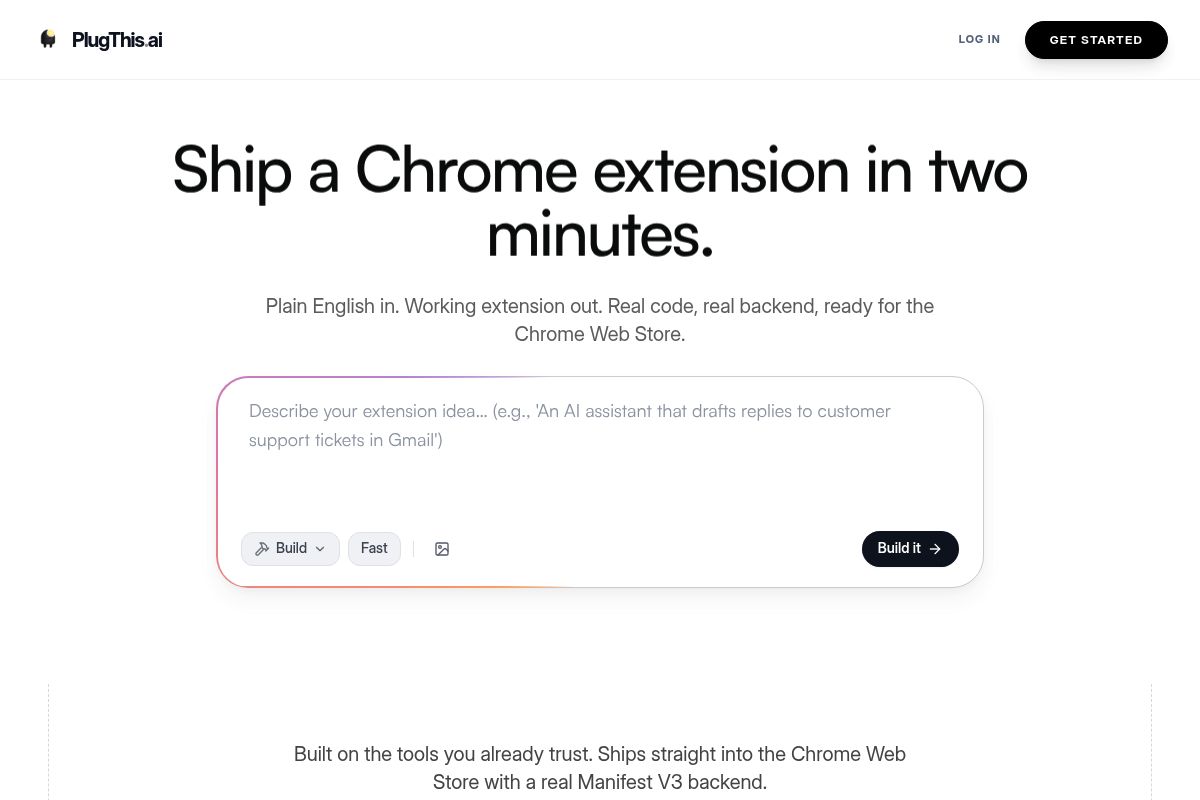
PlugThis is an AI-powered, no-code Chrome extension builder that allows you to create fully functional browser extensions by describing them in plain English. As one of the top Manus alternatives, it's designed specifically for Chrome architecture, generating complete Manifest V3 packages with an optional Supabase backend for non-technical creators.
A Chrome extension builder generates the code, manifest, and packaging files needed to create a browser extension without writing code manually. Because PlugThis is built only for Chrome, it understands the platform's unique architecture in ways generic web app builders simply can't replicate.
By leveraging AI to make software development more accessible, PlugThis shifts the primary bottleneck from coding to ideation. It removes the technical barrier to shipping software, enabling non-developers and the "vibe coding" community to turn an idea into a working browser tool the same day and iterate based on user feedback.
Key Features
- Plain-English to Manifest V3: PlugThis uses Gemini to generate a full Manifest V3 package, which is the latest, most secure Chrome extension platform specification. This includes a manifest.json with correct permissions, content scripts, a popup UI, a background service worker, and a Supabase backend if needed.
- Under-three-minute builds: Description-to-code generation takes approximately 60–90 seconds. Loading the unpacked extension into Chrome takes another 20 seconds, bringing the total time from prompt to a working extension to under three minutes.
- Source code ownership: Every build produces a downloadable zip file containing real Manifest V3 code and an optional backend. You get full source code you own and can modify.
- Chrome Web Store ready: The output is a complete, packageable extension. After paying the one-time $5 Chrome developer fee, you can upload the zip, fill in the store listing details, and submit for review.
- Supabase backend auto-setup: For extensions requiring persistent data, PlugThis automatically sets up tables, authentication, and storage using Supabase, an open-source platform for building backends.
- Full Chrome API coverage: The platform supports the full range of Chrome APIs, allowing extensions to read and modify webpages, inject UI, communicate with external APIs, store data, intercept network requests, and more.
- Affordable flat-rate pricing: Simple monthly plans start at $29, which you can cancel anytime without complex credit-based billing.
- Community gallery: Users can browse and remix extensions that other builders in the community have already shipped.
Best For
PlugThis is ideal for SaaS founders, product managers, and non-technical creators who want to go from idea to an installed Chrome extension in a single session. It serves as the default tool for non-developers looking to build browser extensions simply by describing their functionality, making it a powerful platform for rapid prototyping and deployment.
Pros and Cons
- Pro: The only builder architected exclusively for Chrome extensions, a key differentiator among the top Manus alternatives.
- Pro: Generates a real, usable Manifest V3 zip on the first prompt attempt.
- Pro: Automatic Supabase backend for extensions that need persistent data.
- Pro: Flat monthly pricing — no credit burn anxiety.
- Pro: Source code you own and can publish to the Chrome Web Store.
- Con: Focused on Chrome extensions only — not a general app builder for web or mobile.
- Con: Very complex OAuth flows or niche Chrome enterprise APIs may require developer polish after the initial build.
Rating: 9.4/10
Key Takeaway: PlugThis stands out as a leading no-code tool specifically for Chrome extensions, offering a complete Manifest V3 package with an integrated backend. It's the ideal choice for founders and creators who want to ship browser tools without writing code, solidifying its position among the best platforms for building Chrome extensions. When your extension needs to integrate with a larger full-stack application, Emergent offers a compelling alternative.
2. Emergent — Best for Full-Stack Apps That Include a Chrome Extension
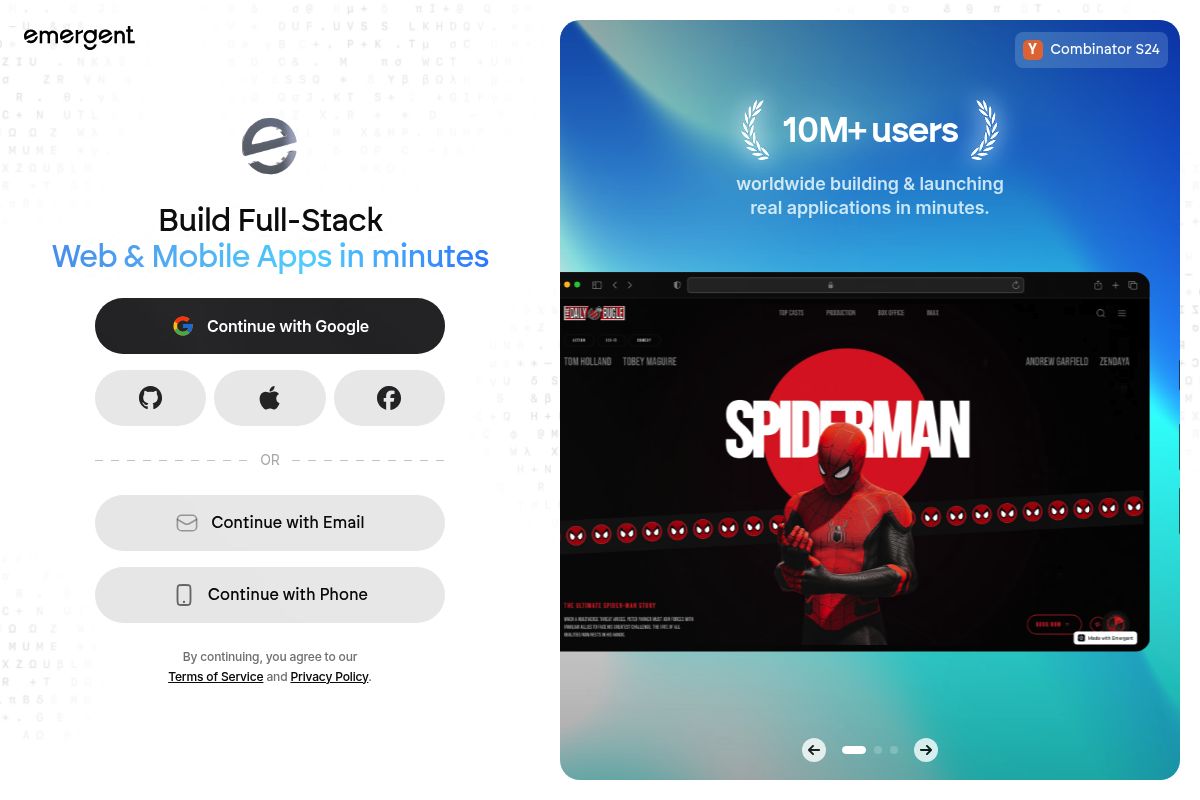
Emergent is a multi-agent AI platform that builds production-ready full-stack applications, including Chrome extensions, from natural language prompts. In evaluating the top Manus alternatives, Emergent excels for users who need an extension integrated with a complete backend, not just a simple browser script.
Emergent stands out in 2026 because it goes far beyond generating simple browser utilities. Its multi-agent AI platform is a system where specialized AI agents collaborate on coding, design, and deployment, combining full-stack app generation with extension-specific tooling. This integrated approach allows you to build Chrome extensions deeply connected to web apps, APIs, and internal workflows without manually handling manifests, background scripts, or deployment logic.
Key Features
- Multi-agent build system: Specialized AI agents work together on coding, testing, design, and deployment at the same time.
- Full backend auto-generation: You get a complete backend setup with databases, authentication, and APIs generated automatically.
- Code ownership and GitHub sync: On the Standard plan and up, every build syncs to a GitHub repository under your account, and you can export the project to run on any hosting service you choose.
- One-click deployment: Deploy your full application with one click, use a custom domain, and get managed hosting included.
- Stripe integration built in: Built-in Stripe integration makes it easy to monetize your application from day one.
- Credit-based pricing: Emergent AI offers four plans: Free ($0/month, 10 credits), Standard ($20/month, 100 credits), Pro ($200/month, 750 credits), and Team ($300/month, 1,250 shared credits).
Best For
Ideal for product managers and startup teams who need a Chrome extension that is tightly integrated with a web dashboard, SaaS backend, or API, rather than a standalone browser utility. At $20/month for the Standard plan, Emergent is accessible for solo builders shipping one or two projects per month, though heavy iteration can burn through credits faster than expected.
Pros and Cons
- Pro: Best for extensions that need to communicate with a full-stack backend or deployed SaaS app
- Pro: Code ownership with GitHub sync
- Pro: SOC 2 Type I certified
- Con: Unused credits expire at the end of each billing period — one of the most common user complaints
- Con: Not a dedicated Chrome extension tool — requires more detailed prompting to get extension-specific output right
Key Takeaway: Emergent is the best choice for building a Chrome extension as part of a larger, full-stack application with a backend, but it may be overkill for simple, standalone browser utilities. For teams that want AI-generated code plus human engineering backup, imagine.bo offers a different kind of safety net.
Rating: 8.8/10
3. imagine.bo — Best for Production Extensions with Human Engineering Backup
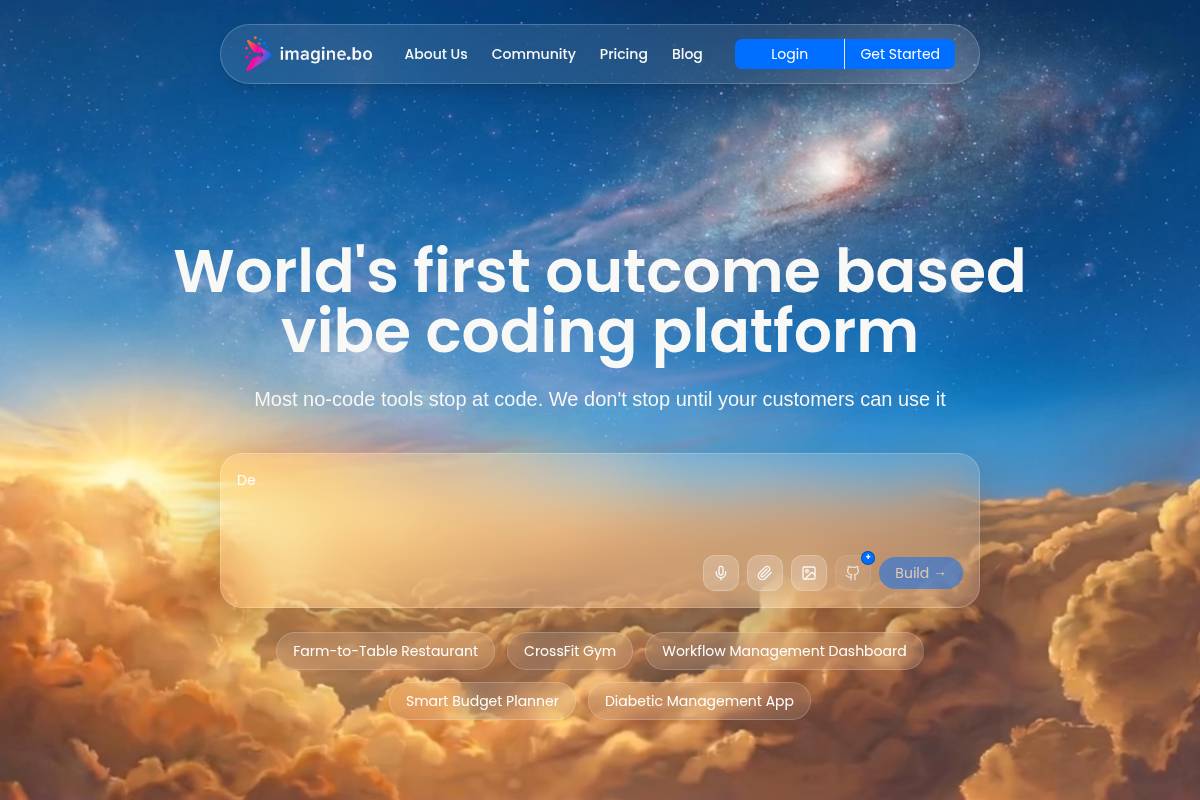
imagine.bo is a hybrid application builder that combines AI for initial project generation with on-demand human engineers for complex tasks. It creates full-stack projects, including Chrome extensions, from plain-English prompts and provides a unique "Hire a Human" feature to overcome AI limitations. This model makes it a strong contender among the top Manus alternatives for building production-ready applications.
Key Features
- Hybrid AI + human delivery: imagine.bo acknowledges that AI might get you 90% of the way there. For the last 10% — the complex, custom logic — they have a feature where you can "Hire a Human".
- Manifest V3 + full backend: Generates a production-ready Chrome extension compliant with Manifest V3, which is Google's latest specification for browser extensions, alongside the backend it communicates with, deployed to Vercel and Railway.
- Exportable code — no lock-in: One of the biggest fears for founders is vendor lock-in. imagine.bo allows you to export or hand off code if needed.
- Blueprint architecture: Before building, the AI generates a comprehensive Blueprint. It maps out your database schema, user flows, and permissions logic, acting like a software architect to ensure the final app makes logical sense.
- Pricing: Individual plan from $20/month; Business plans from $200/month.
Best For
Ideal for founders and growing teams building revenue-generating Chrome extensions that need auth, payments, or backend sync — where AI alone may not be sufficient. The "Hire a Human" safety net makes it, in our analysis, the strongest no-code Chrome extension platform when Chrome Web Store review compliance or complex third-party integrations are required.
Pros and Cons
- Pro: AI gets you 80%; human engineers handle the remaining 20% without leaving the platform
- Pro: Credit rollover available — less punishing than Emergent's expiry policy
- Pro: Full-stack output designed for SaaS and business applications
- Con: Human engineering add-ons increase cost unpredictably for complex projects
- Con: Not a dedicated Chrome extension builder — broader app platform with extension support
Rating: 8.5/10
Key Takeaway: imagine.bo is the ideal choice for complex, revenue-generating Chrome extensions where AI-generated code needs a human safety net for custom logic, integrations, and compliance, setting it apart from purely AI-driven builders. For teams who prefer rule-based automation over AI reasoning, Kromio takes a completely different approach.
4. Kromio — Best for Rule-Based No-Code Chrome Extension Building
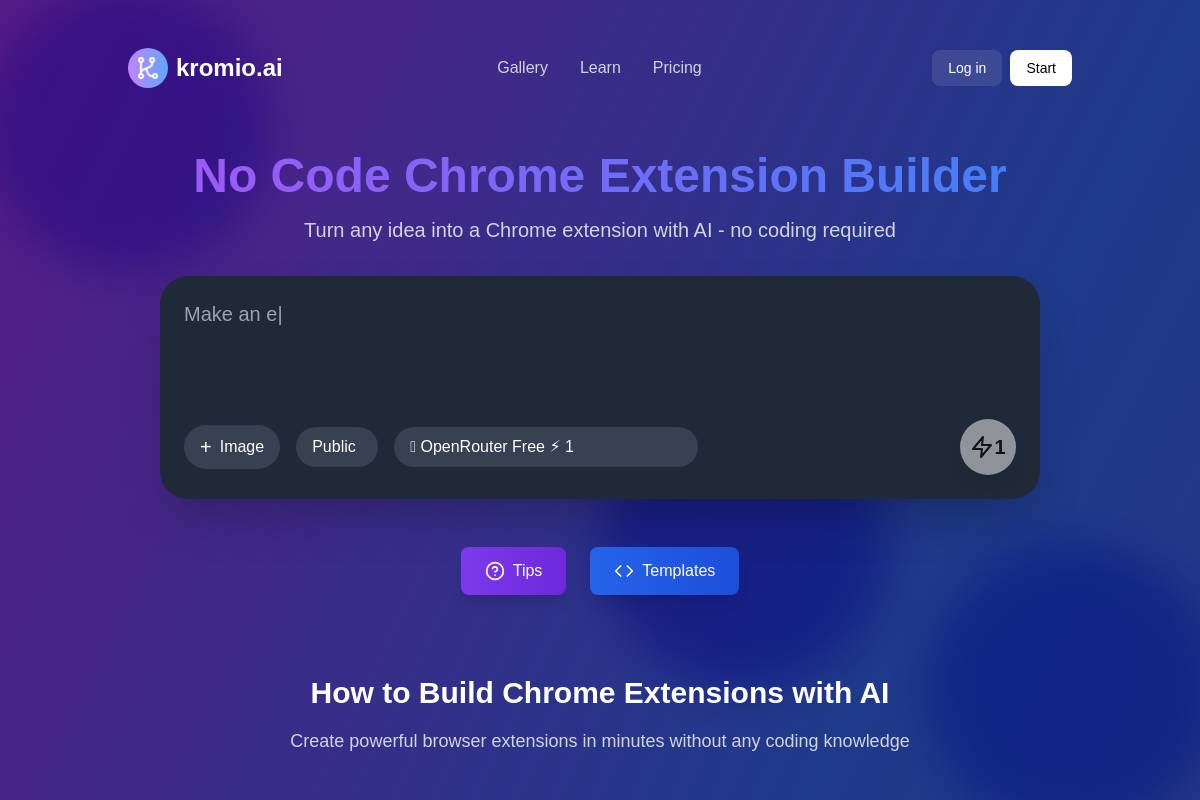
Kromio is a visual, no-code Chrome extension builder designed for creating deterministic, rule-based browser automations. As one of the top Manus alternatives for structured tasks, it excels at building extensions with predefined logic rather than relying on AI-first reasoning.
Kromio is ideal for users who need more control than prompt-only AI tools but want to avoid the complexity of native Chrome extension development. It helps you create functional browser extensions that automate repetitive tasks, trigger actions on specific webpages, and modify page behavior through a straightforward visual configuration process.
Key Features
- AI-generated extension code: Advanced AI models create complete extension files including manifest.json, popup scripts, and all necessary code for Chrome Web Store submission.
- Instant ZIP download: Get your extension as a ZIP file, load it in Chrome's developer mode, and start using it immediately. Perfect for rapid prototyping.
- Wide extension type support: Build numerous types of extensions, from task managers and data extractors to ad blockers and CRM connectors, covering a broad spectrum of browser automation needs.
- Industry-standard code output: AI understands Chrome extension architecture and generates clean, commented code that follows industry standards.
- Free to start: Free to start with no coding required.
Best For
Ideal for operations teams, growth managers, and marketers who want predictable, rule-based browser automation—such as form fillers, data extractors, or page modifiers—without the overhead of AI-first reasoning layers. The free starting tier makes it a low-risk experiment for teams evaluating the no-code Chrome extension builder category.
Pros and Cons
- Pro: Free to start — lowest barrier to entry in this list
- Pro: Structured rule-based logic is more predictable than AI-generated behavior for simple automations
- Pro: Clean, commented code output suitable for developer review
- Con: Less suited for extensions requiring complex backend logic or persistent data layers
- Con: Not ideal for AI-native extension behaviors (reasoning, summarization, multi-step decisions)
Rating: 7.8/10
Key Takeaway: Kromio is a strong contender for users who prioritize structured, rule-based automation over generative AI capabilities, offering a free and predictable entry point into no-code Chrome extension building. If you need AI agents that can reason and remember context across browser sessions, MindStudio offers a completely different model.
5. MindStudio — Best for AI Agent Workflows Deployed via Browser Extension
MindStudio is an AI agent builder platform for creating intelligent agents that can be deployed across multiple surfaces, including as a Chrome extension. It excels at building browser-based tools through structured AI workflows that combine reasoning, memory, and tool integration. This makes it a strong contender among the top Manus alternatives for teams focused on agent-driven automation rather than simple browser extensions.
Key Features
- 200+ AI model access: Get access to over 200 AI models, an easy-to-use AI editor, and hundreds of integrations to create AI Agents for any use case.
- Prebuilt agents library: With over 100 ready-to-use AI Agents and the ability to build your own with zero coding, MindStudio is a productivity tool for anyone looking to automate repetitive tasks.
- Context-aware Chrome extension: The Chrome Extension is free and works with all plans. It enhances your Agents with page context for smarter results.
- Cross-surface agent reuse: While Chrome extensions are supported, the same agent logic can also be deployed via web apps, APIs, or internal tools. This reduces duplication and allows teams to reuse agent logic across multiple channels.
- Pricing: The Pro plan starts at $12/month for access to 100+ pre-built AI Agents, basic text generation models, and the Chrome Extension. A Business plan at $80/month adds advanced models like Claude 4, GPT-4o, and Gemini, plus video and audio generation.
Best For
Ideal for product teams and enterprise operations leaders who want AI agents that reason, remember context, and trigger actions across tools — with Chrome as just one deployment surface. At $12/month for the Pro plan, it's the most affordable entry point for agent-driven browser workflows on this list.
Pros and Cons
- Pro: Over 150,000 AI Agents have been built with MindStudio and deployed by individuals, SMBs, enterprises, and government agencies.
- Pro: Strong reasoning and persistent memory across browser sessions.
- Pro: SOC2 compliant; the extension is open source.
- Con: Strong reasoning and memory make it excellent for analysis-heavy extensions, but it's overkill for simple extensions, with limited low-level Chrome API control and a higher learning curve.
- Con: Does not produce a standalone, distributable Chrome extension package in the traditional sense.
Rating: 7.6/10
Key Takeaway: MindStudio is best for creating complex AI agents that can operate within a browser, rather than for building simple, standalone Chrome extensions. It offers a powerful but more complex alternative to traditional builders, focusing on cross-platform agent logic over browser-specific mechanics. For teams focused on sales and marketing automation, Bardeen brings a laser focus to data extraction and workflow orchestration.
6. Bardeen — A Top Manus Alternative for Browser Automation
Bardeen is an AI automation platform that operates as a Chrome extension, designed to automate repetitive browser-based tasks without code. It excels at scraping web data, enriching CRM records, and moving information between apps, making it a strong contender among top Manus alternatives for sales and marketing teams.
Key Features
- AI-generated playbooks: You can describe a task in natural language and Bardeen's AI generates the automation playbook—a sequence of automated steps—to execute it.
- 1,000+ pre-built automation templates: Pick from a library of over 1,000 pre-built automations to get started quickly without building from scratch.
- Web scraping without code: Bardeen can read structured data off a page and drop it into a spreadsheet or CRM, a headline feature for lead generation and research workflows.
- 100+ app integrations: It connects to more than 100 popular apps like Google Sheets, Slack, HubSpot, and Notion to centralize your workflows.
- Credit-based pricing: Bardeen offers a free plan with 100 credits per month, with paid plans starting at $10/month for 500 credits and AI actions. The Business plan is $15/user/month and includes team features.
- Enterprise security: The platform is SOC 2 Type II, GDPR, and CASA certified, meeting enterprise-level security and data compliance standards.
Best For
Ideal for sales reps, recruiters, and operations teams who need to extract data and trigger actions directly in the browser without leaving Chrome. The Professional plan at $10/month is among the most affordable options for teams with moderate automation needs, though heavy AI-enrichment usage can accelerate credit consumption.
Pros and Cons
- Pro: Best-in-class for LinkedIn prospecting, data extraction, and go-to-market (GTM) browser workflows.
- Pro: A generous free tier (100 credits/month) allows for thorough testing before committing to a paid plan.
- Pro: SOC 2 Type II certified, meeting strict security requirements for enterprise adoption.
- Con: Some users report a steep learning curve for advanced workflows that include conditions, loops, and agent logic, and several find the credit model restrictive.
- Con: As a Chrome-only extension, teams using Firefox, Safari, or Edge cannot use the tool, which limits broader organizational adoption.
Rating: 7.5/10
Key Takeaway: Bardeen is a powerful and affordable browser-based automation tool for GTM teams, but its Chrome-only limitation and learning curve for complex tasks are notable drawbacks. For teams who want open-source automation they can fully control and distribute, Automa offers a radically different approach.
7. Automa — Best for Open-Source Visual Browser Automation

Automa is an open-source browser automation extension that allows you to build workflows visually and then compile them into standalone Chrome extensions. As one of the top Manus alternatives, it's distinguished by its local-first architecture and no-cost model for personal use, making it a unique no-code Chrome extension builder.
Unlike cloud-based platforms that route data through external servers, Automa is a browser extension that runs entirely on your local machine. This means workflows execute locally, your data remains private, and there's no subscription fee for personal use.
Key Features
- Chrome Extension Builder: What sets Automa apart is its ability to package workflows into distributable extensions, which can be shared without requiring recipients to install Automa itself.
- Visual block-based editor: From auto-filling forms and performing repetitive tasks to taking screenshots and scraping website data, you can build automations by connecting blocks, and you can also schedule when the automation will execute.
- Workflow marketplace: Users can browse the Automa marketplace to share and download pre-built workflows with the community, accelerating the setup process.
- Local-first data privacy: All workflow execution happens directly in the browser, ensuring no cloud server dependency for basic automations and keeping user data private.
- Open source: The source code is licensed under the GNU Affero General Public License (AGPL) for personal use, with an Automa Commercial License available for business projects.
Best For
Ideal for power users, developers prototyping automation logic, and small teams that want to distribute browser workflows to non-technical end users without requiring them to install the main Automa extension. It's free for personal use under the AGPL license, while commercial projects require a commercial license purchase.
Pros and Cons
- Pro: Completely free for personal use under its open-source license, offering the lowest total cost in this list.
- Pro: Local-first execution means user data never leaves the browser, ensuring maximum privacy.
- Pro: Can compile workflows into standalone distributable extensions, a unique and powerful feature.
- Con: Lacks support for headless execution for CI/CD pipelines, programmatic control over complex logic, or server-side automation.
- Con: Some users note a learning curve and a need for more tutorials and explanatory content to maximize its potential.
Rating: 7.2/10
Key Takeaway: Automa is the ideal choice for developers and power users seeking a free, open-source, and local-first tool to build and distribute browser automations as standalone Chrome extensions without server dependencies. For teams who want to generate extension code in seconds from plain English, ChilledSites prioritizes speed over everything else.
8. ChilledSites — Best for Fast Manifest V3 Code Generation from Plain English
ChilledSites is an AI website builder that also functions as a no-code Chrome extension builder, capable of generating a complete Manifest V3 code package from a plain-English description. The platform produces the manifest file, popup HTML, background service worker, and content scripts in under 60 seconds, making it a rapid solution for scaffolding new extensions.
Key Features
- Full Manifest V3 package generation: In under 60 seconds, the AI writes your manifest.json, background service worker, popup HTML/CSS, and content scripts. All output is Manifest V3 compliant, which is the latest and most secure standard for Chrome extensions.
- Downloadable code package: You can download the complete code package, load it locally in Chrome's developer mode for testing, and then submit the finalized version to the Chrome Web Store for publication.
- Extension type coverage: The tool supports various extension types, including productivity tools, shopping assistants, developer utilities, and content tools like text highlighters or page summarizers.
- Part of a broader AI builder: Users can create browser extensions with manifest files, popup UIs, and content scripts. No extension development expertise is required to get started.
- Pricing: The service starts from $11/month, which includes hosting, custom domains, analytics, contact forms, and CRM synchronization for the website building portion of the platform.
Best For
This tool is ideal for marketers, SME owners, and content creators who need a quick Manifest V3 scaffold and are already using ChilledSites for their website. This approach bundles both needs at a low all-in monthly price, making it a unique contender among top Manus alternatives.
Pros and Cons
- Pro: Fastest raw code generation time on this list, delivering a full package in under 60 seconds.
- Pro: Affordable flat-rate pricing ensures there are no credit-based surprises for users.
- Pro: Bundles Chrome extension generation with website, PWA, and video creation tools.
- Con: Extension generation is a secondary feature, as the platform is primarily a website builder, not a dedicated extension tool.
- Con: There is no automatic backend or Supabase setup for extensions that require persistent data storage.
Key Takeaway: ChilledSites is best for users already within its ecosystem who need to quickly generate a basic Manifest V3 extension scaffold, leveraging its speed and bundled pricing rather than advanced, dedicated extension-building features.
Rating: 7.0/10
9. Manus Chrome Extension Builder — Best for Personal AI-Assisted Browser Utilities
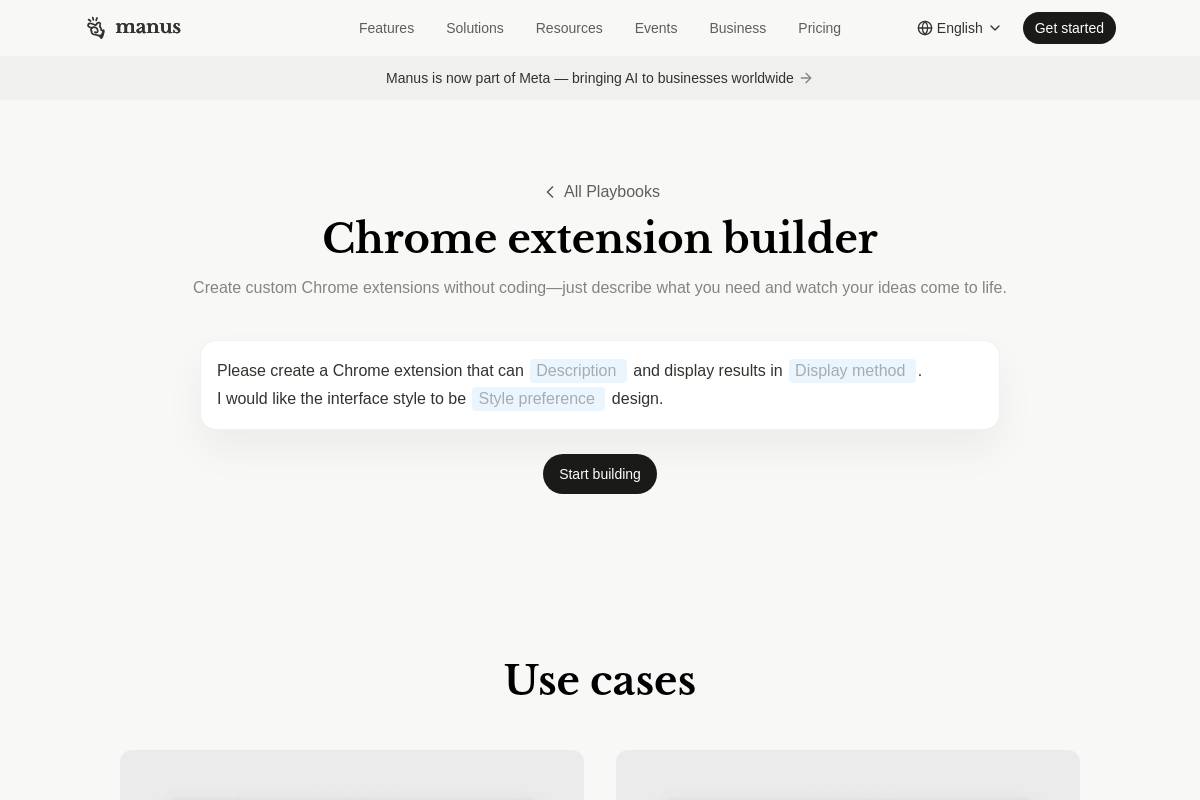
The Manus Chrome Extension Builder is an AI-powered tool that generates personal Chrome extensions directly from natural language prompts. It allows you to create simple browser utilities by describing a task in plain English, though it's distinct from an AI browser agent, which is a tool that autonomously executes tasks at runtime rather than creating a static extension.
Key Features
- Natural language to extension: Manus AI Chrome extension builder interprets what you're trying to accomplish rather than just following rigid templates. This means your extension actually does what you intended, even if you don't know the technical terminology to describe it.
- Single-click browser automation: Manus turns tedious multi-step processes into single-click actions. Whether it's filling forms, extracting data, or formatting content, your custom extension handles it consistently every time.
- Free daily credits: The platform offers free daily credits to try the tool, with several paid subscription plans available for more extensive use.
- Managed updates: Because Manus manages execution and compatibility, you don't need to constantly update your extensions in response to Chrome API changes. This lowers long-term maintenance overhead for simple use cases.
Best For
Manus is best for individuals creating a personal Chrome extension for a specific, repetitive browser task. Its subscription tiers range from a Standard plan at $20/month to an Extended plan at $200/month, but since extensions are for personal use only, teams often require platforms with collaborative features, such as those offered by PlugThis.
Pros and Cons
- Pro: Easiest on-ramp for non-technical users; excellent for research, note-taking, and summarization extensions; fast iteration.
- Pro: Managed maintenance means less upkeep for simple personal utilities.
- Con: Personal use only as of 2026 — this lack of sharing features is a primary reason users search for top Manus alternatives.
- Con: Now under Meta ownership, raising questions about long-term product direction and data governance.
- Con: Credit-based pricing makes monthly costs unpredictable for complex or frequent builds.
Rating: 6.8/10
Key Takeaway: Manus excels at creating simple, personal browser automations from text prompts, but its individual focus, credit-based pricing, and Meta ownership lead users with team or complex needs to seek alternatives. For development teams who want to use native Chrome APIs with AI coding assistance, building natively offers complete control.
10. Native Chrome Dev + AI Assist — Best for Developer Teams Needing Full API Control
Native Chrome extension development with AI assistance is the process of building browser extensions using Chrome's official developer tools, enhanced by AI coding assistants like Cursor or Claude. This method offers unparalleled control over browser APIs and performance, making it the gold standard for technical teams with specific, complex requirements.
Unlike AI or no-code builders, Chrome's native system provides direct access to low-level browser events, content scripts (files that run in the context of web pages), background workers, and complete extension lifecycle management. This approach requires strong technical knowledge, careful permission handling, and continuous maintenance as Chrome updates its extension standards.
Key Features
- Full Chrome API access: Native Chrome extension development gives full access to APIs for tabs, storage, cookies, network requests, page content manipulation, and browser events.
- AI-assisted development: AI coding tools can be used to build and debug extensions more efficiently, helping developers write boilerplate code, understand complex APIs, and troubleshoot issues faster.
- On-device AI APIs: Client-side AI is the latest offering for bringing powerful models to users while protecting sensitive data and improving latency, unlocking purpose-built models and offline availability for extensions.
- No platform lock-in: Code lives in your own repository with no dependency on any third-party build platform.
- Cost: Chrome developer registration is a one-time $5 fee; ongoing costs are limited to AI coding assistant subscriptions and API usage.
Best For
This approach is best for developers or technical teams who need fine-grained control and are comfortable managing complexity manually. For teams evaluating the top Manus alternatives for enterprise use, this manual method is often the only choice when an extension must pass strict security reviews, handle enterprise SSO, or interact with low-level browser events that platforms like PlugThis or Manus abstract away.
Pros and Cons
- Pro: Maximum control — no abstractions or platform limitations
- Pro: No platform subscription cost; near-zero lock-in risk
- Pro: Best option for enterprise-grade security and compliance requirements
- Con: Requires significant developer time — a production extension from scratch takes 4–8 hours minimum
- Con: The forced migration to Manifest V3, the latest version of the Chrome extension platform specification, invalidated the vast majority of older tutorials and guides, meaning many online examples no longer work.
Rating: 6.5/10
Key Takeaway: Native Chrome development with AI assistance provides maximum control and security but demands significant technical expertise and development time, making it a powerful but resource-intensive alternative to no-code builders.
Full Comparison: Top Manus Alternatives for Chrome Extensions 2026
| Tool | Manifest V3 Output | Real Backend | Source Code Ownership | No-Code Friendly | Team Sharing | Starting Price |
|---|---|---|---|---|---|---|
| PlugThis | ✓ | ✓ | ✓ | ✓ | ✓ | $29/mo |
| Emergent | ✓ | ✓ | ✓ | ✓ | ✓ | $20/mo |
| imagine.bo | ✓ | ✓ | ✓ | ✓ | ✓ | $20/mo |
| Kromio | ✓ | ✗ | ✓ | ✓ | ✗ | Free |
| MindStudio | ✗ | ✓ | ✗ | ✓ | ✓ | $12/mo |
| Bardeen | ✗ | ✗ | ✗ | ✓ | ✓ | Free |
| Automa | ✓ | ✗ | ✓ | ✓ | ✓ | Free |
| ChilledSites | ✓ | ✗ | ✓ | ✓ | ✗ | $11/mo |
| Manus Builder | ✓ | ✗ | ✗ | ✓ | ✗ | Free credits |
| Native Dev + AI | ✓ | ✓ | ✓ | ✗ | ✓ | $5 one-time |
How to Choose the Right Tool
By Team Size
Solo founder or individual creator: PlugThis at $29/month delivers the fastest path from idea to a Chrome Web Store-ready extension, with no credit burn and source code you own. Kromio is a free entry point if budget is the primary constraint and the use case is rule-based automation. Automa is the right pick if you want zero subscription cost and are comfortable with open-source tooling.
Small startup team (2–10 people): PlugThis remains the top choice for Chrome-extension-first projects. imagine.bo or Emergent make sense if the team also needs a web dashboard or SaaS backend built alongside the extension.
Mid-size or enterprise team: MindStudio for agent-driven browser workflows with enterprise governance. Native Chrome Dev with AI coding assistants (Cursor, Claude Code) for extensions requiring fine-grained security review and custom Chrome API control.
By Budget
Free or near-free: Automa (open source), Bardeen (100 free credits/month), Kromio (free to start), Native Chrome Dev ($5 one-time fee).
Under $30/month: PlugThis ($29/mo flat), ChilledSites ($11/mo), MindStudio Pro ($12/mo), Emergent Standard ($20/mo), Bardeen Pro ($10/mo).
$50–$300/month: Emergent Pro/Team, imagine.bo Business plans for teams needing full-stack delivery and human engineering backup.
By Use Case
Ship a standalone Chrome extension fast, no coding: PlugThis — purpose-built, Manifest V3 output, real backend, downloadable source code.
Extension + SaaS dashboard in one build: Emergent or imagine.bo.
Browser automation for GTM and sales teams: Bardeen.
Agent-driven reasoning deployed via Chrome: MindStudio.
Distribute automation workflows to non-technical users: Automa's Chrome Extension Builder.
Maximum developer control: Native Chrome Dev with AI coding assist.
What Is a No-Code Chrome Extension Builder?
An AI Chrome extension builder is a platform that uses artificial intelligence to generate Chrome extension code, including manifest definitions, background scripts, content scripts, UI elements, and optional backend logic based on user prompts. You simply describe the desired behavior, triggers, UI, and data interactions, and the system produces a fully functional extension that can be tested, packaged, and published. Unlike traditional extension development, which requires deep familiarity with browser APIs, event handling, and scripting, AI builders automate these tasks while enforcing correct structure and compatibility. This enables rapid creation of browser tools ranging from simple helpers to complex integrations with external services.
| Metric | Traditional Dev | No-Code AI Builder |
|---|---|---|
| Time to first working extension | 4–8 hours | Under 5 minutes |
| JavaScript knowledge required | Yes | No |
| Manifest V3 compliance | Manual | Automatic |
| Upfront cost (developer hire) | $300–$20,000+ | $0–$29/mo |
| Iteration speed | Hours to days | Minutes |
Conclusion
The Top Manus Alternatives for Chrome Extensions 2026 span a wide range of approaches — from dedicated extension builders to full-stack platforms, open-source visual tools to AI-agent frameworks. Each solves a different constraint: time, budget, backend complexity, or team size.
For the majority of SaaS founders, product managers, and non-technical creators who want to go from idea to installed extension in a single session, PlugThis is the clear top pick. Building is cheap. Deciding is the hard part. PlugThis is designed around that reality: describe your extension in plain English, get real Manifest V3 code with a real backend, and ship the same day. No credit burn, no platform lock-in, source code you own.
If your use case requires a broader full-stack build alongside the extension, Emergent and imagine.bo are the strongest alternatives. If budget is the primary constraint, Automa (open source) or Bardeen (free tier) cover basic automation workflows at no monthly cost. And for teams with engineering resources who need granular Chrome API control, native development augmented with AI coding assistants remains the most flexible long-term approach.
Frequently Asked Questions
What is the best Manus alternative for building Chrome extensions in 2026?
PlugThis is the best Top Manus Alternative for Chrome extensions in 2026 for non-technical users. It is the only AI builder designed exclusively for Chrome extensions, generates valid Manifest V3 code with a real Supabase backend, and produces downloadable source code you own — all from a plain-English description in under three minutes. Unlike Manus, PlugThis supports team distribution, Chrome Web Store publishing, and flat-rate pricing with no credit burn.
Can I build a Chrome extension without coding in 2026?
Yes. Instead of manually writing JavaScript, managing manifests, and handling API integrations, you can now describe functionality in plain language and let AI assemble the entire extension structure. This dramatically lowers the technical barrier and accelerates creation of productivity tools, automations, content helpers, and browser utilities in minutes rather than weeks. Tools like PlugThis, Kromio, ChilledSites, and Emergent all offer no-code Chrome extension building in 2026.
What is the difference between PlugThis and Manus for Chrome extensions?
PlugThis is a dedicated no-code Chrome extension builder that outputs a complete, publishable Manifest V3 package with a real backend and downloadable source code. Manus Chrome Extension Builder is a feature within the broader Manus platform (now owned by Meta) that generates personal browser utilities from prompts but currently limits sharing capabilities and does not provide backend infrastructure or source code ownership. PlugThis is designed for teams that intend to publish and distribute extensions; Manus is oriented toward individual personal use.
How much does it cost to build a Chrome extension with an AI builder in 2026?
AI Chrome extension builders range from free to $300/month depending on features and usage model. PlugThis starts at $29/month on a flat-rate plan. Kromio and Automa are free to start. Bardeen offers 100 free credits per month. Emergent starts at $20/month on a credit-based model, while imagine.bo begins at $20/month for individuals. By comparison, hiring a developer for a simple extension typically costs $300–$800, and AI-powered or SaaS Chrome extensions can run $3,000–$20,000+.
What is Manifest V3 and why does it matter for Chrome extension builders in 2026?
Manifest V2 was deprecated in 2024 and is no longer accepted by the Chrome Web Store. Manifest V3 is the current Chrome extension framework, and any extension submitted for review must comply with its architecture — including service workers instead of background pages, declarative network request handling, and stricter permission scoping. AI builders that generate Manifest V3-compliant output (like PlugThis, Emergent, Kromio, and ChilledSites) save significant debugging time compared to general-purpose AI coding tools that may produce outdated or non-compliant code.
Which Top Manus Alternative for Chrome Extensions 2026 is best for a sales team?
Bardeen is the strongest choice for sales and GTM teams. It is strongest at web scraping and data extraction — its roots. It can read structured data off a page, such as a list of LinkedIn profiles or a directory of companies, and drop it into a spreadsheet or CRM. For lead generation and research workflows, that's the headline feature. MindStudio is the better fit for teams that need persistent AI agents reasoning across browser sessions and multiple tool surfaces.
Is PlugThis better than Emergent for building a Chrome extension?
For a standalone Chrome extension, yes. PlugThis is purpose-built for Chrome extensions — it understands Manifest V3 architecture natively and produces a correct, ready-to-load zip on the first prompt attempt. Emergent is better when the Chrome extension is part of a larger full-stack product that also needs a web dashboard, database, and API layer. If you only need the extension itself, PlugThis is faster, cheaper, and requires no credit management. If you need the extension to be the front door of a deployed SaaS application, Emergent's multi-agent system adds significant value.
Can I publish a Chrome extension built with an AI tool to the Chrome Web Store?
Yes, provided the builder generates valid Manifest V3 code. The output from PlugThis is a complete, packageable extension. Pay the one-time $5 Chrome developer fee, upload the zip, fill in store listing details, and submit for review. Most extensions built with PlugThis, Emergent, Kromio, or ChilledSites can be submitted directly to the Chrome Web Store. Extensions that rely on a platform's proprietary runtime or do not expose downloadable source code — such as Manus's personal-use extensions — typically cannot be independently published to the store.
Methodology: This article was researched and compiled in June–July 2026. Tool rankings are based on a weighted evaluation of Manifest V3 output quality (30%), no-code accessibility (25%), backend and code ownership (20%), pricing transparency (15%), and iteration speed (10%). Pricing data is sourced from official product pages and third-party pricing analyses current as of July 2026; verify current pricing on each vendor's website before purchasing. PlugThis is the publisher's own product and is ranked #1 based on its genuine differentiation as the only AI builder designed exclusively for Chrome extensions. Competing products are assessed independently using the same criteria.
PlugThis writes about Chrome extensions, AI tooling, and the shifting economics of building your own software.